
WOLFBOX Brands
WOLFBOX Brands


Wolfbox offers advanced dash cams equipped with reliable Parking Mode to keep your vehicle protected 24/7. With smart motion detection, impact sensors, and buffered recording, our dash cams capture crucial moments before and after an event—ensuring your car stays fully safeguarded at all times.

 30 Month Warranty
 30-Day Money-Back
12 products

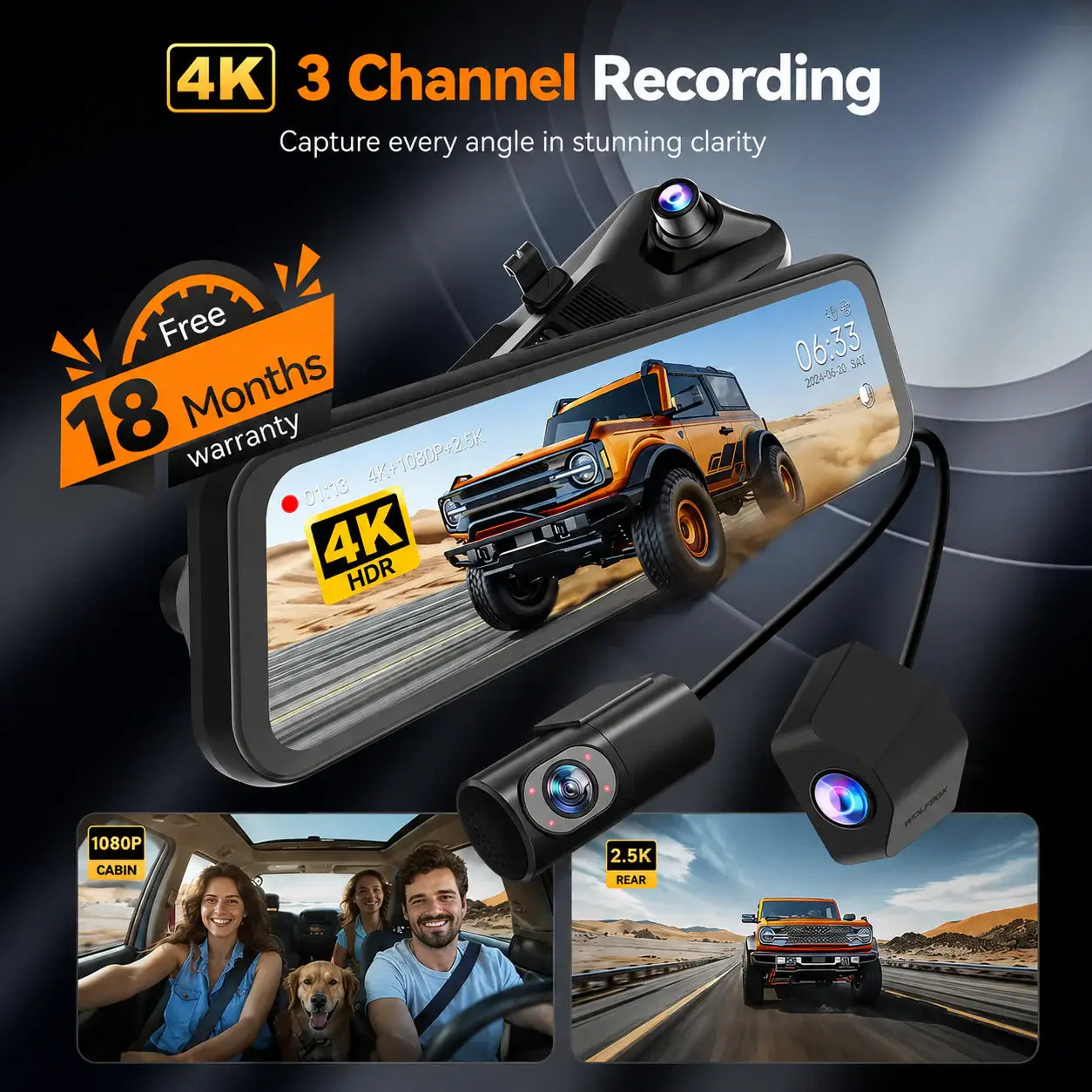
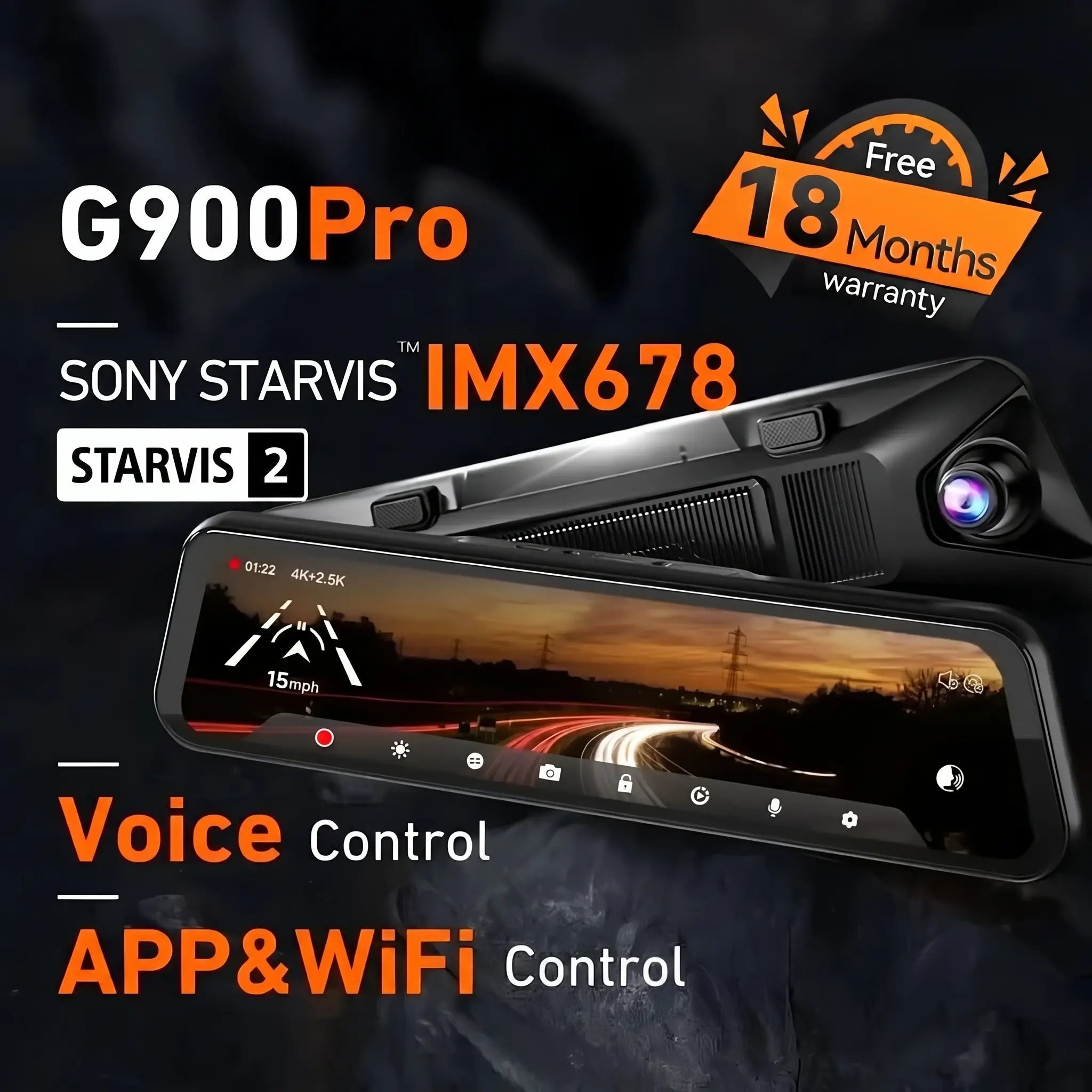
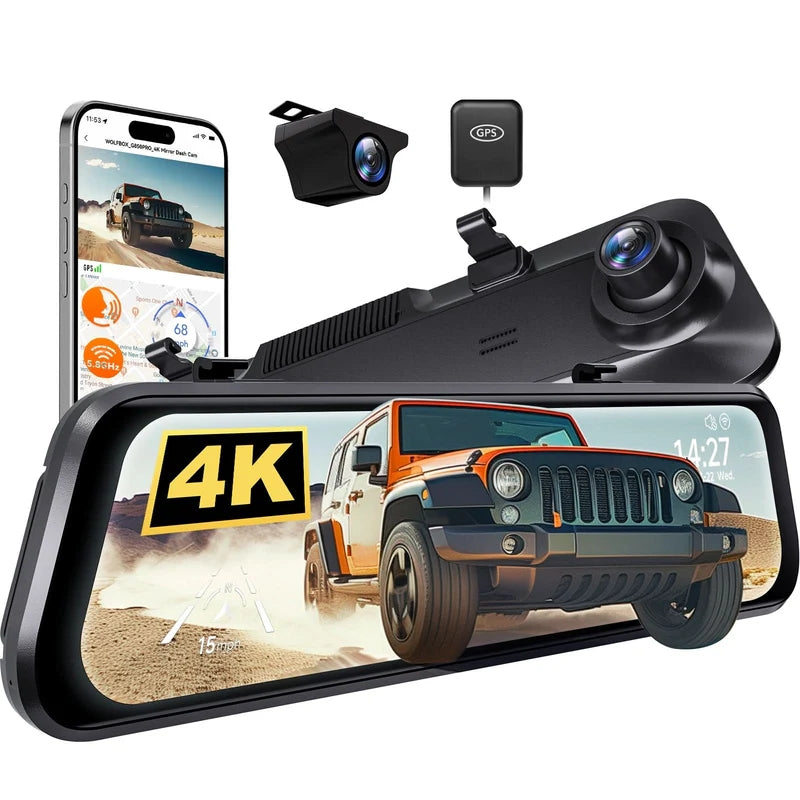
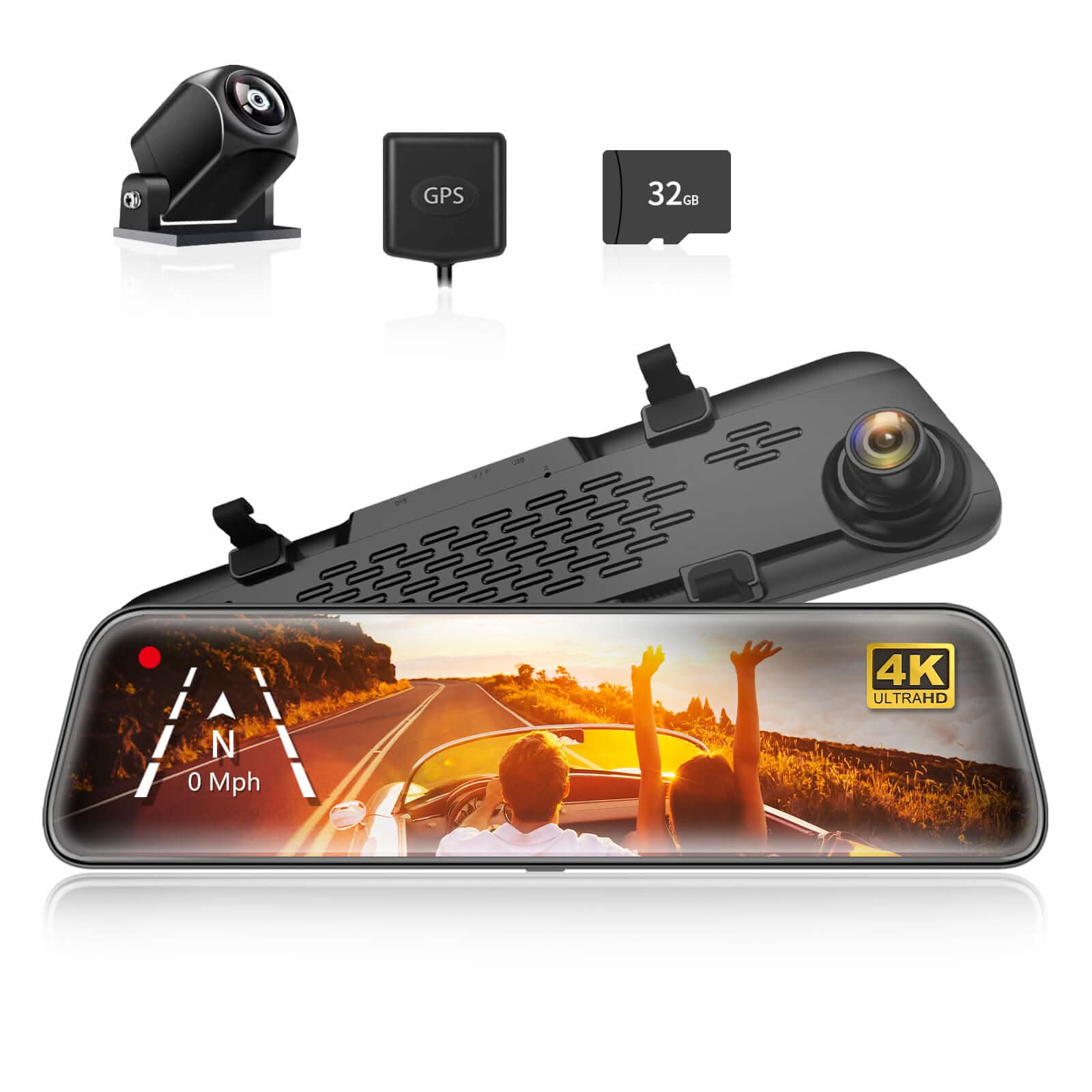
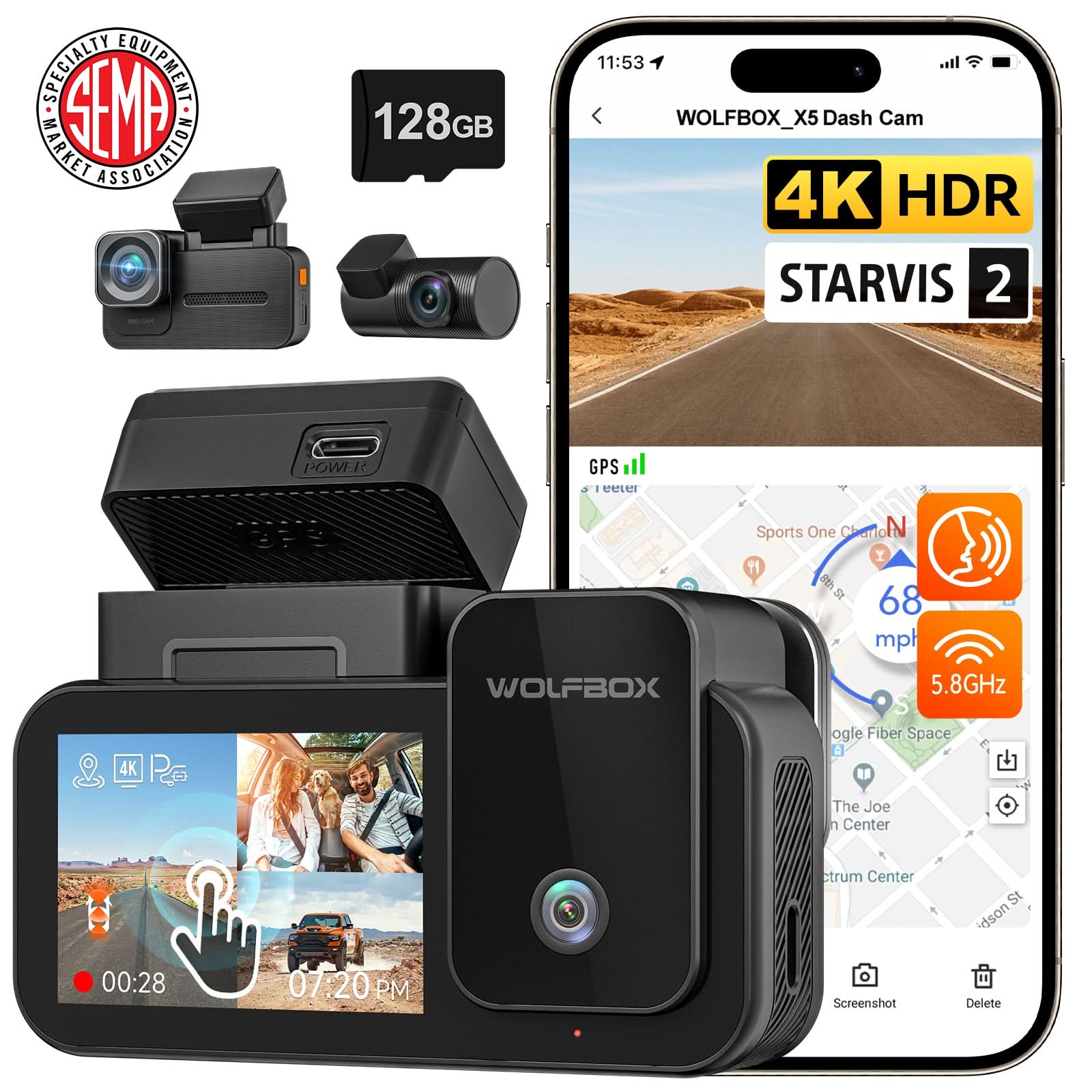
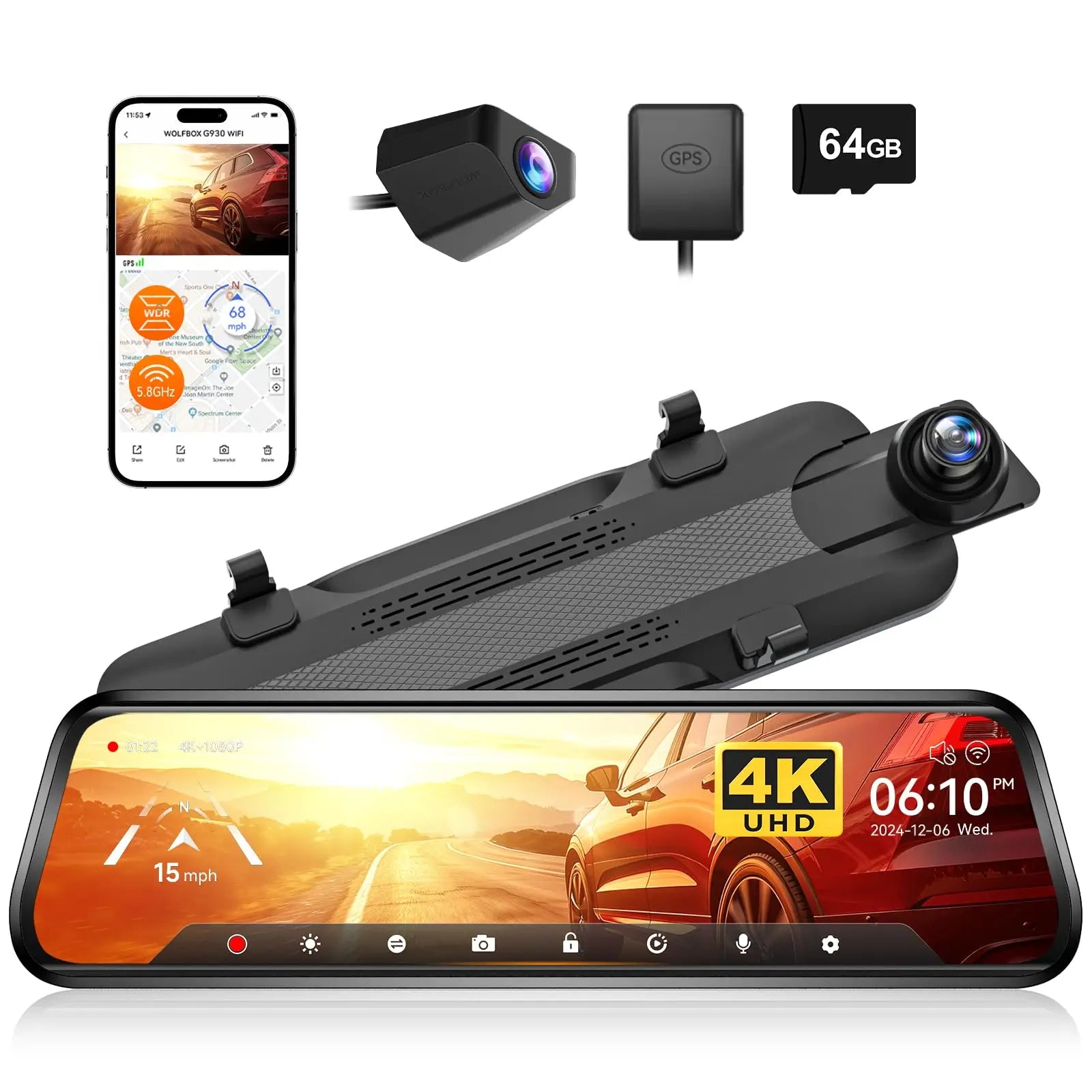
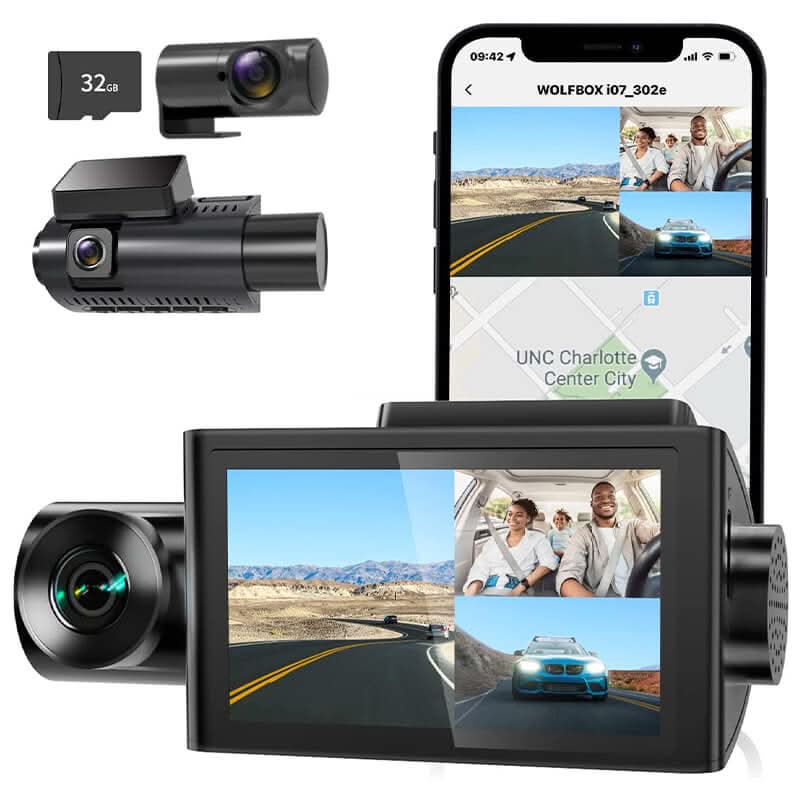
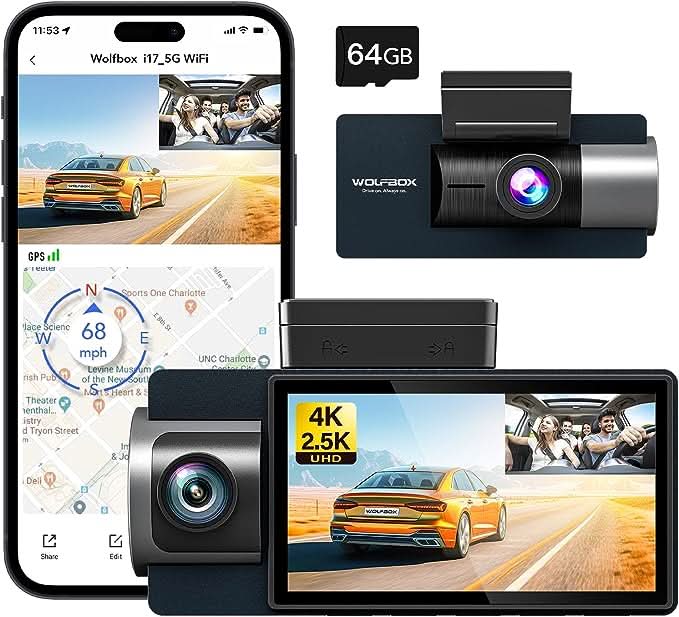
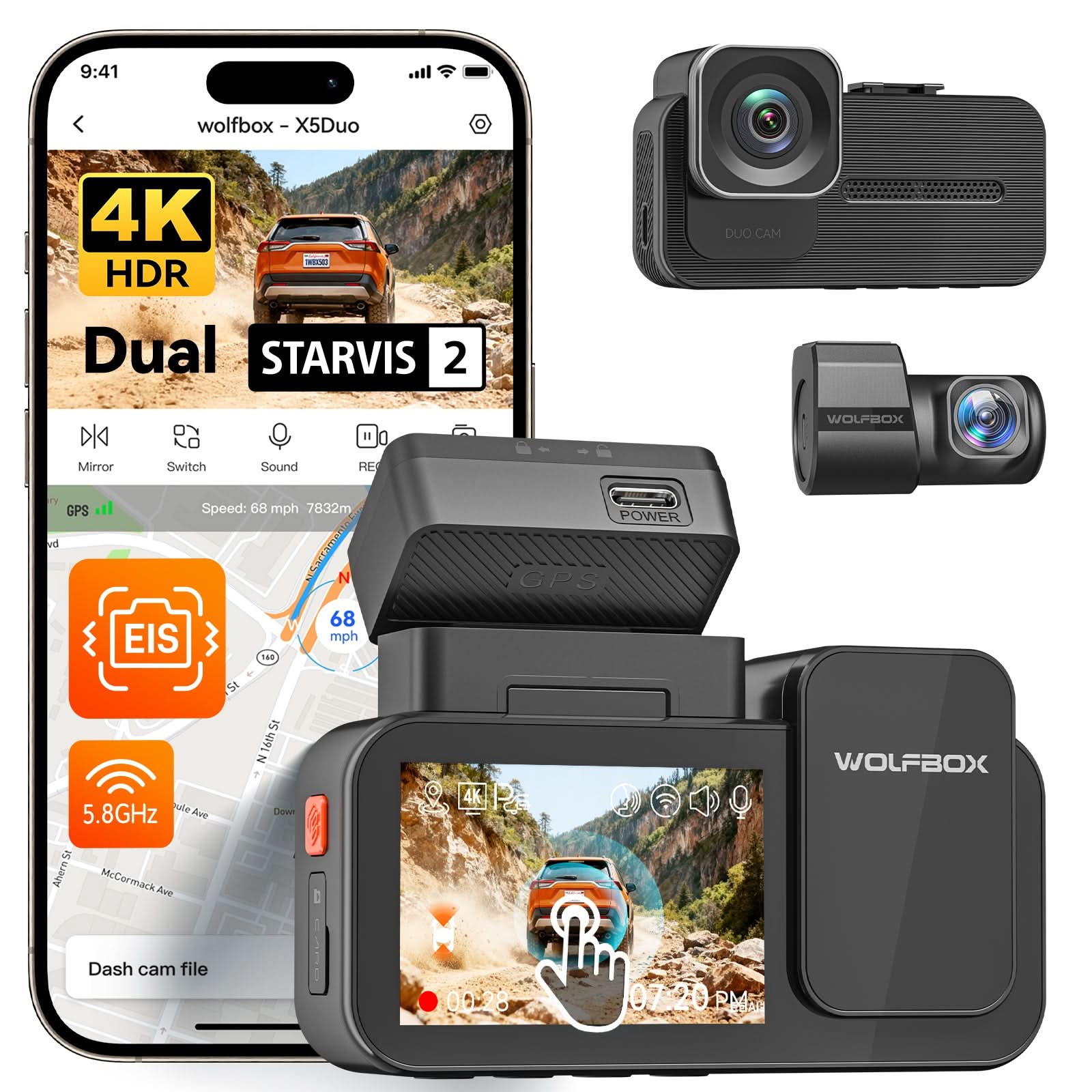
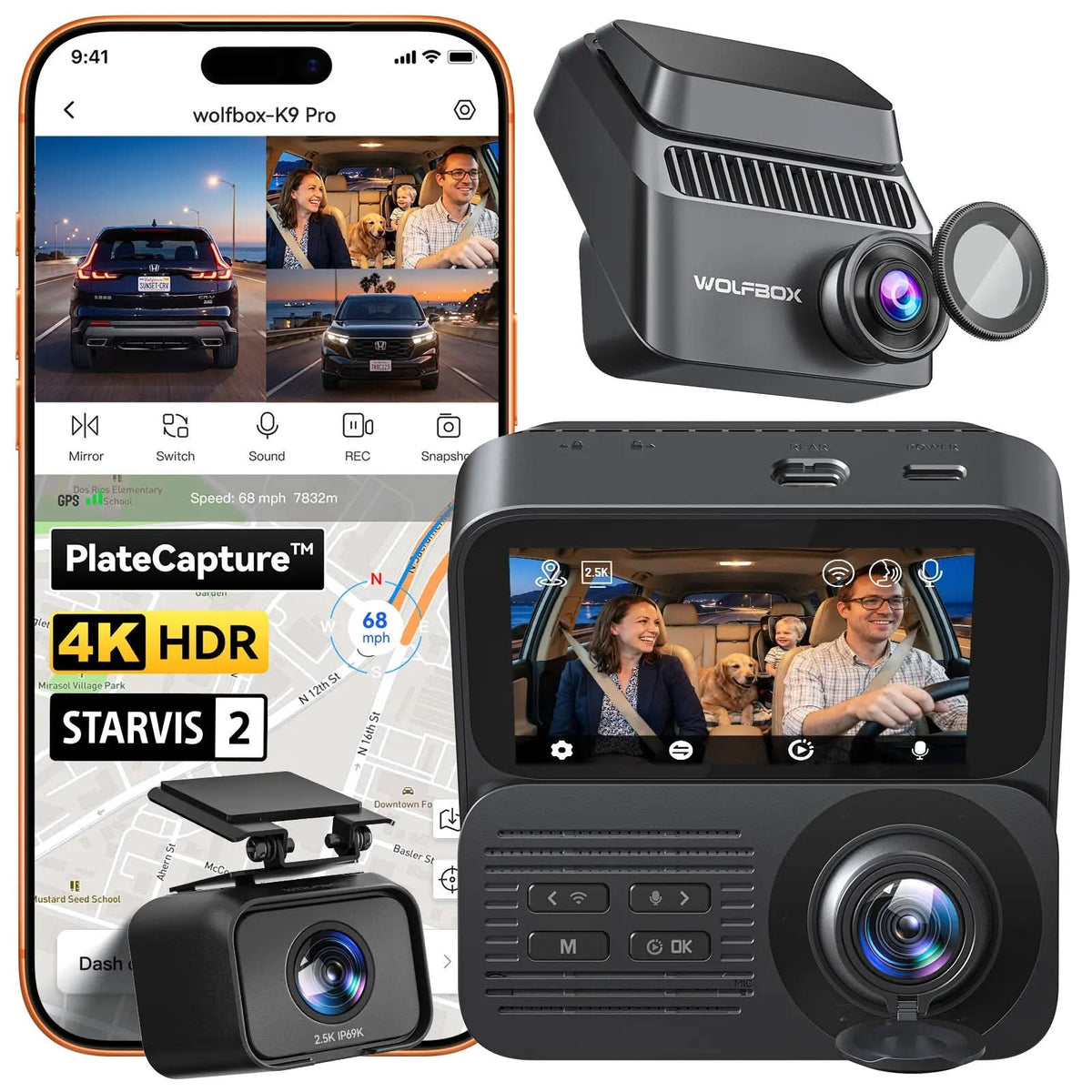
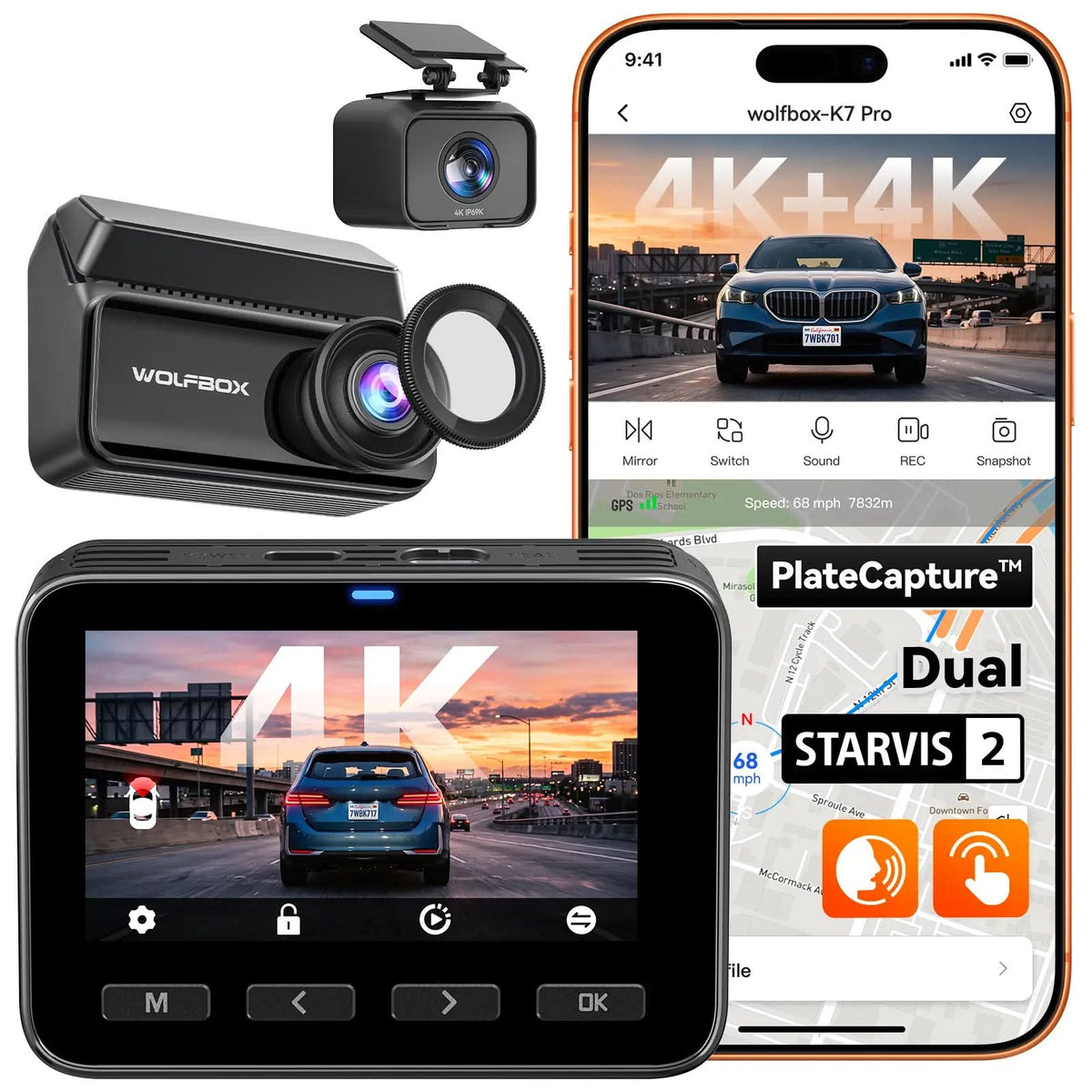
A dash cam with parking mode is a camera that continues monitoring your car even after the engine is turned off. Unlike standard dash cams that shut down, those with parking mode stay active using a hardwire kit or built-in battery and automatically record when they detect motion, impact, or suspicious activity. This helps capture hit-and-runs, parking lot scratches, break-ins, and vandalism—providing 24/7 protection for your vehicle.
Simple Parking Mode: The dash cam enters low-power standby after parking and starts recording only when a collision or vibration is detected by the G-Sensor.
Buffered Parking Mode: The dash cam continuously buffers a few seconds of video and, when motion or impact is detected, it saves footage from both before and after the event.
Time-Lapse Parking Mode: The dash cam records continuously at a low frame rate (e.g., 1 FPS) to capture activity over long periods while reducing power and storage usage.
Advanced Parking Mode: The dash cam uses additional sensors—such as radar, PIR, or motion detection — to identify nearby movement or presence and records only when necessary.
Some dash cams, such as those from WOLFBOX, come with dual parking-monitoring modes. They combine the advantages of both the G-sensor mode and the time-lapse mode. The camera usually records in time-lapse mode, but when an impact is detected, it can switch to impact-detection recording.
Even when the car is parked and the engine is off, the dash cam continues to monitor your surroundings, offering round-the-clock security.
If someone tries to break into your car, open a door, or damage your vehicle, the dash cam will automatically record and lock the footage—helpful for police reports and insurance claims.
Parking mode captures moments when another car bumps or scrapes your vehicle and leaves, giving you a chance to identify the vehicle or license plate.
Whether someone scratches your car or tampers with your vehicle, the dash cam records suspicious activity that would otherwise go unseen.
Whether parked overnight, at the mall, airport, or workplace, you can feel confident your vehicle is safeguarded even when you’re not around.
When selecting a dash cam with parking mode, video quality should be one of your top considerations. Clear footage helps you identify license plates, faces, and small details—especially in low-light parking lots. A 4K dash cam with parking mode, like WOLFBOX G900 Pro, can help capture sharp, reliable evidence both day and night. Higher resolution also ensures important details remain visible even when zooming in on recorded footage.
Your daily parking and driving conditions will influence the type of camera you need. If you often park in dim garages, outdoor lots at night, or areas with limited lighting, choose a dash cam with parking mode and night vision. Night vision ensures the camera can detect motion, capture events clearly, and maintain visibility even in near-darkness. A model with enhanced low-light performance offers better protection in real-world scenarios.
A dash cam doesn’t need to be expensive to be effective. Look for an affordable dash cam with parking mode that still provides essential features such as impact detection, motion-triggered recording, and reliable video quality. Many mid-range options offer great value without sacrificing protection. Even budget-friendly models can deliver strong security if you choose wisely based on your needs.
A front and rear dash cam with parking mode protects your vehicle from every angle, even when you're not around. While the front camera captures impacts and motion in front of your car—such as hit-and-runs or break-ins—the, the rear camera records tailgaters, parking lot bumps, and backing accidents. With 24/7 monitoring and automatic incident recording, you get complete coverage, clearer evidence, and greater peace of mind whether your car is parked at home, in public lots, or on the street.
A traditional hardwire kit connects the dash cam directly to the vehicle’s fuse box for a stable power supply. This method ensures Parking Mode works even when the engine is off.
To install a hardwire kit:
This method provides the most reliable Parking Mode performance, protects your battery through built-in voltage cut-off settings, and is compatible with nearly all vehicles.
Connecting your dash cam through the OBD-II port is one of the simplest ways to power Parking Mode. Most OBD-II power cables are plug-and-play—just insert the connector into your vehicle’s OBD-II port (usually located under the dashboard) and connect the other end to your dash cam.
Keep in mind that not all vehicles provide constant power through the OBD-II port when the engine is off, so Parking Mode may not function on certain models. If your car does support constant power, this method lets the dash cam automatically switch between driving mode and parking mode without additional wiring.
If you’re planning to enable parking mode on your dash cam but aren’t sure whether to use an OBD-II port or hardwire kit, our guide on OBD-II Port or Hardwire for Parking Mode explains the differences, pros and cons, and how to choose the right option for your vehicle.
Wolfbox offers reliable options designed for everyday drivers: the G900TriPro Bumper Version, ideal for capturing ultra-wide front and rear coverage; the G900TriPro Cabin Version, perfect for rideshare or family vehicles needing interior recording; and the G900 Pro Dash Cam, a balanced all-rounder with clear day-and-night performance. These Wolfbox dash cams come with a dedicated hardwire kit featuring built-in low-voltage protection, ensuring Parking Mode works safely without draining or damaging your car battery.
Want to explore more options and find the perfect model for your needs? Check out our comprehensive guide on Best Dash Cams with Parking Mode to compare features, prices, and top-rated choices.
Yes, many dash cams come with Parking Mode, allowing them to monitor your vehicle even when the engine is off. WOLFBOX models like the G900 TriPro and G900 Pro, both of which feature advanced Parking Mode functionality.
Use a hardwire kit or an external battery pack to supply constant power, enabling Parking Mode recording when the ignition is off.
This depends on your power source and camera settings—typically from several hours to 24+ hours when hardwired or using a dedicated battery pack.
If properly hardwred with low-voltage protection, it won’t drain the battery. The dash cam will automatically shut off before the battery level gets too low.












