













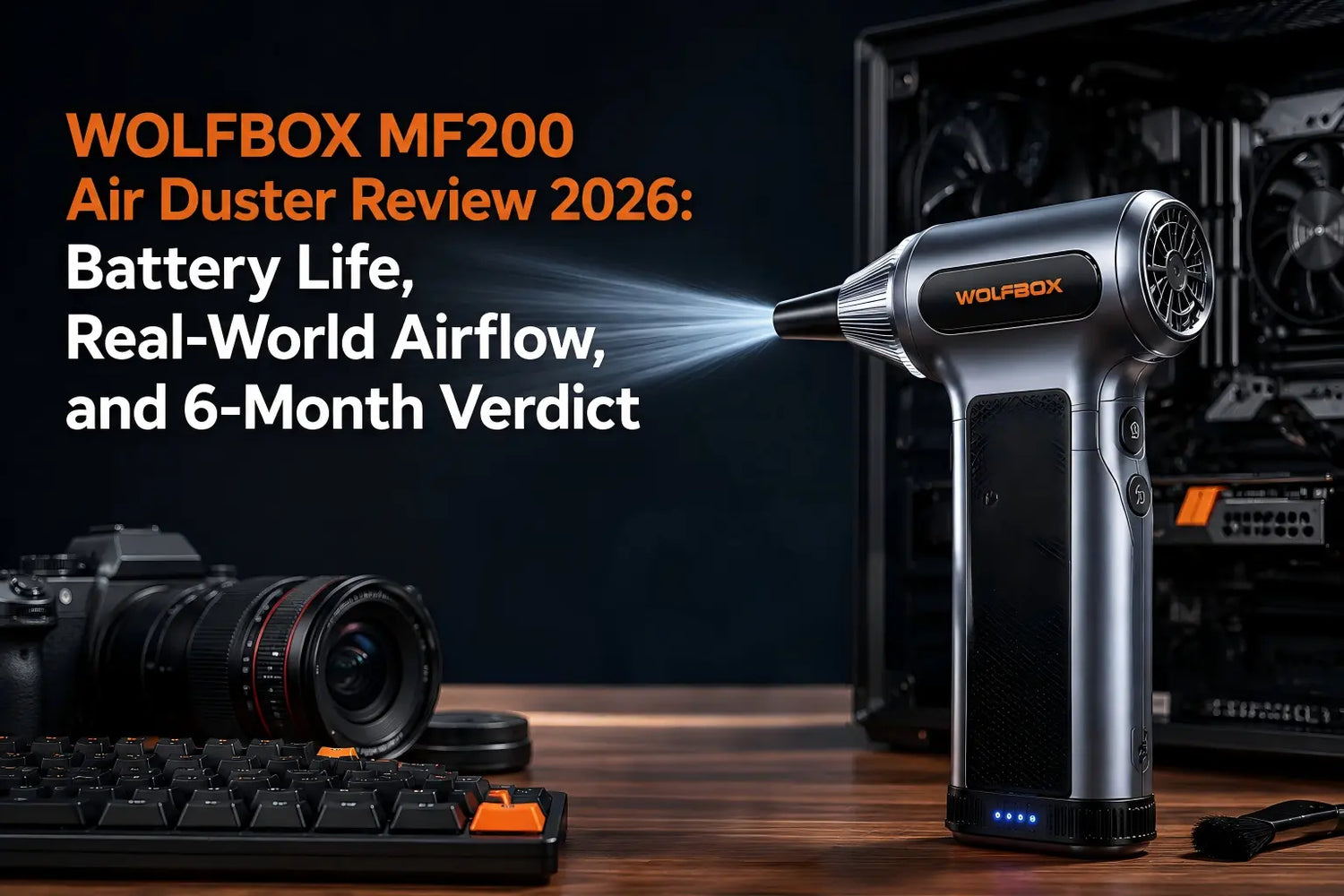
Six months ago, the MF200 replaced canned air in our workflow. The question worth answering is not whether it worked — early testing resolved that quickly — but whether it held up. Battery retention, motor consistency, nozzle durability, and the moments when canned air would honestly have done the same job. This is the full verdict. [6]
What It Got Used For
Over six months: bi-weekly PC case cleanings (mid-tower ATX build, two 120mm intakes), keyboard maintenance on two 65% boards and one full-size, monthly camera sessions (mirrorless body plus four lenses), car interior vent work every four to six weeks, and occasional 3D printer nozzle and extruder cleaning. Approximately 45 primary sessions and 30 secondary passes.
Battery Life at 6 Months
The MF200 comes in three battery configurations at different prices: the Lite Pack (one battery, up to about 100 minutes of runtime), the Enduro Pack (two batteries, up to about 200 minutes), and the UltraEnduro Pack (three batteries, up to about 300 minutes). Our review unit was the two-battery configuration. Each battery is two 3,000 mAh cells in series (3,000 mAh × 2, 7.4V / 22.2 Wh) and can be used 500+ times on a single charge per WOLFBOX product documentation. [3] At our session rate, each battery is tracking toward several years before meaningful degradation.
At the 6-month mark, both batteries charge fully and sustain the same runtime as new. The hot-swap seating mechanism showed no loosening after 75+ insertions. A single battery covers one typical session without needing a swap — the two-battery system was mainly used for extended multi-device sessions.
Real-World Airflow: What It Feels Like
The MF200 produces airflow of up to 210 MPH at maximum speed via a brushless motor rated at up to 110,000 RPM. [3] The three-speed system is functionally meaningful — the difference between modes is immediately noticeable and genuinely protective of delicate components. In practice: [4][7]
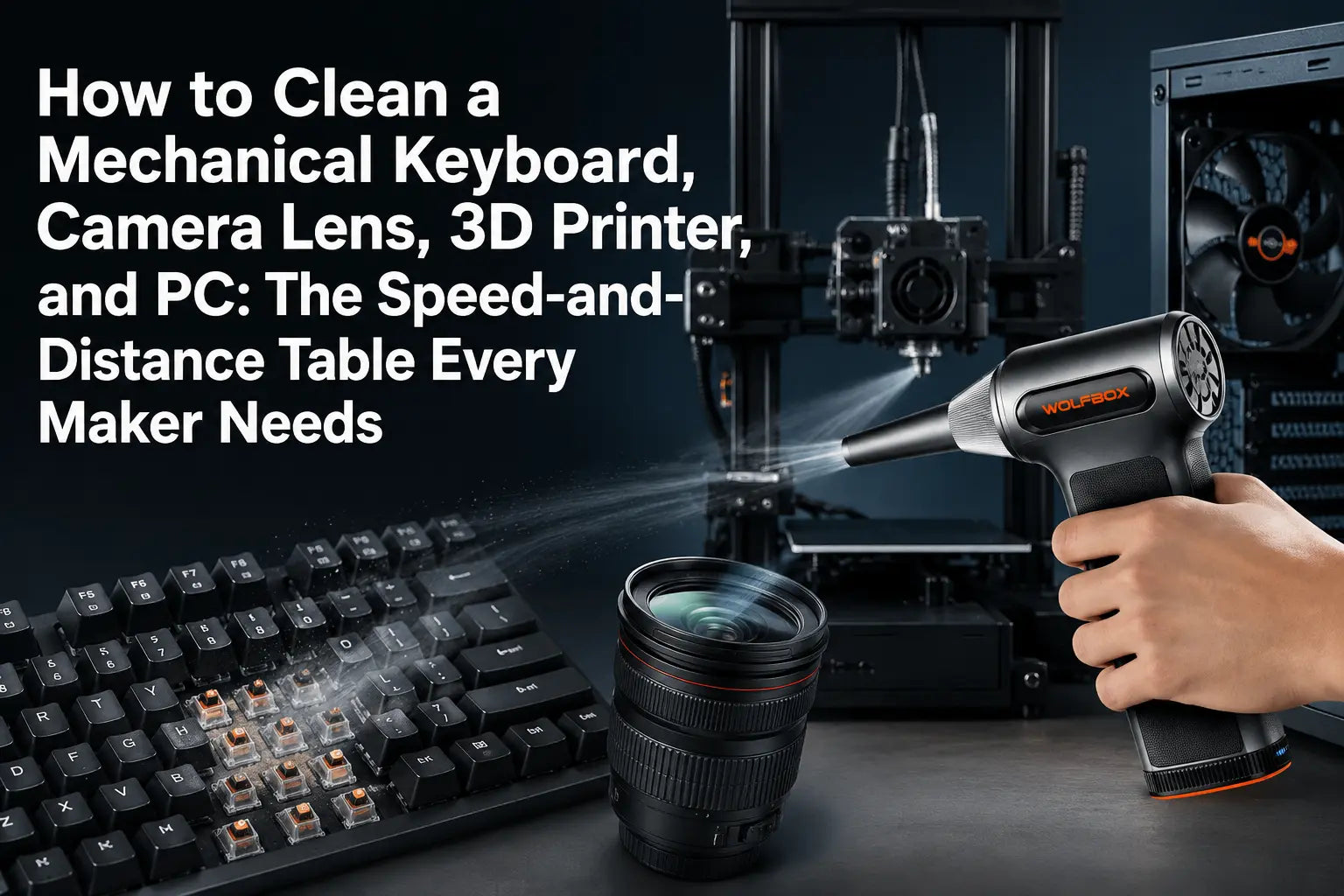
- PC heatsink fins: complete debris ejection in 2–3 short bursts at mid-to-high speed from 3–4 inches
- Keyboard switches: visible debris ejection at mid speed from 2–3 inches at 45 degrees
- Dashboard vents: full channel clearance at high speed from 3 inches
- Camera lens rear element: conservative single pass at low speed from 5–6 inches — the only appropriate setting for optics
What Direct-Blow Cleaning Does — and Does Not Do
The MF200 displaces loose particulate and debris. It does not wet-clean surfaces, does not remove adhered grease or residue, and is not a substitute for a compressor when sustained high-volume airflow is needed. For post-soldering flux residue on a PCB, use isopropyl alcohol. For every common maintenance scenario involving dust and loose debris, the MF200 handles it without the residue risk of HFC propellant. [5]
Noise in Practice
At high speed the MF200 is audible in a shared home office, roughly comparable to a hair dryer at arm's length. At low and mid speed the noise level is closer to a small desk fan. [2] Individual device cleaning sessions typically run 30–60 seconds. The difference between low and high speed is significant: low-speed camera cleaning is quiet enough to perform without interrupting a video call in the same room.
Total Cost of Ownership
Canned air runs several dollars per can, and frequent PC, keyboard, camera, and car cleaning burns through cans quickly. WOLFBOX's own comparison guide estimates break-even against the MF200 at roughly 13 to 14 cans of avoided canned air; after that, the MF200 costs nothing per session, with no propellant to run cold or run out. [3][8]
Where Canned Air Still Has a Role
Field use without charging access — a remote jobsite, a camping trip — where portability without infrastructure matters. Very fine aerosol-level delivery that low-speed electric airflow cannot replicate at the same precision. Genuinely one-off situations where carrying an additional device is impractical. The MF200 does not eliminate every use case for canned air. It eliminates most of the scenarios where canned air used to be the default. [9]
Community Reception at 6 Months
After six months of use, the hot-swap system remains the clearest practical advantage: a charged spare avoids the mid-session pause common to single-battery dusters. [3][6]
Frequently Asked Questions
Q: Does the MF200 battery degrade noticeably over 6 months?
A: No observable capacity degradation at 6 months across approximately 75 combined sessions. Both batteries charge fully and sustain full runtime.
Q: Is the MF200 suitable for daily professional use?
A: Yes for regular maintenance tasks — PC cleaning, keyboard care, car interior, camera equipment. For industrial sustained-pressure applications, an air compressor remains the appropriate tool.
Q: What speed mode should I use for PC cleaning?
A: Mid to high speed at 3–5 inches for GPU heatsinks and case fans. Low speed for PCBs and around capacitors. Always use brief bursts to avoid spinning fans above rated RPM.
Q: Can the MF200 clean a 3D printer?
A: Yes. Use a tangential approach at the nozzle — never blow perpendicular into the nozzle opening. For extruder gears, combine air with manual gear rotation to clear accumulated filament debris.
Q: What warranty does the WOLFBOX MF200 carry?
A: WOLFBOX currently lists a 30-month warranty on the MF200, with round-the-clock customer support. [1]
References
- [1] WOLFBOX Warranty Policy: https://wolfbox.com/pages/warranty-policy
- [2] WOLFBOX Air Duster Review Blog: https://wolfbox.com/blogs/air-duster/wolfbox-air-duster-review
- [3] WOLFBOX MF200 Official Product Page: https://wolfbox.com/products/compressed-air-duster-mf200
- [4] WOLFBOX Air Duster Collection: https://wolfbox.com/collections/best-air-duster
- [5] IPCC AR4 — HFC-134a GWP Reference: https://www.ipcc.ch/publications_and_data/ar4/wg1/en/ch2s2-10-2.html
- [6] WOLFBOX MF200 Six-Month Use Guide: https://wolfbox.com/blogs/air-duster/the-wolfbox-mf200-air-duster-a-6-month-hands-on-perspective
- [7] WOLFBOX Best Electric Air Duster for PC Guide: https://wolfbox.com/blogs/air-duster/best-electric-air-duster-pc-2026
- [8] WOLFBOX Electric Air Duster vs Canned Air Guide: https://wolfbox.com/blogs/air-duster/electric-air-duster-vs-canned-air-cost-consistency-and-what-happens-when-the-can-runs-cold
- [9] WOLFBOX Best Cordless Air Duster Guide 2026: https://wolfbox.com/blogs/air-duster/best-cordless-air-duster-in-2026-top-picks-for-every-use-case

Leave a comment
This site is protected by hCaptcha and the hCaptcha Privacy Policy and Terms of Service apply.