







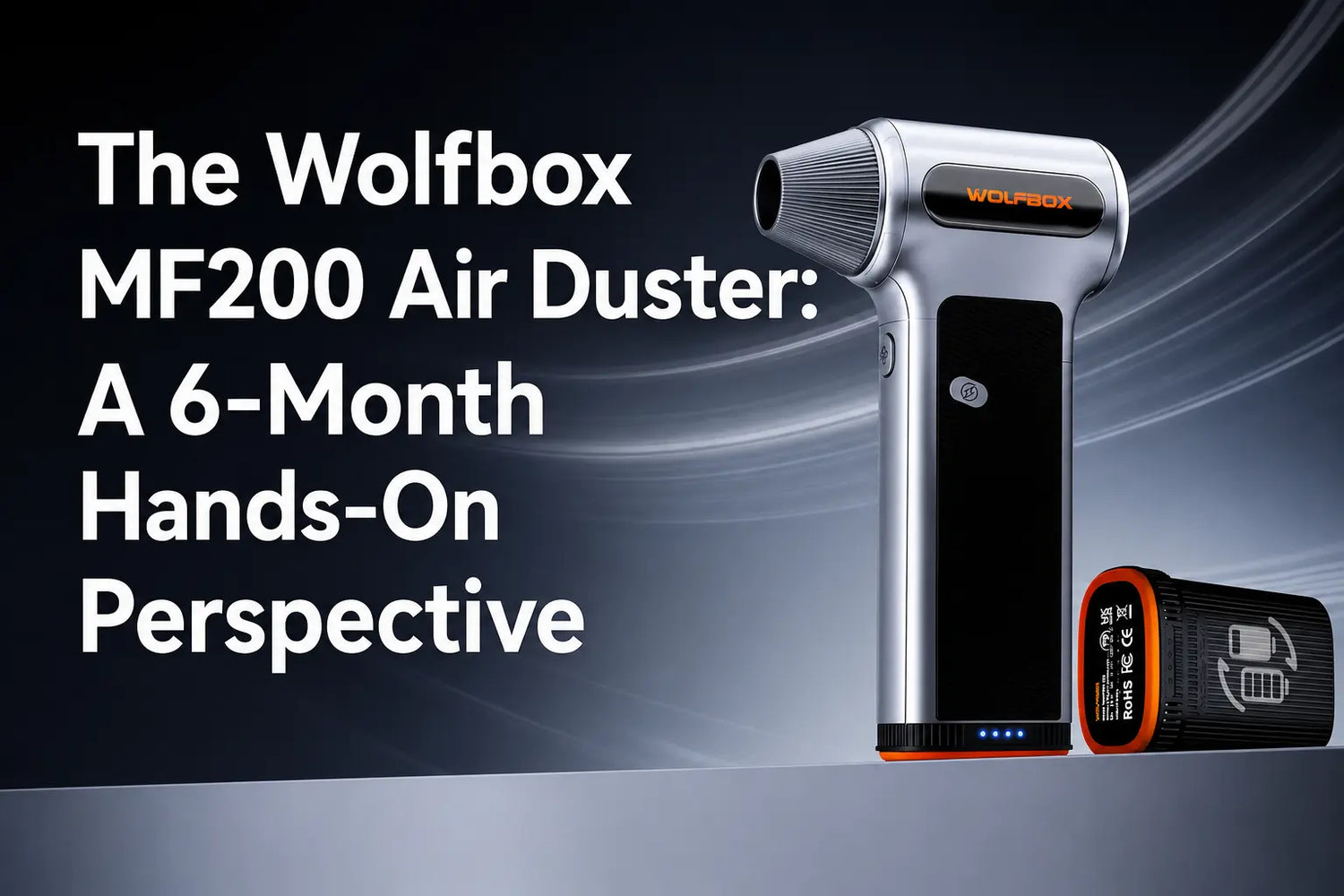
The MF200 makes the most sense for people who clean electronics often enough that canned air feels wasteful, weak, or annoying to replace. It is not a vacuum and it does not make dust disappear. It moves dust out of keyboards, PC filters, heatsinks, camera bodies, and printer parts so you can wipe or remove it properly.[1]
After months of regular use, the biggest takeaway is not "more power is always better." The useful skill is choosing the right speed and distance. Low speed solves more delicate jobs than expected, while maximum speed is for filters, vents, and heatsinks that can handle a stronger blast.

What Changed After Regular Use
The main learning curve is distance. At low speed, the MF200 is controlled enough for keyboard edges, vents, and delicate exterior cleaning. At high speed, the airflow is strong enough to push loose parts, dust clumps, or small screws if you aim too closely. Wolfbox’s air-duster materials list MF200 airflow at up to 87.5 m/s, so the practical habit is to start farther away and move closer only when needed.[1][2]
|
Use case |
Better setting |
Practical note |
|
Keyboard crumbs |
Low or medium |
Flip the keyboard first, then blow sideways |
|
PC filters |
Medium |
Remove the filter before blowing |
|
GPU heatsink |
Medium or high |
Work outside the case when possible |
|
Camera body exterior |
Low |
Do not blast bare lens glass at close range |
|
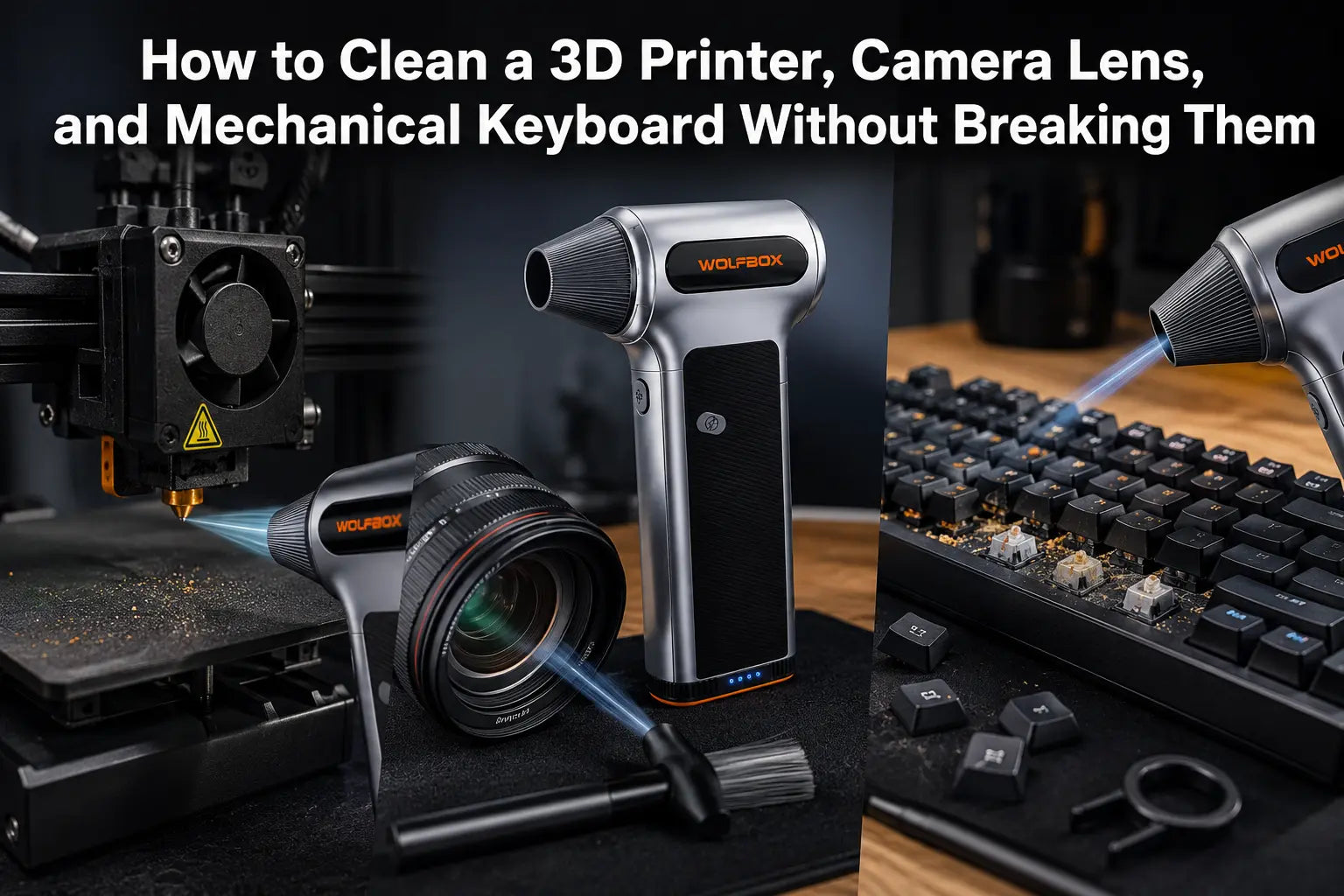
3D printer work area |
Medium |
Blow debris away from rails and electronics |
The biggest mistake is using high speed too close. On a keyboard, that can push debris under keycaps instead of out of the board. In a PC case, it can move dust from a filter into a fan hub. The better workflow is slower: loosen dust, aim toward an exit path, then wipe the surface that collected it.
Where It Beats Canned Air
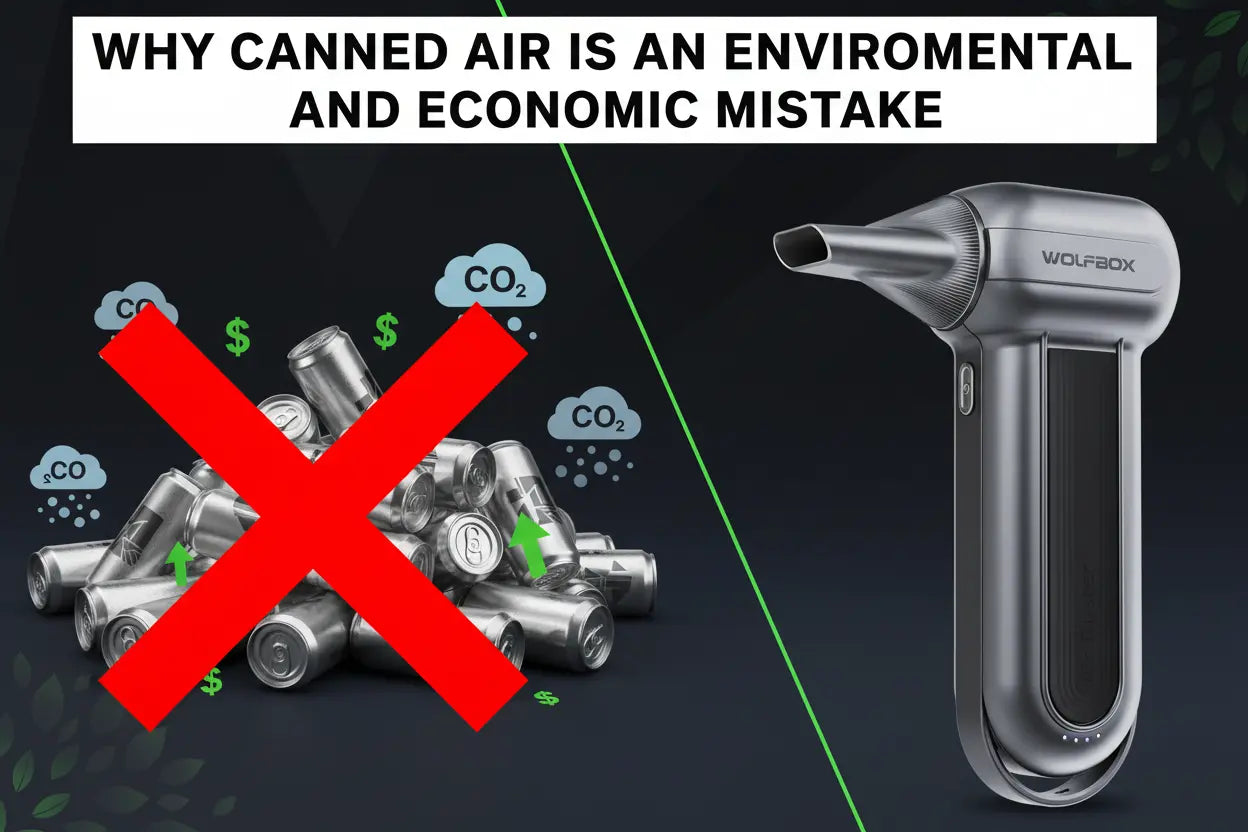
Canned air loses pressure as the can empties and can spray propellant if tilted. An electric duster gives repeatable airflow without replacing cans. That is the biggest day-to-day advantage for PC builders, keyboard users, and anyone cleaning multiple devices in one session.
It also changes how you clean. Instead of saving canned air for the worst dust buildup, you can do shorter maintenance passes before dirt becomes packed into vents or heatsinks.
That matters for home offices, gaming PCs, camera bags, and maker desks where dust appears every week but a full teardown is overkill.

Where It Does Not Replace Everything
The MF200 does not collect dust. If you blow dust inside a closed PC case, some of it moves to a different part of the case. For serious cleaning, remove filters, hold the case where dust can leave, and wipe the surface afterward. iFixit’s keyboard-cleaning guidance also points to a basic rule that applies beyond keyboards: loosen debris first, then remove or wipe away what the air dislodged.[3]
The MF200 also should not be treated as a lens-cleaning shortcut. Use gentle air only around camera bodies and housings; use proper lens tools for glass.
It is also not the right tool for wet debris, sticky residue, or dust inside sealed devices.
A Practical Cleaning Routine
For a keyboard, unplug it, turn it face down, shake lightly, then use low or medium speed from the side. For a PC, power down, remove the side panel and filters, hold fans still, and blow dust toward an open side of the case. For a camera bag, remove the gear first and blow the empty compartments, not the lens surface.
That routine sounds basic, but it is why an electric duster works better in real life. The airflow is only useful when dust has somewhere to go.
Battery and Charging Expectations
Wolfbox positions MF200 as a rechargeable, cordless tool with a swappable battery design.[1] That matters for longer cleaning sessions because battery downtime is the main limitation of any cordless duster. If you regularly clean multiple PCs, workshop gear, or camera equipment, a spare battery is more useful than a higher maximum speed.
If you only clean a keyboard once every few months, MF200 may be more tool than you need. If you maintain a desk setup, PC, printer, camera kit, or small workshop, the reusable airflow becomes useful quickly.
Cleaning-safety checks
- OSHA’s compressed-air rule is a useful safety reference for pressure caution, especially when users are tempted to blast dust aggressively at close range.[4]
- iFixit’s computer-cleaning guidance supports holding fans still and cleaning blades deliberately instead of letting airflow spin components freely.[5]
- EIA’s greenhouse-gas reference explains why HFC-134a is a high-GWP propellant, which supports the article’s canned-air comparison.[6]
- EPA’s HFC Technology Transitions page gives broader regulatory context for moving away from high-GWP HFC uses.[7]
Additional source checks
- Apple’s device-cleaning guidance supports the same conservative cleaning principle used here: power down sensitive electronics and avoid forcing liquid or debris into openings.[8]
Frequently Asked Questions
What is the MF200 best used for?
It is best for keyboards, PC filters, heatsinks, vents, camera-body exteriors, and light workshop dust.
Does the MF200 vacuum dust?
No. It blows dust away; it does not capture dust like a vacuum.
Can I use the MF200 on a powered-on laptop or PC?
No. Power off and unplug electronics before using an air duster.
What is the maximum airflow speed of MF200?
Wolfbox lists MF200 airflow at up to 87.5 m/s.
Is MF200 better than canned air?
It is better for frequent cleaning because airflow is reusable and more consistent than disposable cans.
Can I use it on camera lenses?
Use low speed around camera bodies, but use proper lens-cleaning tools for bare glass.
References
[1] Wolfbox electric air duster vs canned air guide — https://wolfbox.com/blogs/air-duster/electric-air-duster-vs-canned-air
[2] Wolfbox cordless air duster guide — https://wolfbox.com/blogs/air-duster/best-cordless-air-duster-in-2026-top-picks-for-every-use-case
[3] iFixit Keyboard Cleaning Technique — https://www.ifixit.com/Guide/Keyboard%2BCleaning%2BTechnique/176375
[4] OSHA 1910.242: Compressed Air Used for Cleaning — https://www.osha.gov/laws-regs/regulations/standardnumber/1910/1910.242
[5] iFixit: Computer System Cleaning — https://www.ifixit.com/Wiki/Computer_System_Cleaning
[6] U.S. EIA: Global Warming Potentials of Greenhouse Gases — https://www.eia.gov/environment/emissions/ghg_report/ghg_gwp.php
[7] EPA: Technology Transitions HFC Restrictions by Sector — https://www.epa.gov/climate-hfcs-reduction/technology-transitions-hfc-restrictions-sector
[8] Apple: How to Clean Your Apple Products — https://support.apple.com/en-us/103258

Leave a comment
This site is protected by hCaptcha and the hCaptcha Privacy Policy and Terms of Service apply.