
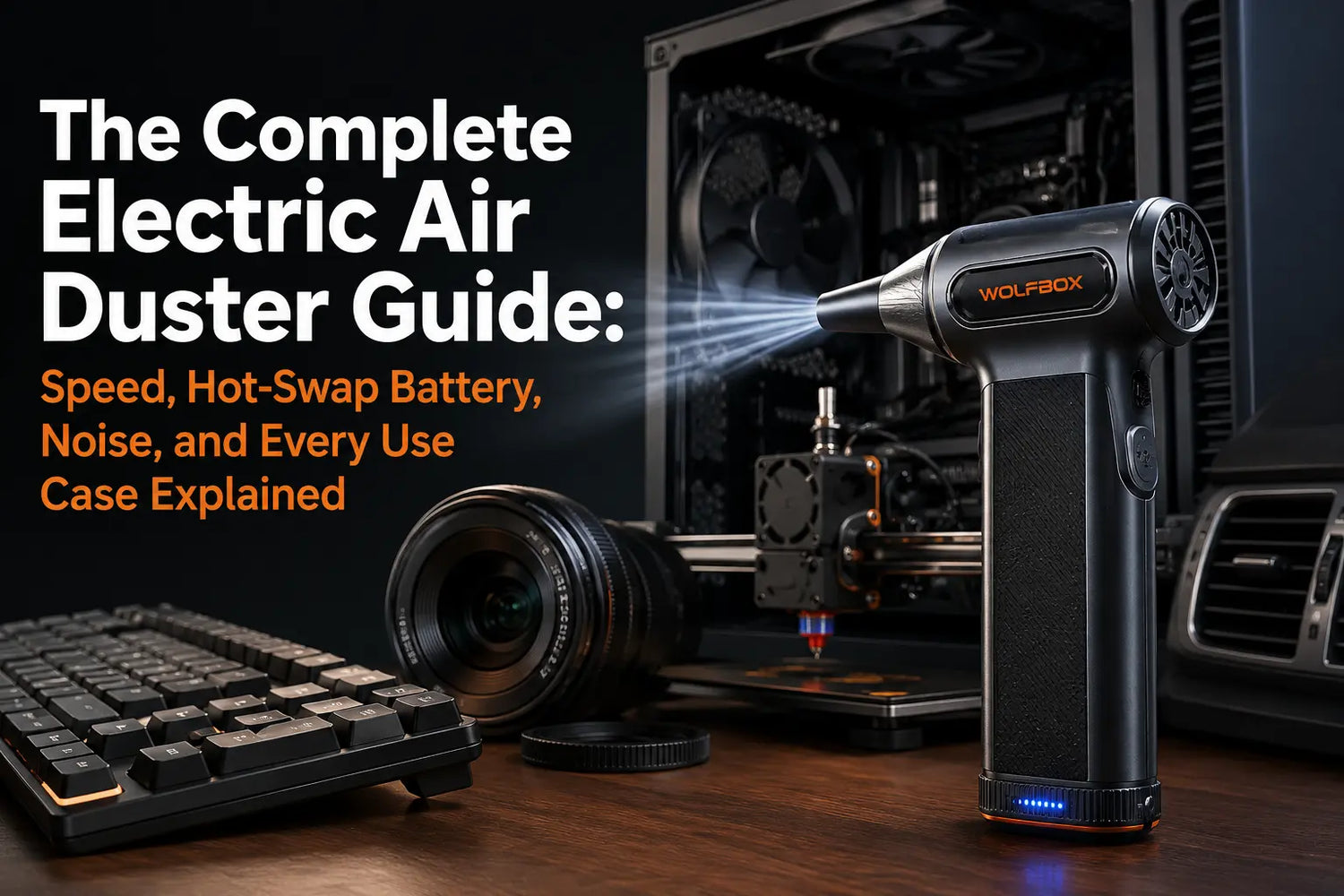
Canned air is a habit, not a solution. Once you understand how electric dusters actually work — and what speed to use on which device — going back to a disposable can feels like a step backward. This guide covers everything: airflow by device, how hot-swap battery systems work in a real session, noise level, and how the WOLFBOX MF200 fits into each scenario.
What an Electric Air Duster Actually Is
An electric air duster uses a high-speed brushless motor to generate a concentrated jet of air. Unlike canned air — which relies on pressurized HFC propellant — electric dusters produce airflow through purely mechanical means: no propellant, no refrigerant gas, no pressure drop as a container empties.
The WOLFBOX MF200 uses a brushless motor spinning at up to 110,000 RPM to produce airflow of up to 210 MPH. Three adjustable speed modes let users match airflow to the task: low for optics and PCBs, mid for keyboards and GPU heatsinks, and high for vehicle interiors and heavy debris work. [3]
Speed by Device: The Reference Table
Each row below applies independently. Use the nozzle distance and angle specified — both matter as much as the selected speed.
| Device / Surface | Airflow Setting | Nozzle Distance | Notes |
| Camera lens / optics | Lowest speed | 5–6 inches | One short burst; no contact with glass |
| Circuit boards / PCB | Lowest speed | 5–6 inches | Power off and dry only |
| Mechanical keyboard switches | Low to medium speed | 2–4 inches | Use a 45-degree angle and short bursts |
| Car dashboard vents | Medium to high speed | 3 inches | Angle the nozzle into the vent channel |
| PC GPU heatsink fins | Medium to high speed | 3–5 inches | Hold fan blades to prevent overspin |
| 3D printer nozzle / hot end | Medium speed | 3–5 inches | Use a tangential angle; never blow directly into the nozzle |
| Car speaker grilles | Low to medium speed | 4 inches | Avoid a direct high-speed blast at the cone center |
Hot-Swap Battery: What It Changes in a Real Session
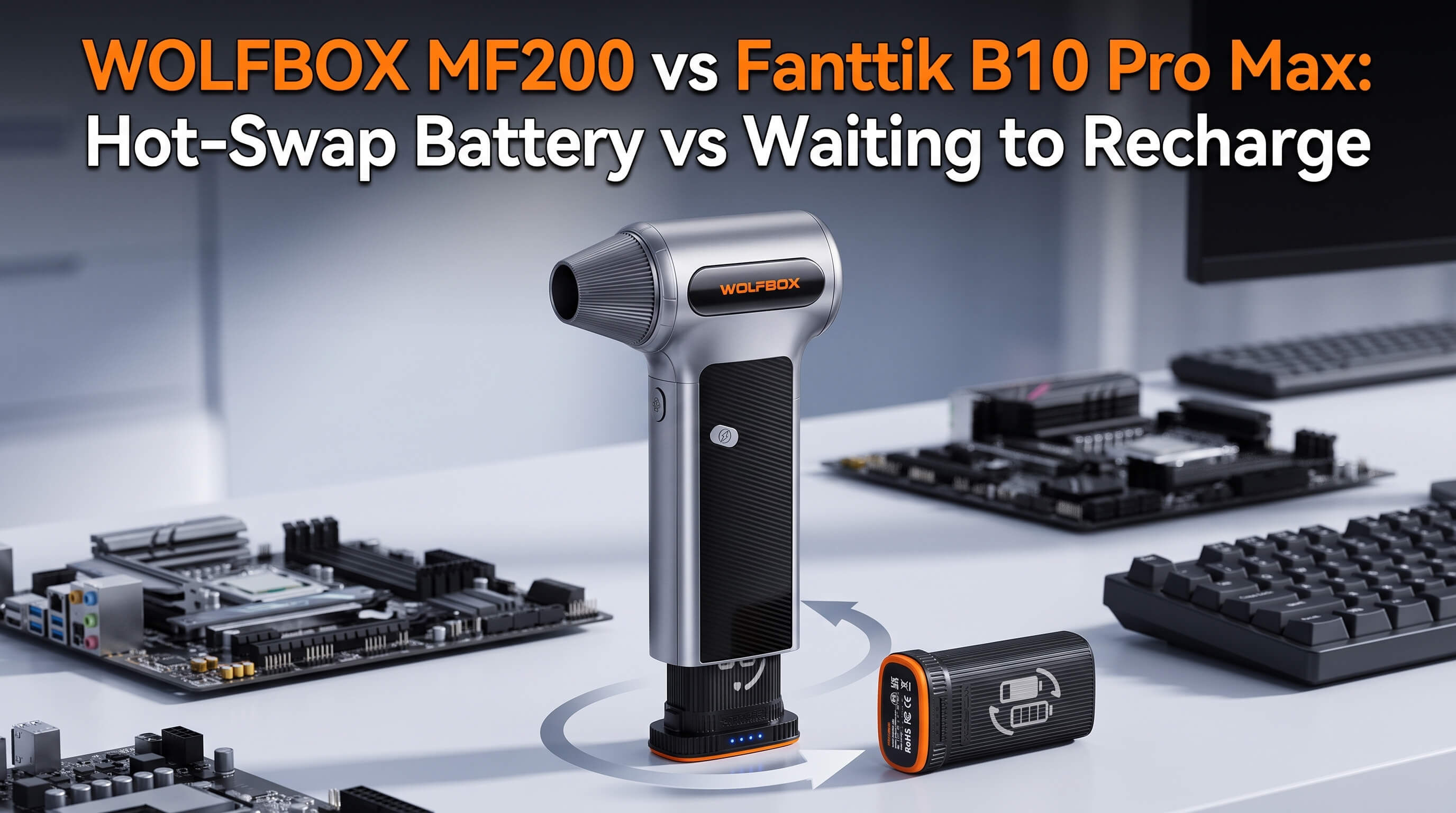
Single-battery dusters stop when the battery runs out and require a recharge before work can continue. The MF200 is rated for 10–100 minutes of working time depending on the selected speed. For back-to-back sessions across PC, keyboard, camera gear, and car interior, this is a genuine workflow break. [6]
The MF200 comes in three battery configurations at different prices: the Lite Pack (one battery, up to about 100 minutes of runtime), the Enduro Pack (two batteries, up to about 200 minutes), and the UltraEnduro Pack (three batteries, up to about 300 minutes). Swapping takes approximately 5 seconds. Each battery is two 3,000 mAh cells in series (3,000 mAh × 2, 7.4V / 22.2 Wh) and can be used 500+ times on a single charge. [3]
| Scenario | Single-Battery Duster | MF200 Hot-Swap System |
| Battery runs out mid-task | Stop and recharge | Swap batteries and resume |
| Back-to-back multi-device sessions | May require a charging pause | Two removable batteries extend coverage |
| Away from an outlet | Limited to one charge | A charged spare battery can be carried separately |
Noise Level in Context
The MF200 is quieter at low and mid speed than most household vacuum cleaners, and louder at high speed — roughly comparable to a hair dryer at arm's length. [2] At high speed, a typical cleaning session per device runs 30–60 seconds. The difference between low and high speed is significant: low-speed camera cleaning is quiet enough to use without interrupting a video call in the same room.
Use Case Guide
PC Builds and Case Cleaning
GPU heatsink fins, case fan hubs, and power supply intakes benefit most from an electric duster. Canned air loses pressure as propellant temperature drops mid-can — the MF200's airspeed stays consistent throughout the session. Hold fan blades still before applying air to prevent overspin above rated RPM. [4] [8]
Mechanical Keyboards
Switch stems and plate gaps respond well to low-to-medium speed at a 45-degree angle from 2–4 inches. Surface clean: short bursts across rows, rotate 180 degrees, repeat. Deep clean with keycaps removed: direct short bursts at switch stems from 2–3 inches. The included angle nozzle improves debris ejection between switch rows.
Photography and Camera Equipment
Use the lowest speed, hold the nozzle 5–6 inches from the front element, and apply one short burst. If dust remains, use a lens pen or optical microfiber. The direct-blow design produces no propellant residue, avoiding the film-deposition risk from partial HFC discharge found in canned air.
3D Printer Maintenance
Use a tangential approach — parallel to the nozzle axis — at medium speed from 3–5 inches. Never blow perpendicular into the nozzle opening. For extruder gears, combine a medium-speed burst with manual gear rotation to clear filament debris from gear pockets.
Car Interior Detailing
Dashboard vent channels, seat track mechanisms, door jamb gaps, and door handle recesses respond well to medium-to-high speed at 3–4 inches. For speaker grilles, use low-to-medium speed at 4 inches and avoid directing air into paper cone centers at high speed. [9]
Electric Duster vs. Canned Air: The Math
At $8–12 per can and quarterly PC maintenance, annual canned air cost reaches $40–80 for regular users. HFC-134a propellant carries a global warming potential of 1,430 times that of CO2 per IPCC AR4 data. [5] The MF200 generates zero per-session cost after purchase. [3] [7]
| Criterion | Canned Air (HFC-134a) | WOLFBOX MF200 |
| Cost per session | Varies by can and region | No replacement can required |
| Propellant | HFC-134a (GWP = 1,430) [5] | None |
| Airflow consistency | Can drop as the can cools | Three adjustable speed settings |
| Reuse | Disposable container | Rechargeable, removable batteries |
| Angle flexibility | Tilting may discharge liquid propellant | Can operate at different angles |
| Long-term cost | Depends on purchase frequency | Check current product price by region |
What the Maker Community Uses in 2026
For PC and electronics maintenance, an electric duster offers sustained airflow, adjustable speed for delicate components, and removable batteries that reduce mid-cleaning pauses. The MF200 combines these features in one tool. [3][4]
Frequently Asked Questions
Q: What airflow speed does the WOLFBOX MF200 produce?
A: The MF200 produces airflow of up to 210 MPH at maximum speed, driven by a brushless motor at up to 110,000 RPM. Three speed modes span from low-speed optics cleaning through high-speed debris removal.
Q: Is the MF200 safe for camera lenses?
A: Yes, at the lowest speed held 5–6 inches from the lens surface. The direct-blow design produces no propellant residue, avoiding the film risk from partial HFC propellant discharge.
Q: How long does each battery last per session?
A: WOLFBOX rates MF200 working time at 10–100 minutes depending on speed. On the multi-battery packs, each removable battery is two 3,000 mAh cells in series (3,000 mAh × 2), and one battery can be swapped for another instead of pausing mid-task to recharge.
Q: Can I use the MF200 for car interior cleaning?
A: Yes. Dashboard vents, seat tracks, and door jamb gaps respond well at medium-to-high speed from 3–4 inches. Use low-to-medium speed for speaker grilles.
Q: What warranty does the MF200 carry?
A: WOLFBOX currently lists a 30-month warranty on the MF200 with round-the-clock customer support. [1]
Q: What is the MF200 total battery capacity?
A: Each MF200 battery is a removable two-cell pack — two 3,000 mAh cells in series (3,000 mAh × 2, 7.4V / 22.2 Wh). The MF200 is sold in one-, two-, or three-battery packs (the Lite, Enduro, and UltraEnduro configurations) at different prices, so total capacity depends on the configuration. Each battery can be used 500+ times on a single charge.
References
- [1] WOLFBOX Warranty Policy: https://wolfbox.com/pages/warranty-policy
- [2] WOLFBOX Air Duster Review Blog: https://wolfbox.com/blogs/air-duster/wolfbox-air-duster-review
- [3] WOLFBOX MF200 Official Product Page: https://wolfbox.com/products/compressed-air-duster-mf200
- [4] WOLFBOX Air Duster Collection: https://wolfbox.com/collections/best-air-duster
- [5] IPCC AR4 — HFC-134a GWP Reference: https://www.ipcc.ch/publications_and_data/ar4/wg1/en/ch2s2-10-2.html
- [6] WOLFBOX MF200 Six-Month Use Guide: https://wolfbox.com/blogs/air-duster/the-wolfbox-mf200-air-duster-a-6-month-hands-on-perspective
- [7] WOLFBOX Electric Air Duster vs Canned Air Guide: https://wolfbox.com/blogs/air-duster/electric-air-duster-vs-canned-air-cost-consistency-and-what-happens-when-the-can-runs-cold
- [8] WOLFBOX Best Electric Air Duster for PC Guide: https://wolfbox.com/blogs/air-duster/best-electric-air-duster-pc-2026
- [9] 4Runner 6G — MF200 Car Detailing Review: https://www.4runner6g.com/review-wolfbox-mf200-compressed-air-duster-interior-detailing-tool/

Leave a comment
This site is protected by hCaptcha and the hCaptcha Privacy Policy and Terms of Service apply.