










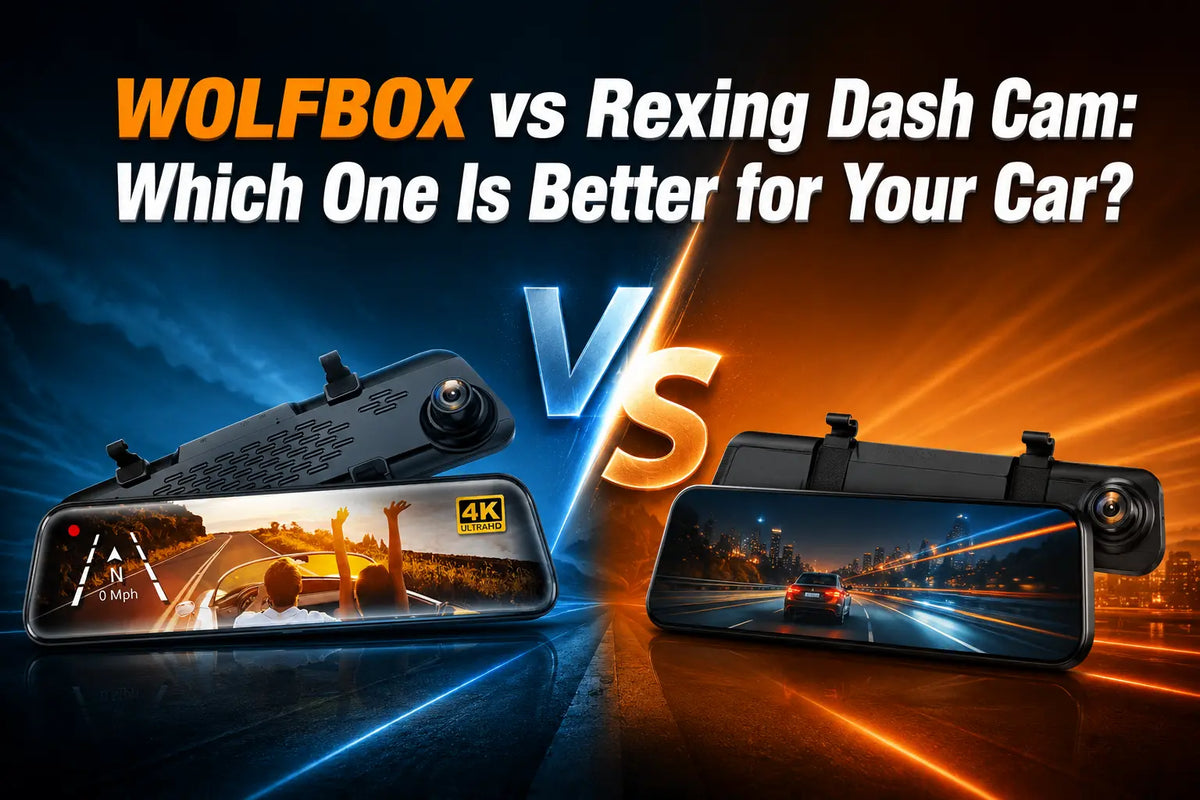
Choosing a mirror dash cam is less about buying the camera with the longest feature list and more about deciding which features will matter when you actually need your footage. The Wolfbox G840S and Rexing M2 are both mirror-style dash cams, but they take noticeably different approaches.
The Rexing M2 emphasizes driver-assistance features such as Advanced Driver Assistance Systems (ADAS) and Blind Spot Detection (BSD). The Wolfbox G840S puts more emphasis on recording quality, convenience, and operating flexibility.
That makes the G840S more compelling for many drivers. Its front camera exports video at 3840 × 2160, compared with 1080p front and rear recording on the Rexing M2. Its wider operating-temperature range with 5.8GHz WiFi has received notable media recognition.
WOLFBOX vs Rexing Dash Cam: The Quick Answer
Many car owners prioritize clearer evidence, a broader operating temperature range, and convenient access. The Wolfbox G840S remains the stronger overall choice for those priorities. Its front camera exports video at 3840 × 2160, while the Rexing M2 records 1080p from both cameras. [1]

The G840S is also specified for operation from -4°F to 158°F, versus 10°F to 140°F for the M2. The Rexing M2 has an advantage if you specifically want built-in ADAS and Blind Spot Detection. [2]
Those features can be useful, but they don't replace a dash cam's fundamental purpose. That's capturing useful, reviewable evidence. For drivers who prioritize recording clarity and long-term usability, the G840S deserves a close look.
Where the Two Cameras Line Up
- Both use a large mirror-style display.
- Both combine front and rear cameras in one mirror-dash-cam setup.
- Both provide GPS-related recording features.
- Both provide parking-monitoring functionality when the required installation/power setup is used.
- Both provide a rear camera view that can assist with reversing.
- Both provide an 18-month warranty.
Where the Two Dash Cams Differ
- The Wolfbox G840S exports front-camera video at least 3840 × 2160. In comparison, the Rexing M2 records 1080p front and rear.
- The G840S has a specified operating range of -4°F to 158°F, compared with the Rexing M2's 10°F to 140°F. [1]
- The G840S supports 5.8GHz WiFi for transferring footage to a phone without removing the memory card.
- The Rexing M2 adds ADAS and Blind Spot Detection, giving it an advantage for drivers who specifically want those alerts. [2]
Why Clearer Video Matters
The biggest practical advantage of the G840S is its front-camera recording resolution. You'll get front-camera video at no less than 3840 × 2160. [1]
Dash-cam footage is often reviewed after the drive rather than watched continuously. You may need to inspect a license plate, road sign, vehicle detail, or another part of a scene.
The G840S therefore has a meaningful advantage for drivers who view a dash cam primarily as an evidence-recording tool. A higher recorded resolution doesn't automatically guarantee better image quality in every condition. [3]
Lens quality, exposure, processing, compression, and lighting still matter. [5] However, the G840S starts with a substantially higher front-video resolution than the M2.
The difference is easy to quantify: 3840 × 2160 contains four times as many pixels as 1920 × 1080. [6] It gives the G840S more recorded image detail to work with when footage is paused, enlarged, or reviewed later.
Wider Operating Temperature Range
A dash cam spends much of its life inside a vehicle, where temperatures can differ greatly from outside conditions. The Wolfbox G840S is specified to operate from -4°F to 158°F, while the Rexing M2 is specified for 10°F to 140°F.
That gives the G840S 14°F more low-temperature and 18°F more high-temperature headroom. It has the broader specified operating envelope, a useful advantage for vehicles exposed to colder winters or hotter summer conditions. [1] [7]
WOLFBOX G840S: What You Get for the Price
The G840S combines a large mirror display with high-resolution front recording, a 1080p rear camera, GPS, WiFi, and parking-monitoring capability. Its strongest selling point is the features that support the core job: recording and retrieving useful footage. [7]
Core Advantages
- Front-camera video at no less than 3840 × 2160.
- 1080p rear-camera recording.
- 5.8GHz WiFi for convenient footage transfers.
- GPS support for location and driving information.
- Specified operating temperature of -4°F to 158°F.
- Large mirror-style touchscreen.
- Rear camera that can assist with reversing.
The G840S also has an advantage beyond the specification sheet. The CAR Magazine recognized the Wolfbox G840S as the "Best Mirror Dashcam" in its 2026 dash-cam coverage. [8]
That recognition should not replace checking specifications. Still, it adds independent editorial context for shoppers deciding between mirror dash cams.

Rexing M2: What Its Price Buys
The Rexing M2's strongest differentiator is its driver-assistance feature set. It records 1080p video from the front and rear and adds features intended to provide additional driving alerts.
ADAS and Blind Spot Detection
ADAS can provide alerts associated with functions such as lane departure and forward collision warnings.
Blind Spot Detection is intended to alert the driver to vehicles in areas that may be difficult to see through the mirrors. [2]
These features are valuable to drivers who specifically want additional visual or audible driving assistance.
The M2's driver-assistance features don't change its 1080p front-and-rear recording specification. If your main reason for buying a dash cam is to preserve clearer footage for later review, the G840S has the stronger recording specification.
Where the Extra Money on G840S Goes
View the price difference in terms of what you use every day. With the G840S, the premium comes from several practical advantages, not just a larger screen. [1] [7]
- Clearer front recording: 3840 × 2160 front video versus 1080p on the M2.
- Wider temperature coverage: -4°F to 158°F versus 10°F to 140°F with Rexing.
- WiFi convenience: transfer footage without repeatedly removing the memory card.
- A package focused on recording, rear visibility, GPS, and convenient footage access.
The Rexing M2's counterargument is straightforward: you are paying for ADAS and Blind Spot Detection. If those alerts are your top priority, the M2 may be the better match.
Which One Fits Your Needs?
Choose the WOLFBOX G840S If –
- You want clearer front-camera footage for reviewing incidents, plates, signs, and vehicle details.
- You want 3840 × 2160 front recording instead of 1080p.
- Your vehicle may experience very cold or very hot conditions, and you want the wider -4°F to 158°F specified operating range.
- You want 5.8GHz WiFi for convenient footage transfers.
- You prefer a dash cam focused on recording evidence rather than driver-assistance alerts.
Choose the Rexing M2 If –
- ADAS and Blind Spot Detection are more important to you than higher front-video resolution.
- You specifically want built-in lane-departure, forward-collision, or blind-spot alerts.
- You are comfortable with 1080p front and rear recording.
Setting Up Your Mirror Dash Cam Correctly
Whichever model you choose, installation and configuration determine how useful the camera will be when you need it. [9]
- Secure the mirror dash cam firmly to the factory mirror using the supplied mounting system.
- Position the front camera so the road is centered, and the lens has a clear view through the windshield.
- Route the rear-camera cable neatly so it does not interfere with the driver's view or vehicle controls.
- Connect the reverse signal as required if you want automatic reversing assistance.
- If you use parking monitoring, install the appropriate hardwire/power setup and verify its operation before relying on it.
- Format and test the memory card according to the camera's instructions.
- Make a short test recording and verify both front and rear footage before regular driving.
What to Do After a Fender-Bender
- Move to a safe location first and follow local safety requirements.
- Check that the camera recorded and locked the relevant clip.
- Preserve the original file and make a copy before editing or sharing.
- Back up important footage promptly because loop recording can eventually overwrite unlocked clips.
- Keep the original memory card or file structure intact when possible so the evidence remains easy to verify.
Conclusion
The Rexing M2 has merit. Its ADAS and Blind Spot Detection features clearly appeal to drivers who want additional driving alerts. [2] But you should weigh those features against what the camera is primarily expected to do: record the road clearly.
On that measure, the Wolfbox G840S has the upper hand. Its front camera exports video at 3840 × 2160, giving you substantially more recorded image detail. Its -4°F to 158°F operating range is also wider than the M2's 10°F to 140°F range. Add 5.8GHz WiFi, and the higher-priced option has a clear value proposition. [1] [[8]
It's ideal for drivers who want clearer evidence, broader operating capability, and easy access to footage. The Wolfbox G840S is the stronger choice, given its higher price tag. The Rexing M2 makes sense if you want ADAS and Blind Spot Detection.
Frequently Asked Questions (FAQs)
Is the Wolfbox G840S better than the Rexing M2?
For drivers prioritizing recording clarity and operating range, yes. The G840S offers 3840 × 2160 front-camera video and a -4°F to 158°F operating range, compared with the M2's 1080p front and rear recording and 10°F to 140°F range. The M2's main advantage is its ADAS and Blind Spot Detection features.
Does the Wolfbox G840S record in 4K?
Yes. The G840S is specified with a 4K (2160P) front camera, and its front-camera video exports at 3840 × 2160. The rear camera is 1080p.
Why does 3840 × 2160 matter compared with 1080p?
3840 × 2160 provides four times as many pixels as 1920 × 1080. That gives the G840S more recorded image detail when footage is paused, enlarged, or reviewed after an incident.
Which dash cam works across a wider temperature range?
The WOLFBOX G840S. Its specified operating range is -4°F to 158°F, while the Rexing M2 is specified at 10°F to 140°F.
Does the Wolfbox G840S have WiFi?
Yes. The G840S supports WiFi, including 5.8GHz WiFi on the model specifications used for this comparison, allowing footage to be transferred to a phone without removing the memory card.
Does the Rexing M2 have any advantages over the G840S?
Yes. The M2's main advantage is its built-in ADAS and Blind Spot Detection features. If those driver-assistance alerts are your priority, the M2 may be the better fit.
References
[1] Wolfbox: “Wolfbox G840S Mirror Dash Cam” - https://wolfbox.com/products/wolfbox-g840s-12-4k-mirror-dash-cam-2160p-full-hd-smart-rear-view-camera-mirror-dash-cam
[2] AAMVA: "Advanced Driver Assistance Systems" – https://www.aamva.org/topics/advanced-driver-assistance-systems
[3] Medium: “Wolfbox G840S Review” – https://cargadgetguy.medium.com/wolfbox-g840s-review-capture-journeys-in-4k-555943570dcb
[4] Medium: "How Camera Lens Aperture Affects Photos" – https://medium.com/@charliemr731/how-camera-lens-aperture-affects-photos-a-real-world-photographers-guide-dfb02a4dd6d7
[5] King Spec Tech: "What is Video Bitrate" – https://www.kingspectech.com/blogs/posts/what-is-video-bitrate
[6] TechRadar: "The Best Budget Dash Cam Buying Guide" - https://www.techradar.com/car-tech/dash-cams
[7] Driving: “Wolfbox G840S Dashcam Product Review” – https://driving.ca/features/gear-guide/wolfbox-g840s-dashcam-product-review
[8] CAR Magazine: "Best dash cams" – https://www.carmagazine.co.uk/car-advice/car-technology/best-dash-cams/
[9] Wolfbox: "Wolfbox Smart Mirror Installation Guide" – https://wolfbox.com/pages/wolfbox-smart-mirror-installation-guide

Leave a comment
All comments are moderated before being published.
This site is protected by hCaptcha and the hCaptcha Privacy Policy and Terms of Service apply.