













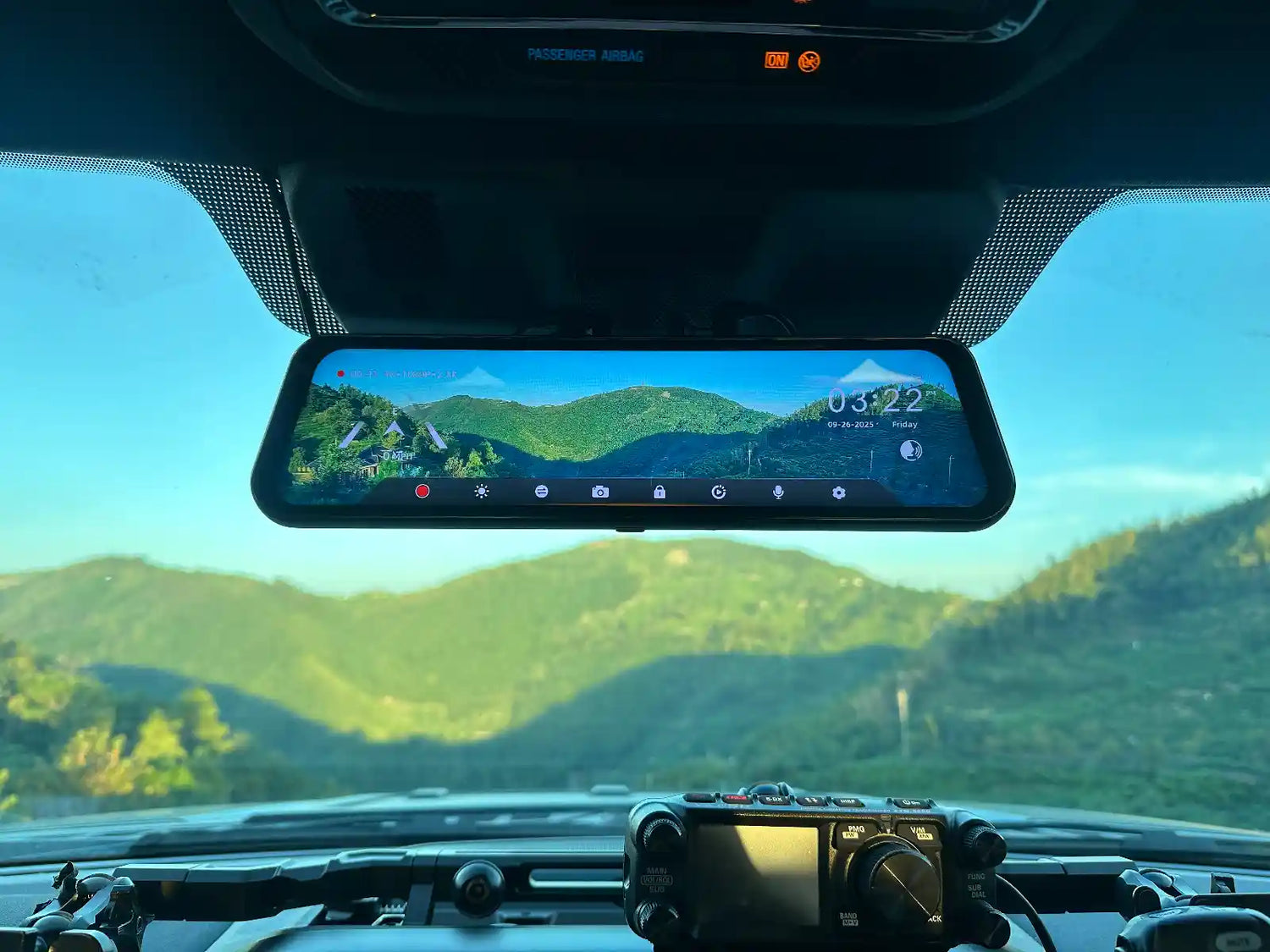
Parking mode is listed as a feature on the box. What the box usually leaves out: it requires a hardwire kit sold separately, and if you plug the dash cam into the 12V socket, it stops recording the moment you turn the ignition off. This guide covers what parking mode actually needs to work, how voltage cutoff protects your car battery, and why local storage with no subscription is the right setup for most owners.
Why the 12V Socket Won't Run Parking Mode
Most 12V cigarette lighter sockets cut power when the ignition is off. A dash cam on the 12V socket records while you drive and goes dark when you park. Parking mode requires continuous power from a circuit that stays live after ignition off.
The WOLFBOX hardwire setup uses fuse connections for constant power, ACC sensing, and a chassis ground. With a compatible kit installed, the camera can switch between driving and parking operation after the ignition is turned off.45
What Voltage Cutoff Does
Voltage cutoff is the safeguard that stops a parked dash cam from continuing to draw power once battery voltage reaches the kit’s protection threshold. Use the threshold specified for the compatible WOLFBOX kit and vehicle rather than assuming one setting suits every battery.6
Battery condition, temperature, battery age, and the camera’s parking-mode settings all affect how long a parked system can run. A low-voltage cutoff is a safeguard, not a substitute for checking the vehicle battery’s condition and the kit instructions before relying on long parking coverage.67
Two Types of Parking Mode
Parking Mode Type |
How It Works |
Best For |
Battery Draw |
G-Sensor (impact triggered) |
Activates on physical impact above a configurable threshold; records 30–60 seconds around the event. Camera is otherwise in low-power standby. |
Hit-and-run documentation, parking lot scrapes, door dings |
Very low — wakes only on impact |
Time-lapse |
Records one frame every several seconds continuously throughout the parking period, creating a compressed record of all activity around the vehicle. |
Extended lot surveillance, documenting suspicious approach behavior |
Higher — continuous low-rate recording; fills SD card faster |
G-sensor mode is the right default for most owners. It covers the most common parking incidents — vehicle contact, door dings, shopping carts — at minimal battery impact. Time-lapse is appropriate when you need a continuous record over a full day of parking.
Step-by-Step: Installing the WOLFBOX Hardwire Kit
Follow the official WOLFBOX installation guide and the vehicle manual when identifying the fuse box and suitable circuits. Do not cut factory wiring; if you are uncertain about fuse selection or trim routing, use a qualified installer.4
- Step 1: Locate the fuse box. In most vehicles this is under the dashboard on the driver's side.
- Step 2: Identify an ACC fuse (switched, live with ignition) and a constant 12V fuse (always live). Your vehicle owner's manual identifies each fuse by label.
- Step 3: Connect the Hardwire Kit's red wire to the ACC fuse and the yellow wire to the constant fuse using the included fuse tap adapters.
- Step 4: Connect the black ground wire to a bare metal bolt on the vehicle chassis near the fuse box.
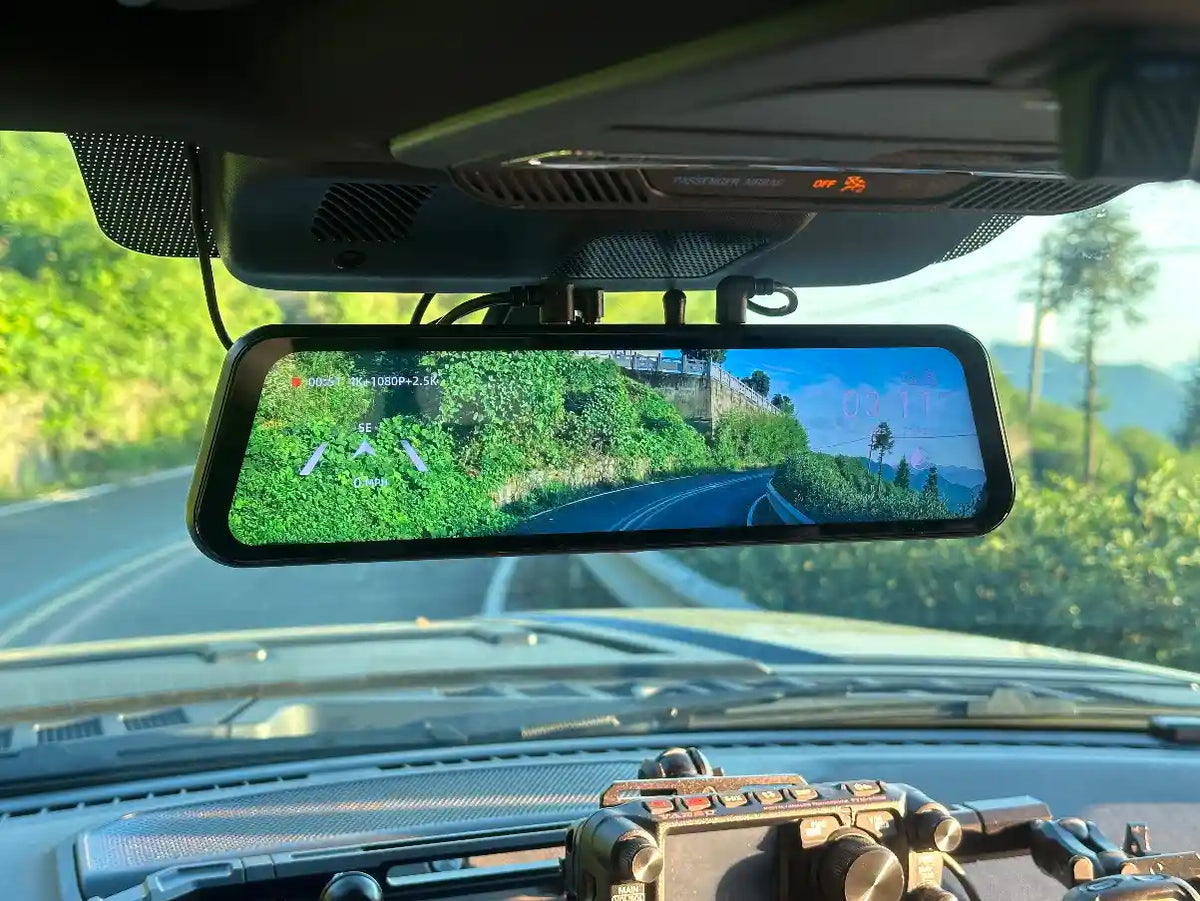
- Step 5: Route the output cable along the A-pillar to the dash cam unit.
- Step 6: Set the voltage cutoff threshold in WOLFBOX dash cam settings. Default 11.8V is appropriate for standard 12V lead-acid batteries; consult your battery documentation for lithium car batteries.
No Subscription: What That Means in Practice
For compatible WOLFBOX models, parking footage is stored on the installed microSD card rather than requiring a cloud subscription. Check the product page and camera settings for the storage-card and app features that apply to your model.1235
For most owners who park in consistent locations, local storage is sufficient. The only real trade-off versus cloud services is remote access — useful if the vehicle is stolen and you want footage without physical access to the car. For the more common scenario of a parking lot ding or hit-and-run, local G-sensor clips provide exactly what you need.
Compatible Models
Before buying a kit or enabling parking mode, confirm compatibility on the specific product page for your G900 Pro or G900 TriPro version. The WOLFBOX Hardwire Kit is included with most WOLFBOX dash cam packages. If you need an additional one, it can also be purchased separately.123
Frequently Asked Questions
Q: Does a WOLFBOX dash cam record when the car is off?
A: Only with the WOLFBOX Hardwire Kit (included in Basic Package). Without it, the dash cam powers off with the ignition. With the Hardwire Kit, the camera enters parking mode and records events while the car is parked.
Q: What is voltage cutoff in a dash cam hardwire kit?
A: Voltage cutoff is a low-battery protection feature. The Hardwire Kit monitors car battery voltage and cuts power to the dash cam when it drops below a set threshold (typically 11.8V for standard 12V batteries), preventing the battery from draining to a level that prevents the car from starting.
Q: What is the difference between G-sensor parking mode and time-lapse?
A: G-sensor mode records only when a physical impact is detected — brief activation around the event, then back to standby. Time-lapse records continuously at a very low frame rate throughout the parking period. G-sensor draws minimal battery power; time-lapse draws more and fills the SD card faster.
Q: Does WOLFBOX parking mode require a subscription?
A: No. All parking mode footage is stored locally on the microSD card. No monthly fee or cloud service is required.
Q: What voltage should I set for the Hardwire Kit cutoff?
A: 11.8V is the recommended default for standard 12V lead-acid car batteries — it activates well before the 11.0–11.5V range where starting difficulties begin.
Q: Is the Hardwire Kit included with the WOLFBOX dash cam?
A: Yes. WOLFBOX dash cams, including the G900 Pro and G900 TriPro, come with a compatible Hardwire Kit included in the package.
Q: How do I access parking mode footage?
A: G-sensor triggered clips are automatically locked against loop recording overwrite. Pull footage wirelessly via the WOLFBOX app over 5.8 GHz WiFi, or remove the microSD card and use a card reader.
References
1. WOLFBOX G900 Pro Official Product Page: https://wolfbox.com/products/wolfbox-2024-g900-pro-wifi-touch-screen-parking-monitoring-dash-cam-smart-mirror-with-starvis-678-sensor
2. WOLFBOX G900 TriPro Cabin Official Product Page: https://wolfbox.com/products/wolfbox-g900tripro-cabin-version-3-channel-dash-camera
3. WOLFBOX G900 TriPro Bumper Official Product Page: https://wolfbox.com/products/wolfbox-g900tripro-bumper-version-3-channel-rearview-mirror
4. WOLFBOX — The Ultimate Guide to Installing a Hardwire Kit for Dashcam: https://wolfbox.com/blogs/news/the-ultimate-guide-to-installing-a-hardwire-kit-for-dashcam-a-step-by-step-tutorial
5. WOLFBOX — What Is Parking Mode on a Dash Cam?: https://wolfbox.com/blogs/dash-cams/what-is-parking-mode
6. WOLFBOX D07 Hardwire Kit: https://wolfbox.com/products/wolfbox-d07-hardwire-kit-33ft-cable
7. NHTSA Technical Service Bulletin — Standard 12V Battery Voltage Guidance: https://static.nhtsa.gov/odi/tsbs/2021/MC-10191588-0001.pdf


Leave a comment
All comments are moderated before being published.
This site is protected by hCaptcha and the hCaptcha Privacy Policy and Terms of Service apply.