













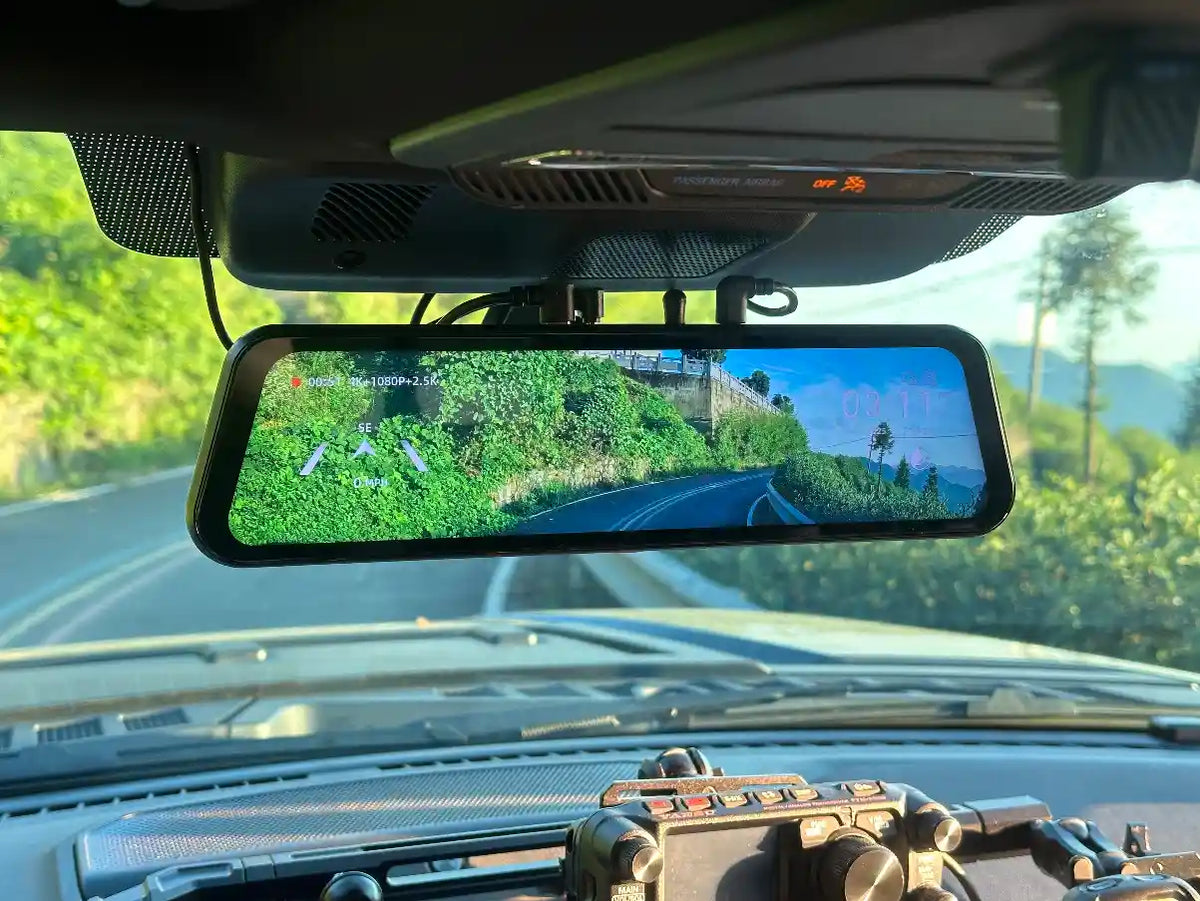
A dash cam that works without issue in your home city can run into real problems on a 600-mile road trip. You're parking in unfamiliar lots without neighbors watching. Dashboard temperatures at a desert rest stop in July exceed 150°F on the surface. You'll drive more consecutive hours in a day than in any typical week, and any footage you don't intentionally save could be overwritten before you reach the hotel. This guide covers what specifically changes when a mirror dash cam goes on a road trip — and what to confirm before you leave.
Heat Tolerance: What to Know Before a Summer Drive
Dashboard surface temperatures in a parked car in direct sun reach 150 to 180°F.[7] Most lithium-ion battery dash cams are rated to operate up to 140°F. That gap — direct sun versus operating limit — is real, and a dark-colored interior narrows it further.
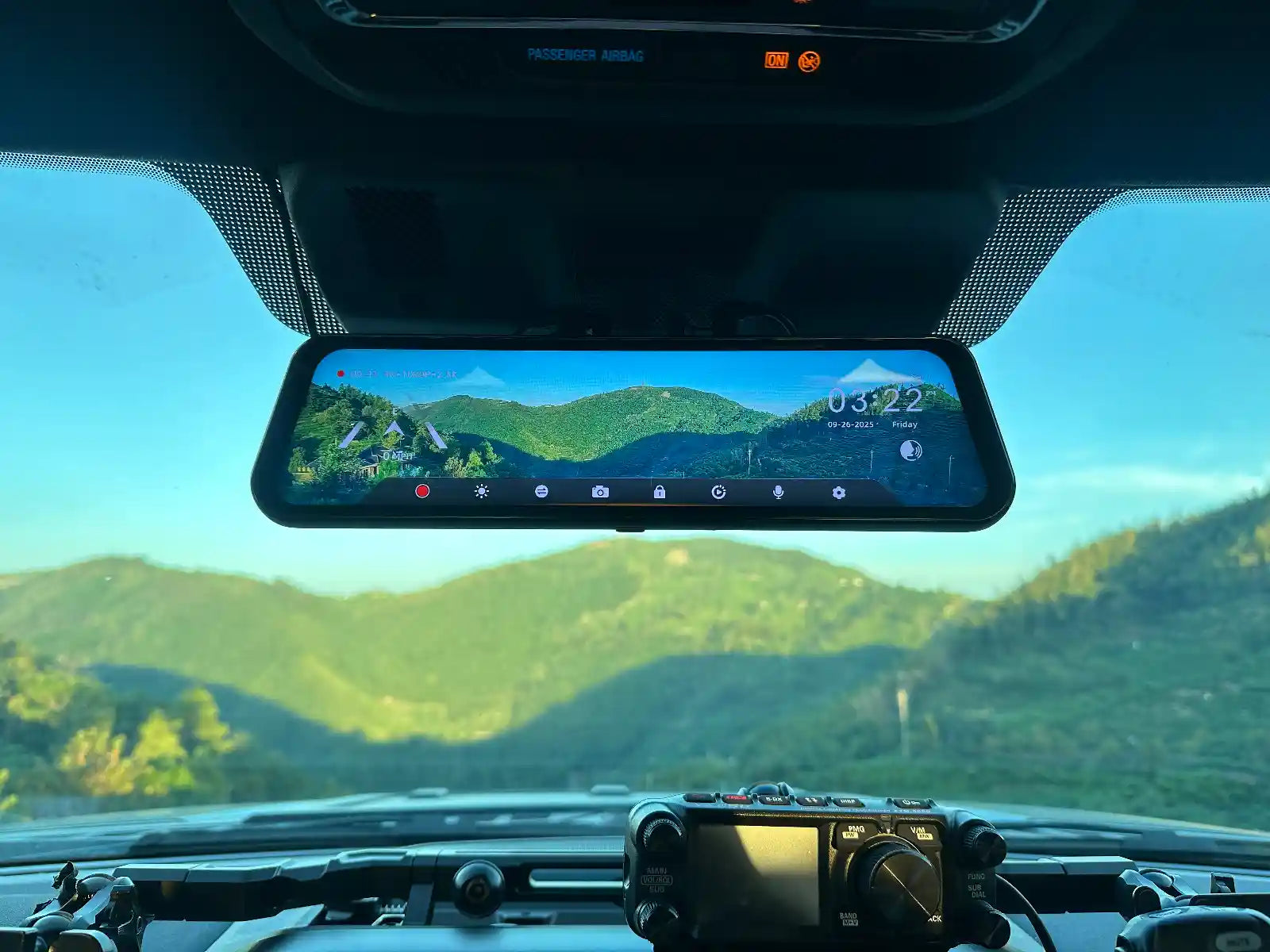
Mirror dash cams mount over the rearview mirror housing with rubber straps. The mirror assembly sits behind the rearview mirror's sun-shielded position — cameras in this mounting location experience temperatures approximately 20 to 40°F lower than cameras mounted on open windshield glass, according to Nexar's heat protection data.[7] For southern US summer driving, this is a practical thermal advantage over windshield-clip cameras.
The single most effective step you can take: a reflective windshield sunshade when parked in direct sun. A quality sunshade reduces interior temperature by 40 to 60°F compared to an uncovered windshield.[7] Cost is $15 to $30. It applies to any camera brand and any mounting location.
SD Card Planning for Long Drives
A 64 GB microSD card at 4K fills in approximately 4 to 5 hours of driving footage. A full-day road trip drives through that. Loop recording overwrites the oldest unlocked files — but clips you intended to save may be gone by the time you check, unless you lock them.
Two adjustments that solve this: First, use a 128 GB card. At 4K, 128 GB holds approximately 8 to 9 hours before loop recording overwrites anything from that day.[1][2] The G900 Pro and G900TriPro do not include a microSD card — purchase a 128 GB card separately. Second, the G-sensor auto-locks clips on impact. For near-misses without physical contact, use the WOLFBOX app or manual lock button — it locks the current clip in under five seconds.
Format the card inside the camera before departure, not on a PC, to reduce the risk of file system issues across a long recording session.
Parking Mode at Hotel Stops
A hotel parking lot in an unfamiliar city is where parking mode pays for itself. You have no familiarity with the lot, no neighbors watching, and no idea about the vehicles parked next to you overnight. G-sensor parking mode locks the current recording segment around any detected impact, capturing 1 to 3 minutes of footage depending on your loop recording setting — a door ding, a shopping cart hit, a vehicle reversing into your bumper.[1]
Parking mode requires the WOLFBOX Hardwire Kit (included in all standard G900 Pro packages).[3] Without it, the camera records while driving only. For drivers who take multiple road trips per year, the one-time installation is worth completing before the first trip, not after.
Backup Camera in Unfamiliar Parking
The 12-inch live rear display changes how you handle parking in an unfamiliar garage or lot. At home, you know the tight turns and post locations. At a hotel garage in a new city, none of that applies. The G840S and G900 series display the live rear camera feed on the full 12-inch screen in reverse, with adjustable reversing guidelines.[1][2] Road trippers consistently cite this as the most practically useful feature on long trips — backing into a campsite at night, pulling up to an unfamiliar fuel pump, navigating a hotel structure with limited sight lines.
Voice Control at Highway Speed
The WOLFBOX G900 Pro and G900TriPro support voice commands.[1] At 75 mph on a highway, reaching for the touchscreen to lock a clip is a real distraction. If you see something worth saving — aggressive driving ahead, a road hazard, a near-miss — the 'Lock Video' voice command secures the current clip without taking your eyes off the road or your hands off the wheel.
Road Trip Checklist
| Item | What to Verify | Notes |
|---|---|---|
| SD card size | 128 GB recommended for full-day drives | Format in camera before departure. |
| Loop recording sensitivity | G-sensor sensitivity set appropriately for your vehicle | Too low misses real events; too high triggers on rough road vibration |
| Parking mode setup | Hardwire Kit installed if hotel-stop coverage is needed | Included in standard packages — install before the trip, not during |
| Windshield sunshade | In the car before departure | $15–$30; the single most effective heat mitigation step for any dash cam |
| Camera mount check | Rubber strap is firm; no screen glare on the route | Mirror position behind rearview mirror provides shade — verify before extended sun exposure |
| App sync test | WOLFBOX app connects via WiFi before departure | Confirm wireless clip download works — useful if you need footage at the hotel that night |
| Voice control test | Lock Video command works in your vehicle | Ambient noise varies by vehicle — test before relying on it at highway speed |
Frequently Asked Questions
Q: What is the best mirror dash cam for road trips in 2026?
A: The WOLFBOX G900 Pro (4K IMX678 front, 2.5K rear, no microSD card included, external GPS module (included), 12-inch display) and G900TriPro are well-suited for road trips. The 128 GB card covers a full driving day. The mirror-mount position provides thermal shading in summer parking compared to windshield-clip cameras.
Q: How do I keep a dash cam from overheating on a summer road trip?
A: Use a reflective windshield sunshade every time you park in direct sun — it reduces interior temperature by 40–60°F. Mirror-format dash cams mount behind the rearview mirror, which provides natural shade for most of the parked day. Most lithium-battery dash cams are rated to 140°F; a sunshade keeps temperatures within range in most summer conditions.
Q: How much SD card storage do I need for a full-day road trip?
A: 128 GB holds approximately 8–9 hours of 4K footage before loop recording overwrites old files. For a full driving day, 128 GB is the minimum. WOLFBOX G900 Pro and G900TriPro do not include a microSD card — purchase a 128 GB card separately in the box.
Q: Does loop recording delete footage I need?
A: Loop recording overwrites the oldest unlocked files only. G-sensor triggered clips are auto-locked. You can manually lock any clip in under 5 seconds via the WOLFBOX app or lock button. Act promptly — if a clip is not locked before it reaches the end of the loop queue, it can be overwritten.
Q: Does a mirror dash cam work as a backup camera at hotel parking?
A: Yes. The 12-inch display shows the live rear camera feed in reverse, with adjustable reversing guidelines. This is useful at unfamiliar hotel garages, campsite backing, and tight parking structures you've never navigated before.
Q: Does WOLFBOX parking mode work at hotel stops?
A: Yes, with the WOLFBOX Hardwire Kit installed (included in all standard G900 Pro packages). Without it, the dash cam powers off when the ignition is off and the parked period is unrecorded. The Hardwire Kit enables G-sensor triggered recording throughout the parking period.
Q: Can I use voice control to lock a clip at highway speed?
A: Yes. The WOLFBOX G900 Pro and G900TriPro support the 'Lock Video' voice command, which secures the current clip without requiring you to touch the screen or look away from the road.
References
1. WOLFBOX G840S Official Product Page: https://wolfbox.com/products/wolfbox-g840s-12-4k-mirror-dash-cam-2160p-full-hd-smart-rear-view-camera-mirror-dash-cam
2. WOLFBOX G900 Pro Official Product Page: https://wolfbox.com/products/wolfbox-2024-g900-pro-wifi-touch-screen-parking-monitoring-dash-cam-smart-mirror-with-starvis-678-sensor
3. WOLFBOX Blog — Hardwire Kit Installation Guide: https://wolfbox.com/blogs/news/the-ultimate-guide-to-installing-a-hardwire-kit-for-dashcam-a-step-by-step-tutorial
4. WOLFBOX About Us: https://wolfbox.com/pages/about-us
5. WOLFBOX Blog — Best Mirror Dash Cam in 2026: https://wolfbox.com/blogs/dash-cams/best-mirror-dash-cam-in-2026-top-picks-full-buying-guide
6. Pocket-lint — Wolfbox G900 Pro Mirror Dash Cam Review: https://www.pocket-lint.com/wolfbox-g900-pro-mirror-dash-cam-review/
7. Nexar — Dash Cam Heat Protection Guide: https://getnexar.com/blog/dash-cam-summer-heat-protection
8. Consumer Reports — Dash Cam Ratings and Reviews: https://www.consumerreports.org/cars/dash-cams/
9. TechRadar — Wolfbox G900 Pro Dash Cam Review: https://www.techradar.com/vehicle-tech/dash-cams/wolfbox-g900-pro-dash-cam-review
10. Car and Driver — Best Dash Cams Tested: https://www.caranddriver.com/car-accessories/g46063800/best-dash-cams-tested

Leave a comment
All comments are moderated before being published.
This site is protected by hCaptcha and the hCaptcha Privacy Policy and Terms of Service apply.