













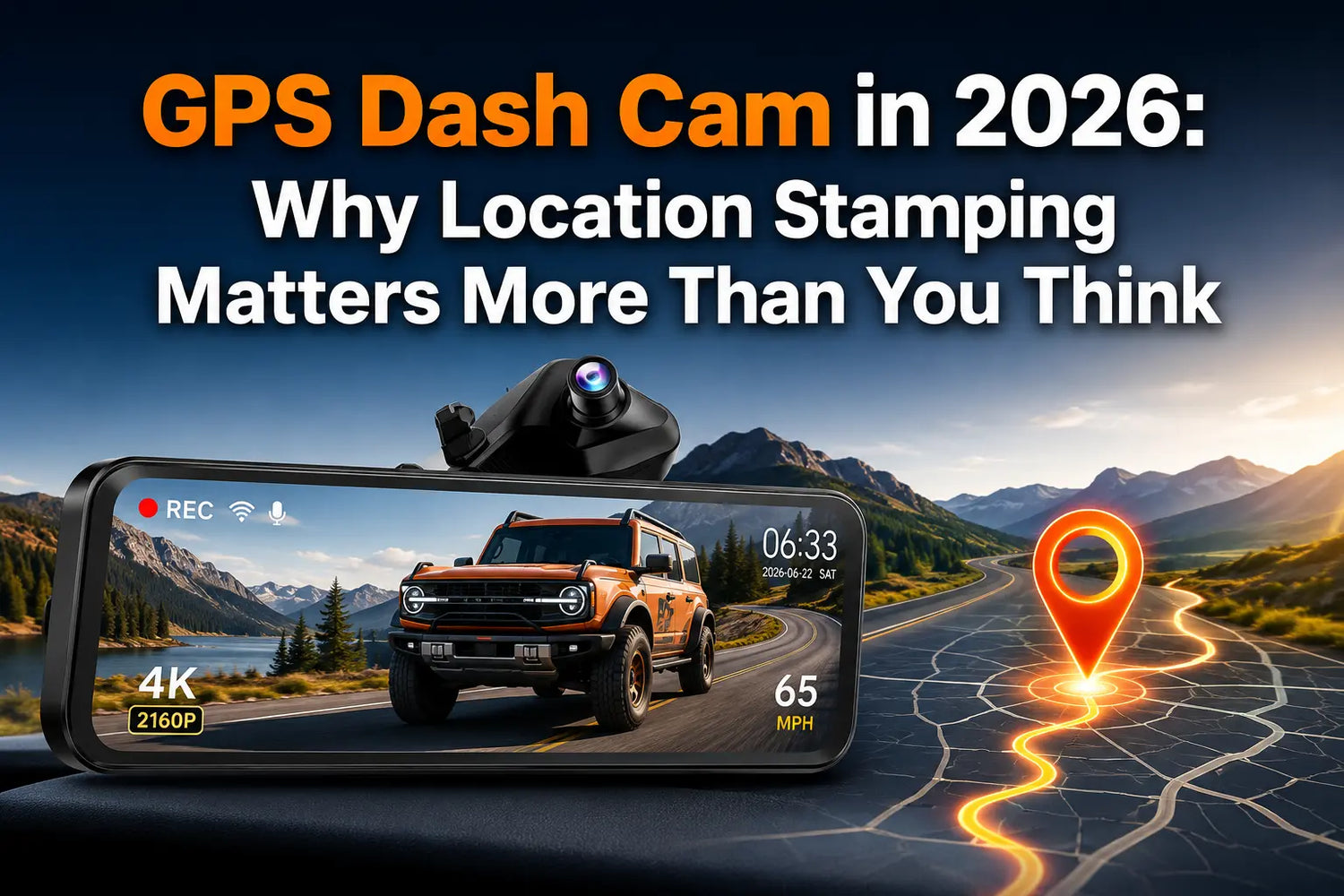
A dash cam without GPS records what happened. A dash cam with GPS records what happened, where, and at what speed. That difference seems minor until you're in an insurance dispute where the other driver claims you were speeding — or a hit-and-run where knowing the exact intersection matters. GPS data embedded in footage turns a video clip into an auditable record with an independent speed reading and a verifiable location.
What GPS-Stamped Footage Actually Contains
A GPS dash cam continuously embeds three data streams into each recorded clip:
- Vehicle speed — sampled from GPS satellite signals approximately once per second, recorded in mph or km/h
- GPS coordinates — precise latitude/longitude at each frame, accurate to several meters under open sky
- Route — the full driving path, reviewable on a map with the WOLFBOX GPS Player application
The raw video file remains clean. The GPS data is stored in the clip's embedded metadata and a separate GPS log file, both accessible through WOLFBOX GPS Player.5
Speed Stamp vs GPS Stamp: Two Different Readings
Most drivers assume a dash cam's speed display pulls data from the vehicle's speedometer or OBD port. GPS dash cams work differently: speed is calculated from the change in satellite-reported position between frames, sampled at approximately 1 Hz (once per second). This makes GPS-derived speed independent of the vehicle's instruments.
Two practical consequences: Most vehicle speedometers read 2 to 5% optimistically by design — GPS-derived speed does not share this calibration. And a faulty or uncalibrated speedometer cannot affect the GPS speed record. In a dispute where the key question is whether you were doing 35 mph or 45 mph at the moment of impact, GPS-derived speed provides an independent reference that neither party controls.6
How GPS Data Performs in Insurance Disputes
GPS-stamped footage does not guarantee any insurance outcome — policy terms, adjuster decisions, and jurisdiction all determine that. What GPS data does is remove ambiguity about speed, location, and timing. A clip showing the exact moment of impact, your GPS-derived speed at impact, the intersection coordinates, and a continuous timestamp is substantially harder to dispute than video alone.
Armormax, a vehicle protection specialist, describes the practical effect: GPS logs show where the vehicle was and how fast it was traveling at the time of an incident.6 WOLFBOX's own evidence guide notes that GPS-stamped footage strengthens your position in a dispute — it does not constitute legal advice, and admissibility varies by jurisdiction.5
Route Playback: The Feature Most Owners Don't Use Until They Need It
The WOLFBOX GPS Player plays back recorded clips alongside a route map, with speed synchronized to the video at every second. For fleet operators, business drivers, or anyone dealing with mileage or route disputes, the GPS log provides an objective trip record at no subscription cost. The application is available for free download at wolfbox.com/gps-player.5
Which WOLFBOX Models Include GPS
Model |
GPS Type |
Route Playback |
GPS In Box |
G900 TriPro Cabin |
External plug-in antenna (included) |
WOLFBOX GPS Player (free) |
Yes |
G900 TriPro Bumper |
External plug-in antenna (included) |
WOLFBOX GPS Player (free) |
Yes |
G900 Pro |
External plug-in antenna (included) |
WOLFBOX GPS Player (free) |
Yes — antenna in box |
G840S |
External plug-in antenna (included) |
WOLFBOX GPS Player (free) |
Yes |
Sources: WOLFBOX G900 TriPro, G900 Pro, and G840S official product pages.1237
Where GPS in a Dash Cam Has Limits
Satellite accuracy degrades in dense urban areas with tall buildings on both sides — multi-path interference reduces coordinate precision. Inside a parking garage, GPS signal is typically unavailable. In both environments, video recording continues normally, but speed and coordinate data may be incomplete or absent for that segment.
GPS records position, not lane. At a specific coordinate, the data cannot tell you whether the vehicle was in the left or right lane — the video provides that context. The two data streams work together; neither alone is a complete record.
Frequently Asked Questions
Q: Does a GPS dash cam record your speed?
A: Yes. Speed is calculated from GPS satellite position data sampled approximately once per second — independent of the vehicle's speedometer and unaffected by speedometer calibration.
Q: How does GPS-stamped footage help in an insurance claim?
A: It provides an independent record of your speed at impact, the exact location of the incident, and a continuous route log with timestamps. These are the most commonly disputed facts in accident claims.
Q: Which WOLFBOX dash cams include GPS?
A: All current G-series models: G900 TriPro Cabin, G900 TriPro Bumper, G900 Pro, and G840S. All embed GPS speed and coordinates into recorded clips. Route playback is available in the WOLFBOX GPS Player.
Q: What is the WOLFBOX GPS Player?
A: A free desktop application that plays back dash cam footage alongside a route map, with vehicle speed synchronized to the video frame by frame. Available at wolfbox.com/gps-player.
Q: Can GPS dash cam footage be used in court?
A: GPS-stamped footage can be submitted as evidence. Admissibility is determined by the court and jurisdiction. The footage must be the original, unedited clip.
Q: Does GPS work in a parking garage?
A: GPS signal is typically unavailable inside parking garages. Video recording continues, but speed and coordinate data will not be embedded for that segment.
Q: Is GPS speed the same as my speedometer reading?
A: No. GPS-derived speed is calculated from satellite position data and is independent of the vehicle's instruments. Most speedometers read 2–5% optimistically — GPS does not share that calibration bias.
References
1. WOLFBOX G900 TriPro Cabin Official Product Page: https://wolfbox.com/products/wolfbox-g900tripro-cabin-version-3-channel-dash-camera
2. WOLFBOX G900 TriPro Bumper Official Product Page: https://wolfbox.com/products/wolfbox-g900tripro-bumper-version-3-channel-rearview-mirror
3. WOLFBOX G900 Pro Official Product Page: https://wolfbox.com/products/wolfbox-2024-g900-pro-wifi-touch-screen-parking-monitoring-dash-cam-smart-mirror-with-starvis-678-sensor
4. WOLFBOX About Us: https://wolfbox.com/pages/about-us
5. WOLFBOX Blog — Your Dash Cam Footage Won't Hold Up in Court: Here's Why: https://wolfbox.com/blogs/dash-cams/your-dash-cam-footage-wont-hold-up-in-court-heres-why
6. Consumer Reports — How to Choose a Dash Cam for Your Car: https://www.consumerreports.org/cars/dash-cams/buying-guide/
7. WOLFBOX G840S Official Product Page: https://wolfbox.com/products/wolfbox-g840s-12-4k-mirror-dash-cam-2160p-full-hd-smart-rear-view-camera-mirror-dash-cam
8. Pocket-lint — Wolfbox G900 Pro Mirror Dash Cam Review: https://www.pocket-lint.com/wolfbox-g900-pro-mirror-dash-cam-review/
9. TechRadar — Wolfbox G900 Pro Dash Cam Review: https://www.techradar.com/vehicle-tech/dash-cams/wolfbox-g900-pro-dash-cam-review
10. Car and Driver — Best Dash Cams Tested: https://www.caranddriver.com/car-accessories/g46063800/best-dash-cams-tested

Leave a comment
All comments are moderated before being published.
This site is protected by hCaptcha and the hCaptcha Privacy Policy and Terms of Service apply.