













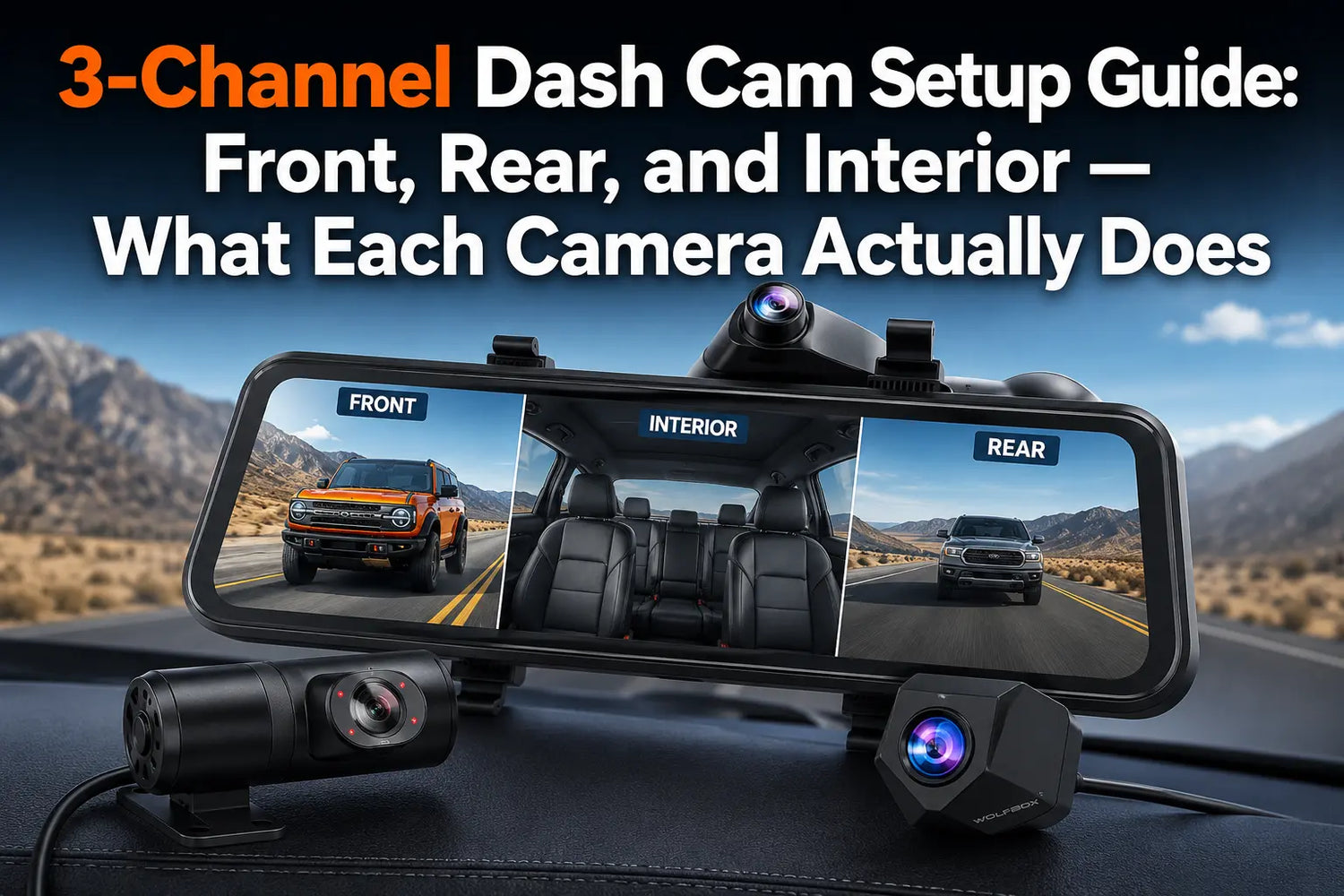
A 2-channel dash cam covers what happens ahead of you and what happens behind you. A 3-channel setup adds either an interior view or a bumper view, so the best configuration depends on the vehicle and use case. Consumer Reports likewise recommends matching additional camera angles to the driver’s real needs, such as rideshare or rear-seat use.6
What Each Channel Captures
Each camera in a 3-channel system serves a distinct purpose. Interior and bumper configurations are alternate third-channel options — not simultaneous.
Channel |
What It Records |
Primary Use Case |
Typical FoV |
Front (Channel 1) |
Road ahead, other vehicles, pedestrians, traffic signals |
Collision documentation, speed record, GPS route logging |
130° |
Rear (Channel 2) |
Road behind, approaching vehicles, tailgating |
Rear-end collision evidence, parking maneuver recording |
150° |
Interior / Cabin (Channel 3 — Cabin variant) |
Passenger compartment: rear seat, driver area |
Rideshare passenger incidents, family monitoring, interior damage claims |
124.4° |
Bumper (Channel 3 — Bumper variant) |
Ground-level view ahead of the front bumper |
Truck bed obstruction bypass, off-road terrain, tight bumper parking |
131.8° |
Sources: WOLFBOX G900 TriPro Cabin, Bumper, and configuration comparison pages.123
The Front Camera: Where Most of the Evidentiary Value Lives
Front-camera detail is central to incident documentation. The G900 TriPro records 4K front video and supports GPS data in recorded clips; resolution, field of view, and storage settings should be considered together when choosing a dash cam.16
The Rear Camera: When 2.5K Is Enough
The 2.5K rear channel (2560×1440) handles the main rear use case in daylight — documenting a vehicle hitting you from behind, a parking lot hit-and-run, or aggressive tailgating. At night on unlit roads at speed, plates on a fast-moving passing vehicle may not be fully readable. That limitation applies broadly to rear sensors in this price category. For the primary purpose of incident documentation, 2.5K rear is adequate.
The Interior / Cabin Camera: The Rideshare Case
Uber and Lyft drivers can face passenger disputes, damage allegations, and misconduct complaints that a 2-channel system cannot document. The G900 TriPro Cabin's interior camera records at 1080P FHD with four infrared illuminators; its footage can be viewed through the WOLFBOX app.1 An interior camera is also a commonly recommended extra angle for rideshare use.7
Audio recording is a separate legal matter. Recording-consent rules vary by jurisdiction, so drivers should check the applicable state rules and disable audio if needed.5
The Bumper Camera: The Truck Problem It Solves
The Bumper version's third camera is mounted near the front bumper and provides a ground-level forward view. That perspective can be useful for off-road terrain, tight parking, and places the main forward camera cannot show as clearly.23
Who Needs 3 Channels — and Who Doesn't
Situation |
Is 3-Channel Worth It? |
Which Variant? |
Rideshare driver (Uber, Lyft, DoorDash) |
Yes — interior evidence closes the main gap in 2-channel systems |
Cabin |
Full-size pickup — bed obstructs rear window view |
Yes — bumper cam bypasses the obstruction entirely |
Bumper |
Family vehicle with children in rear seat |
Yes — cabin cam covers the rear seat during driving |
Cabin |
Off-road or overlanding vehicle |
Yes — bumper cam shows approach terrain and obstacles |
Bumper |
Lease vehicle or corporate fleet |
Yes if interior damage claims are a recurring concern |
Cabin |
Daily commuter, sedan, no commercial use |
No — 2-channel G900 Pro covers main scenarios at lower cost and simpler install |
N/A |
Installation: What to Expect
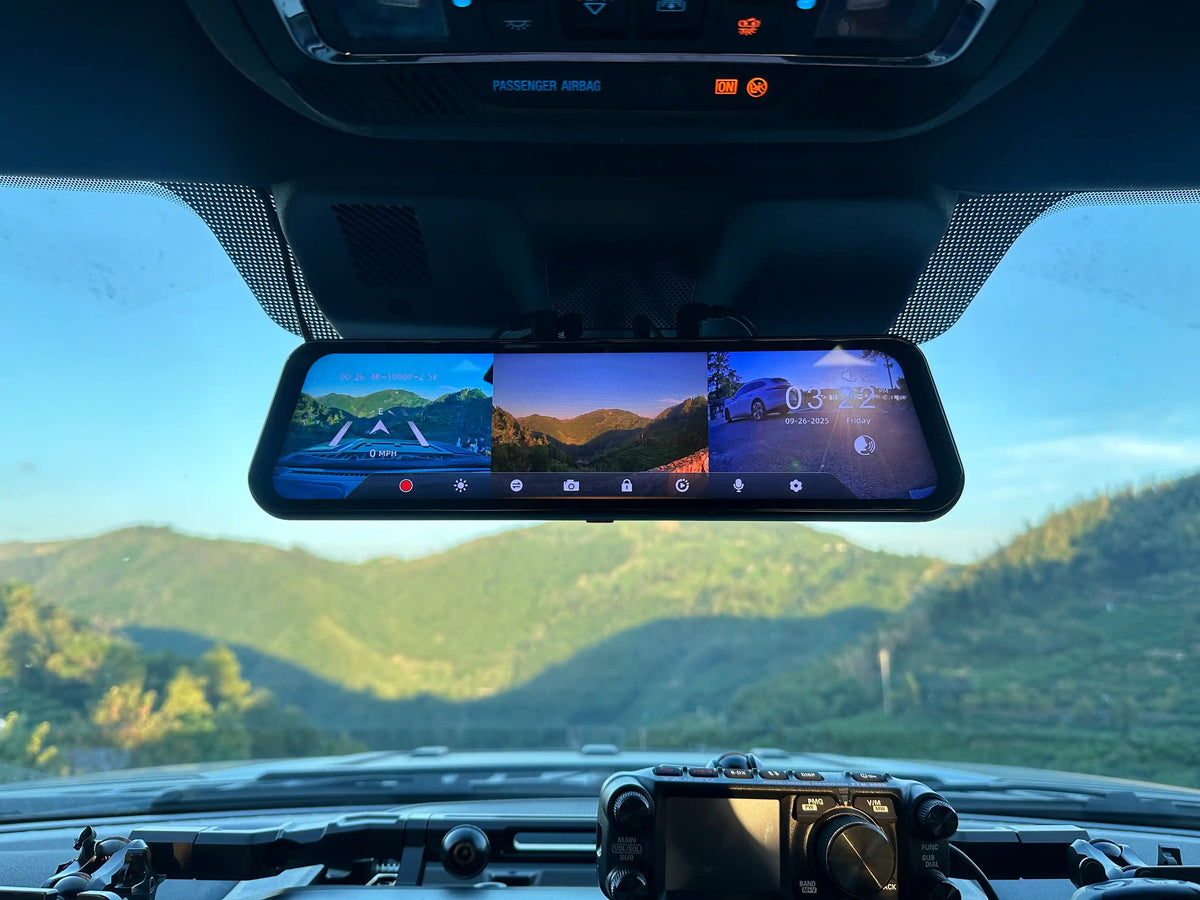
The mirror unit mounts over the existing rearview mirror with rubber straps. Rear-camera routing and the third-channel installation both vary with the vehicle and cable path; the Bumper configuration can merit professional installation when exterior routing is not straightforward. Set views and settings before driving, because interacting with a display while driving can be a distraction.1264
- Cabin variant: The cable runs from the mirror housing to the rear headliner area; the routing time depends on the vehicle.
- Bumper variant: Cable routing runs from the mirror housing to the front-bumper area. Plan the route carefully, or use a professional installer when needed.
Frequently Asked Questions
Q: What does each camera do in a 3-channel dash cam?
A: The front records the road ahead for collision documentation. The rear captures rear-end incidents and parking scenarios. The third channel is either an interior/Cabin camera (rideshare, family) or a Bumper camera (trucks, off-road) — not both simultaneously.
Q: Do I need a 3-channel dash cam for Uber and Lyft?
A: A 3-channel dash cam with the Cabin (interior) configuration is strongly recommended for rideshare drivers. The interior camera documents passenger incidents and damage claims that a front-and-rear system cannot capture.
Q: What is the difference between Cabin and Bumper in the WOLFBOX G900 TriPro?
A: Cabin: third camera is a 1080P IR interior camera. Bumper: third camera is a 1080P IP67 exterior camera mounted near the front bumper. Front and rear cameras are identical in both variants.
Q: Is a 3-channel dash cam harder to install than a 2-channel?
A: Usually. The third camera adds another cable route; the effort depends on the vehicle and whether you choose the Cabin or Bumper configuration.
Q: What field of view does the interior camera have?
A: The WOLFBOX G900 TriPro Cabin interior camera has a 124.4° field of view and records at 1080P FHD with four IR illuminators for complete-darkness visibility inside the cabin.
Q: Can I see all three cameras at the same time?
A: Yes. The 12-inch IPS touchscreen supports a three-way split view. You can also switch to single-channel full-screen by swiping or using a voice command.
Q: Does the 3-channel dash cam need a subscription?
A: No. All recording is local to the microSD card. No subscription or cloud service is required.
References
1. WOLFBOX G900 TriPro Cabin Official Product Page: https://wolfbox.com/products/wolfbox-g900tripro-cabin-version-3-channel-dash-camera
2. WOLFBOX G900 TriPro Bumper Official Product Page: https://wolfbox.com/products/wolfbox-g900tripro-bumper-version-3-channel-rearview-mirror
3. WOLFBOX Blog — G900TriPro Bumper vs Cabin: https://wolfbox.com/blogs/dash-cams/g900tripro-bumper-vs-cabin-which-three-channel-setup-fits-your-vehicle
4. NHTSA — Distracted Driving: https://www.nhtsa.gov/risky-driving/distracted-driving
5. Reporters Committee for Freedom of the Press — Reporter’s Recording Guide: https://www.rcfp.org/reporters-recording-guide/
6. Consumer Reports — How to Choose a Dash Cam for Your Car: https://www.consumerreports.org/cars/dash-cams/buying-guide/
7. Digital Camera World — Best Uber Dash Cams: https://www.digitalcameraworld.com/buying-guides/best-uber-dash-cams

Leave a comment
All comments are moderated before being published.
This site is protected by hCaptcha and the hCaptcha Privacy Policy and Terms of Service apply.