













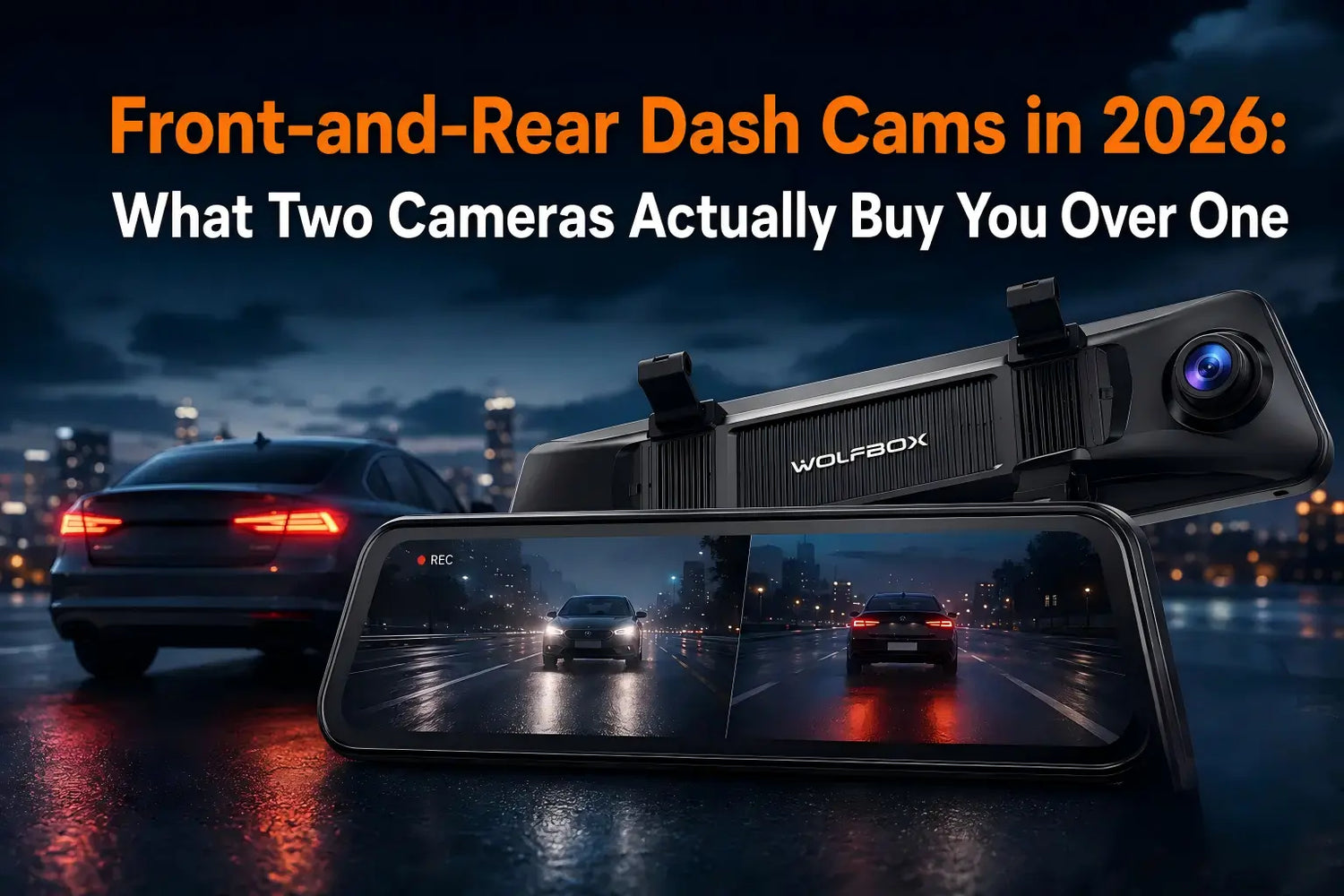
A front-only dash cam misses everything that happens behind the car — a rear-end hit at a stoplight, a low-speed reversing scrape, or a driver who claims you backed into them when you didn't. Adding a second camera solves that gap, but it also adds a cable run through the cabin and a second stream of footage to store. Here's what actually changes with two cameras instead of one, and where the trade-offs are real rather than theoretical.
What a Rear Camera Actually Covers That a Front Camera Can't
Three scenarios come up repeatedly in insurance disputes and are invisible to a front-only setup: being rear-ended at a stop, backing into a low bollard or another car in a parking lot, and a following driver claiming contact that the front camera never saw. None of these show up in front footage at all — the rear camera isn't a nice-to-have for these cases, it's the only camera that has the evidence.
Does the Rear Camera Need to Match the Front in Resolution?
WOLFBOX lists 4K front and 2.5K rear recording for the G900Pro and both G900TriPro variants.[1][2][3] The rear channel does not need to mirror the front channel's resolution to provide a distinct rearward record; the useful comparison is the exact model's stated rear resolution and camera layout, rather than assuming all two-camera systems use the same setup.
WOLFBOX Front-and-Rear Lineup Compared
Model |
Front Resolution |
Rear Resolution |
Front Sensor |
Max Storage |
G840S |
3840 × 2160 |
1080P |
See current product page |
256GB[4] |
G900Pro |
4K |
2.5K |
Sony IMX678[1] |
512GB[1] |
G900TriPro Bumper |
4K |
2.5K, plus 1080P bumper channel |
Sony IMX678[2] |
512GB[2] |
G900TriPro Cabin |
4K |
2.5K, plus 1080P cabin channel |
Sony IMX678[3] |
512GB[3] |
The Install Step Most Buyers Underestimate
Running a second camera means routing a cable from the mirror unit at the windshield to the rear of the vehicle. The exact cable length and included hardware vary by package; WOLFBOX's current G900Pro page shows a 20-foot rear-camera cable, while its truck-camper package separately lists a 10-foot extension cable.[1] Check the product page for the exact package before installation rather than modifying a cable yourself.
The physical routing itself follows a repeatable path documented in WOLFBOX's own installation guidance:
- Mount the mirror unit over the factory mirror using the included rubber straps and adjust the front lens angle by hand
- Route the rear camera cable along the edge of the windshield, down the A-pillar, and through the door seal gaps toward the rear of the car, leaving slack rather than pulling it tight
- Mount the rear camera near the license plate light using the included 3M adhesive, or on the interior rear glass if that's the preferred position
- Follow the model-specific installation instructions before connecting any optional reverse-light lead; basic recording configuration and optional parking/reversing functions are described separately in WOLFBOX's installation guidance.[5][6]
Storage: What Doubling the Camera Count Does to Your Card
More simultaneous camera channels create more footage to manage. The current G900Pro, G900TriPro Bumper, and G900TriPro Cabin product pages each list support for cards up to 512GB.[1][2][3] Loop recording overwrites unlocked footage when storage fills, so select capacity and review habits around the exact model's recording setup rather than assuming a three-channel camera has a smaller storage ceiling[7].
When a Front-Only Setup Is Still a Reasonable Choice
A single front camera remains a sensible option for drivers who park almost exclusively in secured or monitored garages, rarely reverse into tight spaces, and are mainly concerned with head-on or intersection collisions rather than rear-end or parking-lot incidents. For daily commuters, rideshare or delivery drivers, and anyone parking on the street, the rear channel closes a real gap that front-only coverage simply can't.
Frequently Asked Questions
Can I extend the rear camera cable if my car is too long for the included one?
Check the current product page for the cable and accessory options for the exact vehicle package. Do not alter the supplied cable without model-specific guidance from WOLFBOX support.
Is a 2.5K rear camera worse than a 4K one in practice?
They are different specifications, not a universal quality ranking. Compare the stated front and rear resolutions for the exact model and review sample footage for the driving conditions that matter to you.
Does adding a rear camera use significantly more storage?
It creates an additional recording stream. The current G900Pro and both G900TriPro versions list up to 512GB support; loop recording overwrites unlocked files as storage fills.[1][2][3]
Do I need to tap into the reverse light wiring for the rear camera to work?
Use the current model-specific installation guide to confirm whether a reverse-light connection is needed for the feature you want. Do not connect vehicle wiring solely on the basis of a general setup article.[5][6]
References
[1] WOLFBOX G900Pro 12MP WiFi Touch Screen Rear View Mirror Dash Cam Smart Mirror — Official Product Page, https://wolfbox.com/products/wolfbox-2024-g900-pro-wifi-touch-screen-parking-monitoring-dash-cam-smart-mirror-with-starvis-678-sensor
[2] WOLFBOX G900TriPro Bumper Version 4K Sony STARVIS 2 Mirror Dash Cam — Official Product Page, https://wolfbox.com/products/wolfbox-g900tripro-bumper-version-4k-sony-starvis-2-mirror-dash-cam
[3] WOLFBOX G900TriPro 4K+2.5K+1080P 3 Channel Cabin Monitor Mirror Dash Cam — Official Product Page, https://wolfbox.com/products/wolfbox-g900tripro-cabin-version-3-channel-dash-camera
[4] WOLFBOX G840S 12-inch Mirror Dash Cam — Official Product Page, https://wolfbox.com/products/wolfbox-g840s-12-4k-mirror-dash-cam-2160p-full-hd-smart-rear-view-camera-mirror-dash-cam
[5] Dash Cam Installation Guide: In-Depth Instructions for a Seamless Setup — WOLFBOX Official, https://wolfbox.com/blogs/news/dash-cam-installation-guide-in-depth-instructions-for-a-seamless-setup
[6] 3-Channel Dash Cam Setup Guide: Front, Rear and Interior — WOLFBOX Official, https://wolfbox.com/blogs/dash-cams/3-channel-dash-cam-setup-guide-front-rear-and-interior-what-each-camera-actually-does
[7] Find Your Perfect Dash Cam — WOLFBOX Official Comparison Guide, https://wolfbox.com/pages/find-your-perfect-dash-cam

Leave a comment
All comments are moderated before being published.
This site is protected by hCaptcha and the hCaptcha Privacy Policy and Terms of Service apply.