













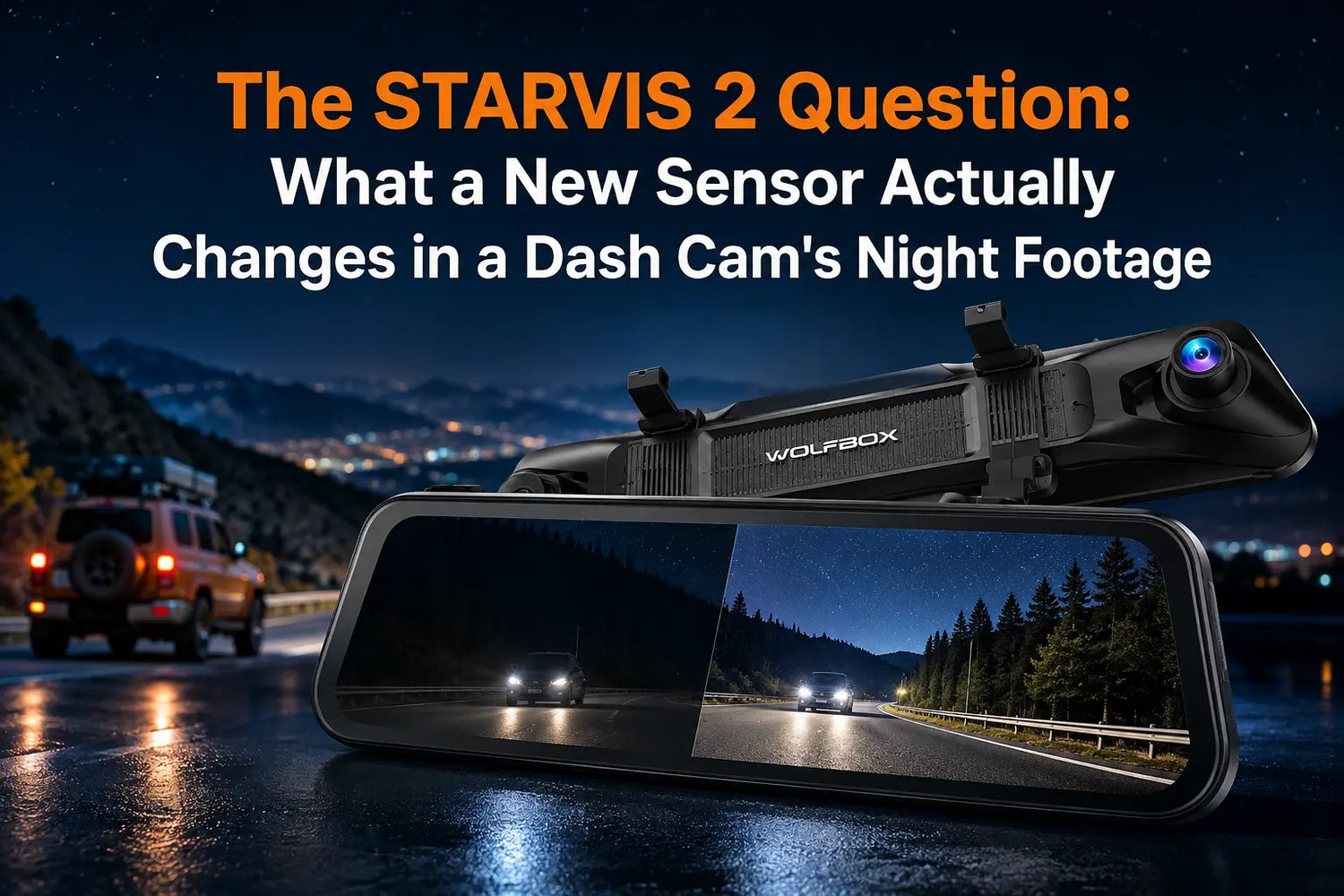
"Sony STARVIS 2" is printed on more dash cam boxes this year than ever before, but the phrase doesn't tell a buyer what actually improves. The real question is narrower: does this sensor generation change what you can see in a dark parking garage or on an unlit road at 11 p.m., and is it worth paying more for.
The Sensor Number Behind the Marketing Term
STARVIS 2 is the sensor technology named on selected WOLFBOX product pages; it is different from recording resolution. For a dash cam, the practical question is whether the exact model’s current WOLFBOX specifications describe the low-light and high-contrast performance you need. The G900Pro and X5 product pages identify the IMX678 sensor for their front cameras[1][2].
Where the Upgrade Actually Shows Up While Driving
The improvement isn't evenly spread across every driving condition. It's concentrated in three situations: dim parking structures, unlit rural roads, and rain or wet pavement, where light scatters and older sensors lose detail fast. In bright daylight or on well-lit city streets, a 4K STARVIS 2 camera and a 4K camera built on an older sensor will often look close enough on a phone screen that the difference isn't obvious. If someone's driving is mostly daytime commuting on lit roads, this sensor upgrade matters less to their footage than resolution or lens aperture would.
Why Resolution Alone Doesn't Tell the Whole Story
Resolution counts pixels, while sensor technology is only one part of low-light performance. Rather than treating a sensor generation as a universal quality score, compare the exact WOLFBOX model’s current sensor and recording specifications. The G900Pro and X5 product pages identify the IMX678 sensor for their front cameras[1][2].
How to Tell a Real STARVIS 2 Camera from a Marketing Claim
For WOLFBOX listings, generic “night vision” wording is less useful than a named sensor and model-specific recording specifications. To confirm a listing is genuinely using a STARVIS 2 sensor, check for these three details together:
- The words "Sony STARVIS 2" stated explicitly, not just "Sony sensor" or "advanced sensor"
- A named Sony IMX part number, such as IMX678 or IMX675, printed on the spec sheet
- Model-specific sensor and recording specifications listed alongside resolution, not resolution by itself
If a listing only says “HD night vision” with no sensor name attached, check the current WOLFBOX product page and installation guidance before buying[6][7].
Sensor Generation at a Glance
Attribute |
Standard STARVIS Sensor |
Sony STARVIS 2 (IMX678) |
Minimum sensitivity |
Baseline STARVIS rating |
See current product page |
Pixel size |
See current product page |
See current product page |
Dynamic range advantage |
Baseline |
Product-specific low-light and high-contrast performance |
Strongest advantage shows up in |
Well-lit streets, daytime |
Unlit roads, garages, rain |
WOLFBOX models using it |
— |
G900Pro, X5, and other model-specific WOLFBOX listings[1][2][3][4][5] |
Who Should Actually Pay for This Upgrade
This sensor generation matters most for three groups: night-shift drivers, rideshare or delivery drivers who spend real time in dim garages and unlit lots, and anyone who regularly parks in a facility with weak overhead lighting. For a strictly daytime commuter parking in a well-lit garage, the difference is real but smaller in daily practice — resolution, lens aperture, and mounting angle will matter just as much to that person's actual footage quality.
Frequently Asked Questions
Is STARVIS 2 the same thing as 4K resolution?
No. STARVIS 2 describes the sensor technology used by certain models, while 4K describes pixel count. Check the exact sensor and recording specifications on the current WOLFBOX product page.
Does every WOLFBOX dash cam use a STARVIS 2 sensor?
No. Only specific models, including the G900Pro and X5, list the IMX678 sensor. Check the exact sensor name on the current product page before buying[1][2].
Will a STARVIS 2 camera also look better during the day?
The improvement is concentrated in low light and high-contrast scenes. In bright daylight, the visible difference between sensor generations is much smaller.
How can I confirm a listing isn't just using "night vision" as a buzzword?
Look for a named sensor and model-specific recording specifications on the current WOLFBOX product page rather than relying on a generic “night vision” claim[1][2][7].
References
[1] WOLFBOX G900Pro Mirror Dash Cam — WOLFBOX Official, https://wolfbox.com/products/wolfbox-2024-g900-pro-wifi-touch-screen-parking-monitoring-dash-cam-smart-mirror-with-starvis-678-sensor
[2] WOLFBOX X5 3-Channel Dash Cam — WOLFBOX Official, https://wolfbox.com/products/wolfbox-x5-3-channel-touchscreen-wifi-mini-dash-camera
[3] WOLFBOX G900TriPro Bumper Version — WOLFBOX Official, https://wolfbox.com/products/wolfbox-g900tripro-bumper-version-4k-sony-starvis-2-mirror-dash-cam
[4] WOLFBOX G900TriPro Cabin Version — WOLFBOX Official, https://wolfbox.com/products/wolfbox-g900tripro-cabin-version-3-channel-dash-camera
[5] WOLFBOX G840S Mirror Dash Cam — WOLFBOX Official, https://wolfbox.com/products/wolfbox-g840s-12-4k-mirror-dash-cam-2160p-full-hd-smart-rear-view-camera-mirror-dash-cam
[6] Dash Cam Installation Guide — WOLFBOX Official, https://wolfbox.com/blogs/news/dash-cam-installation-guide-in-depth-instructions-for-a-seamless-setup
[7] Find Your Perfect Dash Cam — WOLFBOX Official Comparison Guide, https://wolfbox.com/pages/find-your-perfect-dash-cam

Leave a comment
All comments are moderated before being published.
This site is protected by hCaptcha and the hCaptcha Privacy Policy and Terms of Service apply.