













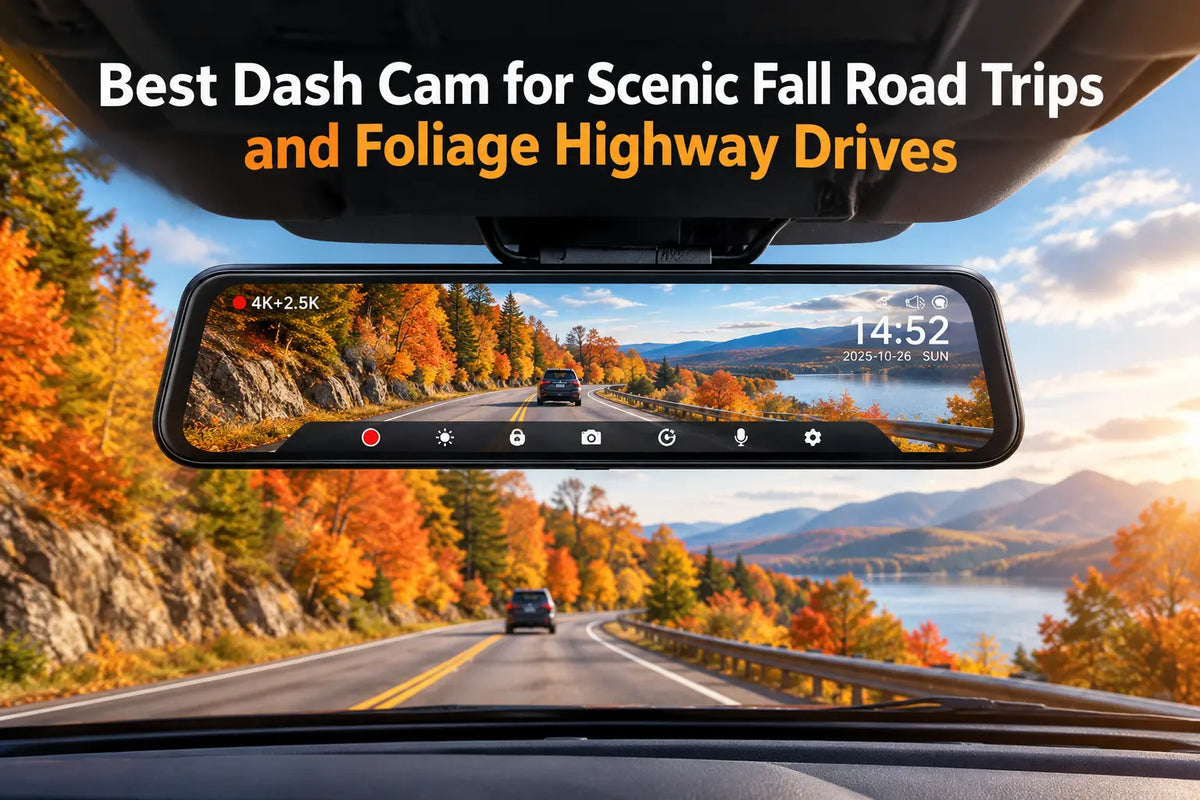
Autumn road trips are perfect for scenic drives, but they can be challenging for a dash cam. Low sun, bright foliage and shaded roads often appear in the same scene, making it harder to keep every detail clear. The shorter days also mean that part of the journey may take place in low light or after the sunset.
For this reason, image quality becomes especially important. The WOLFBOX G900 Pro records in 4K at the front with a Sony STARVIS 2 IMX678 sensor, while the rear camera records in 2.5K [1]. In this article, we look at how those features perform on autumn roads, from bright daytime scenes to darker stretches later in the day.
How Autumn Light Affects Dash Cam Footage?
Autumn light can change very quickly while you drive. A road may be fully lit one moment and covered by tree shade a few seconds later. This can make the camera adjust exposure repeatedly, with bright areas becoming overexposed or darker parts of the image losing detail.
Low sun can also create glare through the windshield, while backlit leaves and reflective road surfaces make the difference between light and shadow even stronger. These conditions are especially difficult when the camera has to capture the road, signs and surrounding scenery at the same time.
To deal with these changes, the WOLFBOX G900 Pro uses WDR and HDR to balance brighter and darker areas of the image [2]. The front camera also includes 2DNR and 3DNR noise reduction, which helps keep the footage cleaner when light levels drop [1].
How Resolution and Sensor Size Affect Image Detail?
Resolution determines how much detail remains visible when you pause a video or zoom in. The WOLFBOX G900 Pro records in 4K at 3840 × 2160 pixels, equal to about 8.3 megapixels per frame [2]. Compared with 1080p, the higher resolution can make details such as license plates easier to identify, especially when they are farther from the camera [2].
Resolution alone, however, does not tell the whole story. The sensor also plays an important role, particularly when light levels drop. The G900 Pro uses a Sony STARVIS 2 IMX678 sensor with 2.9-micrometer pixels [1][2]. These larger pixels can collect more light, which helps on shaded roads, under tree cover or later in the day.
The rear camera uses different hardware. It records in 2.5K with a 5MP Omnivision Purecel Plus OS04J10 sensor [1]. As a result, the front camera captures more detail and is the main camera to rely on when recording the scenery ahead.
Night Driving on Autumn Road Trips
As autumn days get shorter, part of a road trip can easily continue after sunset. At that point, the camera has to deal with darker roads, streetlights and oncoming headlights, all within the same drive.
For the front view, the WOLFBOX G900 Pro uses a Sony STARVIS 2 IMX678 sensor with a 7-glass lens [4]. In its review, IBTimes found that night footage remained clear and that headlights did not wash out the image [4].
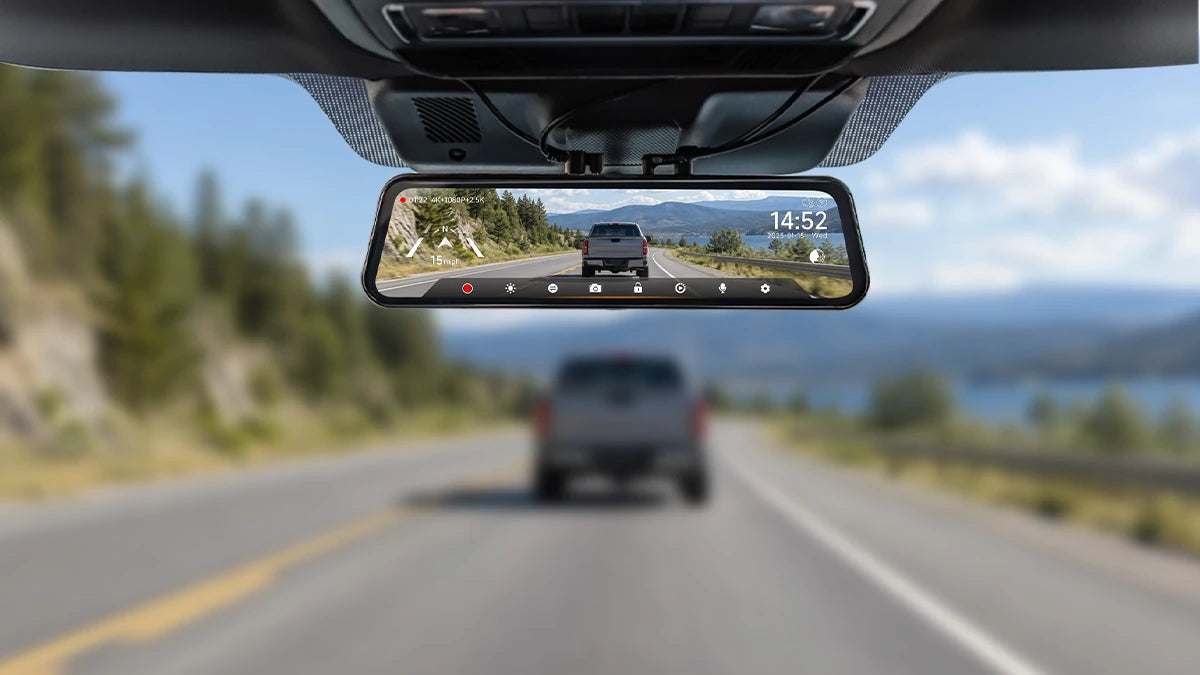
The rear camera is useful after dark as well, especially when visibility through the rear window is limited. The G900 Pro can display a live rear feed on the mirror screen [8], and the camera can be mounted either inside or outside the vehicle [1]. An external installation can be helpful in wet or cold weather, since it avoids filming through glass that may be foggy or dirty.
GPS, Storage and Other Useful Features for Long Trips
Long drives mean a lot of footage. The G900 Pro supports microSD cards up to 512GB and uses loop recording, so you do not have to stop recording when the card fills up [1]. Older files are replaced automatically, while protected clips remain saved.
The included GPS feature records speed and location together with the journey [1]. The GPS data can be viewed alongside the footage, so you can see where a clip was recorded and retrace the route in the WOLFBOX player [7]. If something interesting happens along the way, voice control lets you save the recording without touching the camera [1].
For clips you want to keep or share, the G900 Pro connects to the WOLFBOX app over 5.8GHz WiFi. From there, you can access the footage directly from your phone.
Parking mode becomes useful once you reach your destination. With the separate hardwire kit installed, the G900 Pro can continue monitoring the vehicle while it is parked [1][4]. If the G-sensor detects an impact, the corresponding recording is locked so it is not overwritten by loop recording [1].
What Reviewers Say About the WOLFBOX G900 Pro
Beyond its recording capabilities, the WOLFBOX G900 Pro offers a mirror-style design that combines a dash cam with a digital rearview display. In its review, TechRadar highlighted the camera’s responsive touchscreen and overall video quality, giving readers a closer look at how the device works in everyday driving [3].
The 12-inch display provides a broad viewing area for checking the live camera feed, while the mirror format integrates recording and rear-view monitoring into a single device [1][3]. For scenic drives, this design offers a practical way to keep an eye on the road behind while maintaining access to the camera’s main functions.
TechRadar’s hands-on review also provides a useful reminder that mirror dash cams work best when their position and viewing angle are adjusted to suit the vehicle [3]. Before setting off on a long autumn drive, take a few minutes to check the display, confirm the camera’s field of view and make sure the rear camera feed is positioned comfortably for everyday use.
WOLFBOX G900 Pro Specifications
| Feature | WOLFBOX G900 Pro |
| Front video | 4K (3840 × 2160) at 30fps |
| Front sensor | Sony STARVIS 2 IMX678, 8MP, 1/1.8 inch |
| Rear video | 2.5K, 5MP |
| Rear sensor | Omnivision Purecel Plus OS04J10 |
| Front viewing angle | 130° |
| Rear viewing angle | 150° |
| Noise reduction | 2DNR + 3DNR front |
| Display | 12-inch IPS touchscreen with split-screen view |
| WiFi | 5.8GHz |
| GPS | Built-in, with route playback in the WOLFBOX player |
| Storage | microSD up to 512GB with loop recording |
| Parking mode | Supported with a hardwire kit |
| Rear camera | Waterproof, for indoor or outdoor installation |
| Voice control | Yes |
| Dimensions | 12.0 × 3.0 × 1.5 inches |
| Warranty | 18-month extended warranty |
Source: WOLFBOX official G900 Pro product page [1].
When Another Dash Cam May Be a Better Fit
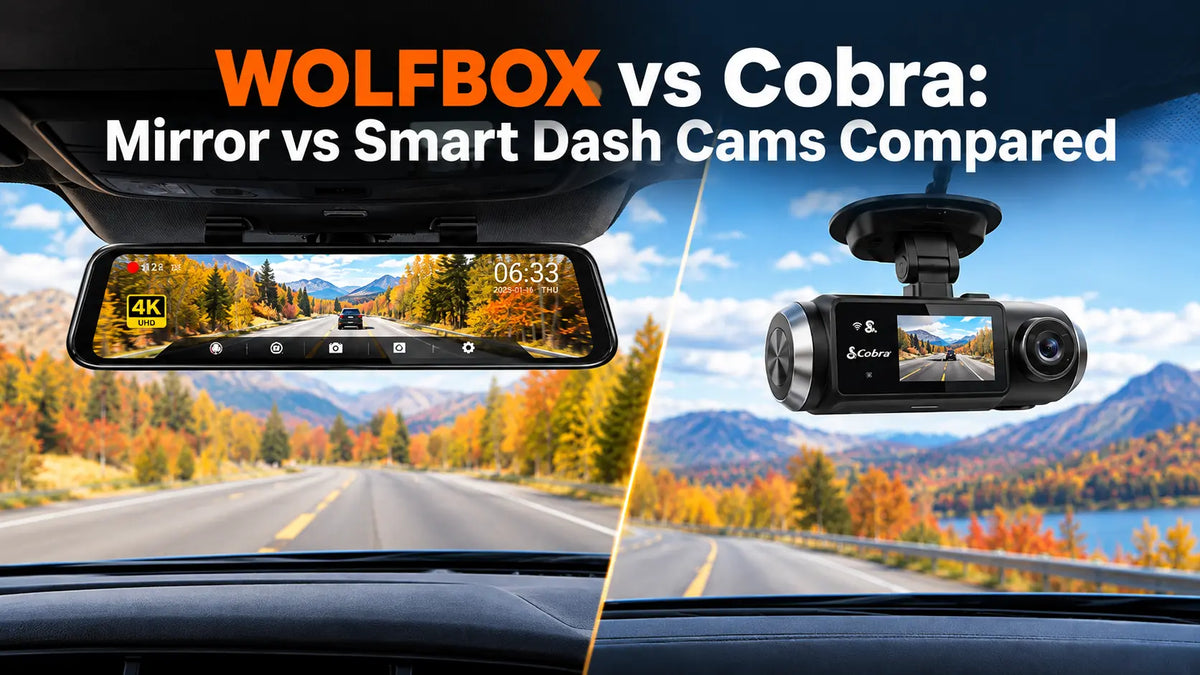
The WOLFBOX G900 Pro is a 12-inch mirror dash cam, so it may not suit every type of trip. It mounts over the rearview mirror with rubber straps and uses a separate GPS module [1][3]. This makes it less practical for rental cars, frequent vehicle changes or drivers who prefer a smaller, more discreet camera.
The G900 Pro also records only the front and rear of the vehicle [1]. If you want to record what happens inside the cabin as well, a three-channel model may be a better choice.
One option is the WOLFBOX X5 3 Channel. It records in 4K at 30fps at the front, 2.5K at 30fps at the rear and 1080p at 25fps inside the cabin [5]. It uses a compact 2.35-inch touchscreen, and supports cards up to 512GB. It also received the 2024 SEMA Best New Interior Accessory Product award [5].
The X5 has some limitations too. Make Tech Easier praised its clear 4K daytime footage and compact design, but found that the rear camera performed less well at night [6]. If rear visibility at night is a priority, the G900 Pro may be the more suitable option [1][6].
Which WOLFBOX Dash Cam Fits Your Trip?
The best choice depends on the kind of trip you have in mind.
- If you are planning a long scenic drive, the WOLFBOX G900 Pro is the more suitable option. It records in 4K at the front, covers a 130-degree field of view and uses a 12-inch screen that also works as a digital rearview mirror [1]. Built-in GPS adds useful context to the footage by saving your speed and location along the way. Later, you can look back at the drive and see the route in the WOLFBOX player [1][7].
- If you regularly use rental cars or move the dash cam between vehicles, the WOLFBOX X5 3 Channel is easier to handle. It has a smaller body, a 2.35-inch screen and a third camera for recording the cabin [5][6].
- For trips that include overnight stops, the G900 Pro also offers parking monitoring [1][4]. You will need the separate hardwire kit, though, so it is something to arrange before you leave.
Frequently Asked Questions
Is the WOLFBOX G900 Pro good for recording scenic fall drives?
Yes. The front camera records in 4K at 3840 × 2160 and 30fps, using a Sony STARVIS 2 IMX678 sensor with a 130-degree field of view [1]. TechRadar also praised the overall video quality in its review [3].
How does the WOLFBOX G900 Pro perform at night?
The G900 Pro uses a Sony STARVIS 2 IMX678 sensor with a 7-glass lens [4]. IBTimes found that night footage remained clear and that oncoming headlights did not overexpose the image [4].
What does 4K mean on a dash cam?
4K means a resolution of 3840 × 2160 pixels, or around 8.3 megapixels per frame [2]. On the G900 Pro, the front camera records in 4K, while the rear camera records in 2.5K [1].
How much storage do I need for a multi-day road trip?
That depends on how much time you spend driving. The G900 Pro supports microSD cards up to 512GB [1]. Loop recording also helps manage space by replacing older footage that has not been locked or saved.
Can the WOLFBOX G900 Pro record while the car is parked?
Yes, although you need a separate hardwire kit to use parking monitoring [1][4]. Once connected, the camera can keep watch while the vehicle is parked.
Is the WOLFBOX X5 better for a rental car?
It can be a more convenient choice if you often drive different vehicles. The X5 is more compact than the G900 Pro, uses a 2.35-inch screen and adds a 1080p cabin camera [5][6]. Its smaller format also makes it simpler to install and remove when you switch cars.
References
[1] WOLFBOX G900Pro 12MP WiFi Touch Screen Rear View Mirror Dash Cam - Official Product Page: https://wolfbox.com/products/wolfbox-2024-g900-pro-wifi-touch-screen-parking-monitoring-dash-cam-smart-mirror-with-starvis-678-sensor
[2] WOLFBOX - How to Actually Read a Dash Cam Spec Sheet: 4K, WDR, STARVIS 2, and IMX678 Explained: https://wolfbox.com/blogs/dash-cams/how-to-actually-read-a-dash-cam-spec-sheet-4k-wdr-starvis-2-and-imx678-explained
[3] TechRadar - WOLFBOX G900 Pro dash cam review: https://www.techradar.com/vehicle-tech/dash-cams/wolfbox-g900-pro-dash-cam-review
[4] IBTimes UK - Night Drives, No Problem: How the Wolfbox G900Pro Sees What Others Miss: https://www.ibtimes.co.uk/night-drives-no-problem-how-wolfbox-g900pro-sees-what-others-miss-1740832
[5] WOLFBOX X5 3 Channel Touchscreen WiFi Mini Dash Camera - Official Product Page: https://wolfbox.com/products/wolfbox-x5-3-channel-touchscreen-wifi-mini-dash-camera
[6] Make Tech Easier - WolfBox X5 Dash Cam Review: https://www.maketecheasier.com/review/wolfbox-x5-dash-cam/
[7] WOLFBOX - Best Dash Cam for Road Trips: Capture Unforgettable Scenic Journeys: https://wolfbox.com/blogs/dash-cams/best-dash-cam-for-road-trip
[8] WOLFBOX - Best Mirror Dash Cam With Backup Camera 2026: When Rear Vision Becomes a Safety System: https://wolfbox.com/blogs/dash-cams/best-mirror-dash-cam-with-backup-camera-2026-when-rear-vision-becomes-a-safety-system

Leave a comment
All comments are moderated before being published.
This site is protected by hCaptcha and the hCaptcha Privacy Policy and Terms of Service apply.