






Canned air does the job — until it's empty, tilts and spits liquid refrigerant, or runs out mid-clean. Electric air dusters solve all three problems. This guide covers the right technique for cleaning PCs, keyboards, camera lenses, and other sensitive electronics, with notes on when to use high speed and when to dial back.
Electric Air Duster vs Canned Air: The Core Difference
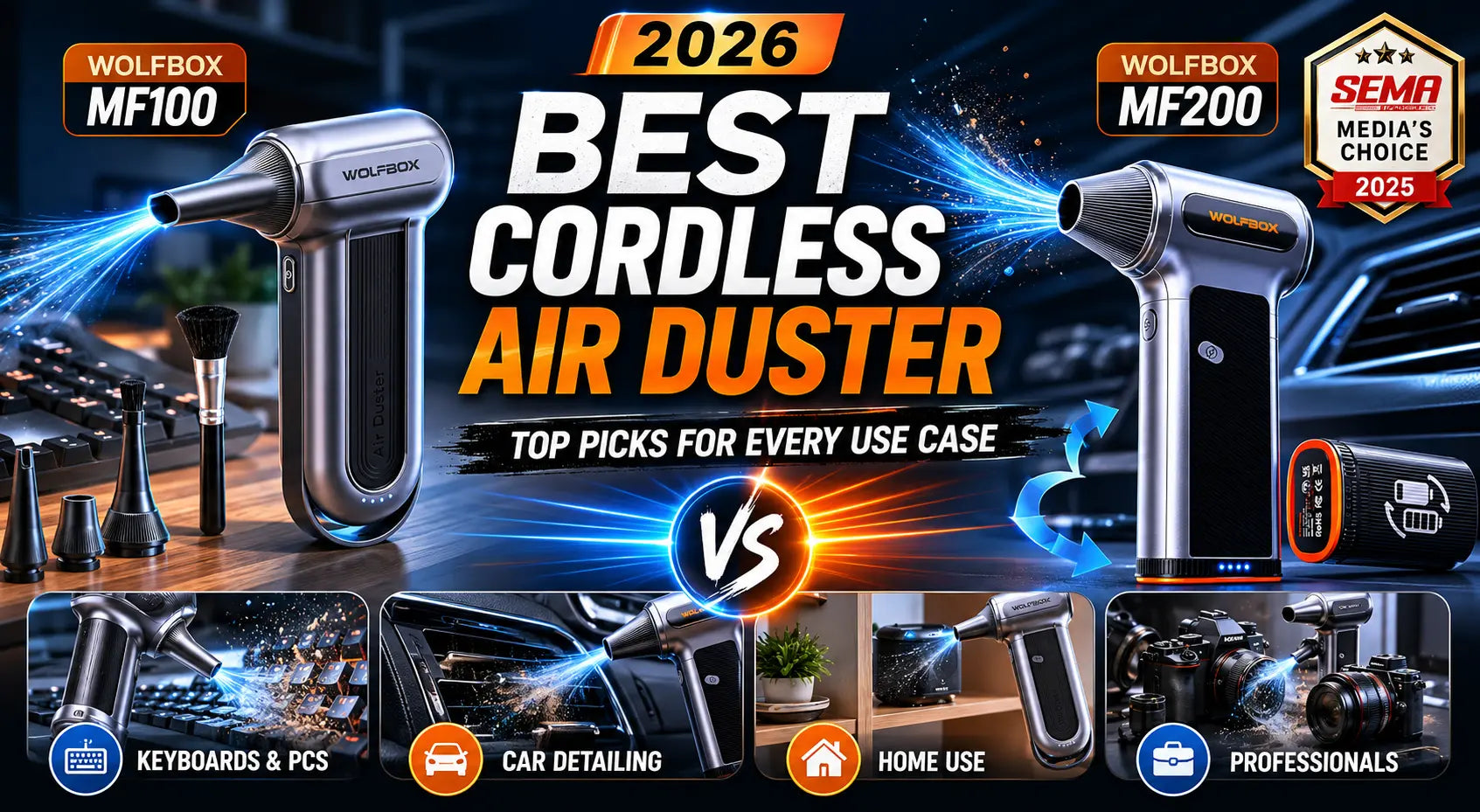
Canned air is a single-use product that uses compressed refrigerant gas. It loses pressure as you use it and can deposit moisture or propellant residue if held upside down — a well-documented limitation of the aerosol format [1]. Electric air dusters use a brushless turbine fan. The Wolfbox MF100 spins up to 150,000 RPM, delivering consistent, adjustable airflow at up to 45 m/s from a rechargeable 6,000 mAh battery [2]. You get multiple speed settings, no refrigerant, and no running out mid-clean.
|
Feature
|
Electric Air Duster
|
Canned Air
|
|
Airflow consistency
|
Stable across full use
|
Drops as can empties
|
|
Speed control
|
2–3 adjustable speeds
|
None (fixed pressure)
|
|
Risk of liquid residue
|
None
|
Yes if tilted
|
|
Runtime
|
Up to 100 min low speed [2]
|
1–2 cans per session
|
|
Cost over time
|
One-time purchase
|
Recurring purchase
|
|
Eco impact
|
Rechargeable, zero aerosol
|
Single-use aerosol cans
|
Sources: Wolfbox product specs [2], canned vs electric comparison [1].

Cleaning a PC: Step by Step
A desktop PC accumulates dust in the intake fans, CPU heatsink fins, GPU, and power supply. Restricting airflow in these areas directly impacts performance and hardware longevity. PCMag's electric air duster testing notes that consistent targeted airflow — not raw pressure — is what matters for clearing dense heatsink fins [3].
- Power off and unplug the PC. Touch a metal surface to discharge static.
- Open the case panel.
- Use medium or low speed first. Hold fan blades still — spinning them above rated RPM under forced airflow can damage bearings.
- Direct short bursts into heatsink fins and across the motherboard. Work top to bottom.
- Use a soft brush attachment to loosen debris in dense heatsink fins before blowing.
- Clean the GPU: short bursts into fan intakes and along the heatsink.
- Blow briefly into the power supply exhaust vent from outside (not from inside the case).
- Close the case. Clean exterior dust filters if present.
Cleaning a Keyboard
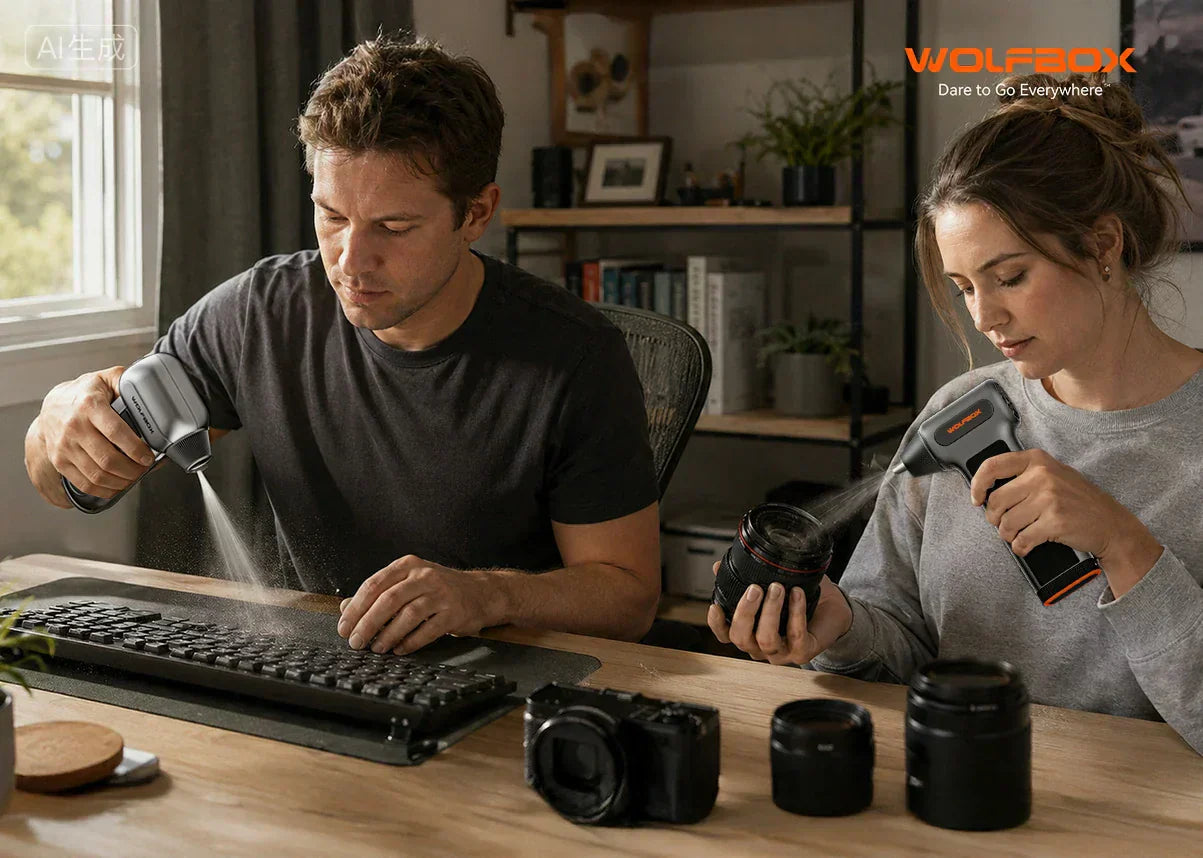
For keyboard cleaning, the Wolfbox Air Duster Review confirms that low-to-medium speed with short directional bursts removes most debris effectively without risking keycap dislodgement [2].
- Disconnect the keyboard or power off if wireless.
- Tilt the keyboard at a 45–75° angle over a trash can.
- Use short bursts at low or medium speed between key rows, working end to end.
- Tilt to the opposite angle and repeat to catch debris from both directions.
- For mechanical keyboards, use high speed briefly to clear debris from inside switch stems.
- Finish by wiping key surfaces with a dry microfiber cloth.
Cleaning Camera Lenses and Sensor Chambers
For the lens exterior and barrel, use low speed only and hold the nozzle at least 6–8 inches away. Tom's Guide's review of electric dusters noted that precision nozzle tips and low-speed settings make electric dusters appropriate for peripheral electronics, though manual rubber blowers remain the professional standard for exposed camera sensors [4]. Reserve the electric duster for the exterior lens barrel, mount area, and lens contacts.

3D Printers, Gun Cleaning & Other Use Cases
For 3D printers, electric air dusters clear PLA/PETG debris from the print bed, extruder area, and Z-axis rails. Use low-to-medium speed to avoid disrupting wiring or calibration. The Wolfbox MF200's swappable 6,000 mAh battery means you can continue cleaning through a longer session without waiting for a recharge [6].
For gun cleaning, an electric air duster helps clear debris from the action, barrel bore (from the chamber end), and trigger assembly during a field strip. Use in a well-ventilated area given the carbon particulates involved.
PSI and Speed Settings: What to Use When
|
Surface / Use Case
|
Recommended Speed
|
Notes
|
|
PC motherboard, GPU, RAM
|
Low to medium
|
Avoid forcing dust into slots
|
|
CPU/GPU heatsink fins
|
Medium to high
|
Hold fan blades still
|
|
Keyboard between keys
|
Low to medium
|
Short bursts, angled keyboard
|
|
Camera lens exterior
|
Low only
|
Keep 6–8 inches distance
|
|
Camera body / lens mount
|
Low to medium
|
Avoid direct contact with sensor
|
|
3D printer rails / extruder
|
Low to medium
|
Keep away from wiring
|
|
Car interior vents / console
|
Medium to high
|
Effective for tight vents
|
Battery Life and Runtime: What to Expect
The Wolfbox MF100 delivers up to 100 minutes at low speed and approximately 30 minutes at high speed, with a full charge taking around 2.5 hours via USB-C. Wolfbox rates the battery for over 500 charge cycles [2]. The Wolfbox MF200 uses a swappable 6,000 mAh battery — a practical advantage for larger workspaces [6]. PCMag's picks for best electric air dusters highlight swappable battery design as a differentiating feature for professional and multi-device cleaning sessions [3].
Noise Level: What to Expect
Electric air dusters produce a high-pitched turbine whine at high speed. At low speed, noise is noticeably reduced. Tom's Guide noted that for most gadget cleaning tasks, low speed is fully sufficient and significantly quieter [4]. Wolfbox's official air duster review blog also confirms the noise reduction between speed tiers [5].
Frequently Asked Questions
Can an electric air duster damage PC components?
Not if used correctly. Use short, directional bursts and avoid sustained high-speed airflow at exposed capacitors or spinning fans without restraint [3].
Does the Wolfbox air duster have a HEPA filter?
Wolfbox MF100 and MF200 are blower-type devices designed to push air outward to remove dust from surfaces. They are not air purifiers and do not use HEPA filtration. These models also do not have an intake filter that requires maintenance or replacement [2].
Is an electric air duster safe for camera lens glass?
On the exterior at low speed with 6–8 inch distance, yes. For sensor cleaning, a manual rubber blower is the safer standard choice [4].
Electric air duster vs leaf blower — is there a difference?
Yes. A leaf blower generates high-volume airflow but lacks precision. Electric air dusters produce concentrated, high-velocity streams suited for electronics. A leaf blower is appropriate for outdoor cleaning, not PC components [1].
References
[1] Wolfbox — Electric Air Duster vs Canned Air — Which Is Better in 2026? (May 2026): https://wolfbox.com/blogs/air-duster/electric-air-duster-vs-canned-air
[2] Wolfbox — Wolfbox Air Duster Review: Battery Life, PSI & HEPA Filter Test (May 2026): https://wolfbox.com/blogs/air-duster/wolfbox-air-duster-review
[3] PCMag — Best Electric Air Dusters: Picks for PC and Electronics Cleaning (2026): https://www.pcmag.com/picks/the-best-electric-air-dusters
[4] Tom's Guide — I Bought This Electric Duster and Cleaning My Gadgets Has Never Been Easier (Mar 2023): https://www.tomsguide.com/opinion/i-bought-this-electric-duster-and-cleaning-my-gadgets-has-never-been-easier
[5] Wolfbox — Best Air Dusters for PC, Car & Home Cleaning — Wolfbox Official: https://wolfbox.com/collections/best-air-duster
[6] Wolfbox — WOLFBOX MF200 Compressed Air Duster — Swappable Battery (Product Page): https://wolfbox.com/products/compressed-air-duster-mf200


Leave a comment
This site is protected by hCaptcha and the hCaptcha Privacy Policy and Terms of Service apply.