














If you work from home, your desk has probably seen coffee spills, crumbs from lunch eaten mid-meeting, and a keyboard that's collected more dust than you'd like to admit. That's where the best air duster for home office use becomes more than a nice-to-have gadget.
It becomes the tool that reaches the gaps where a cloth or wipe can't. We're talking about gaps between keyboard keys, inside laptop vents, and around a webcam lens that's gone fuzzy.
This guide walks through what matters in a desk-friendly air duster. We've picked two Wolfbox air dusters, the compact MF100 and the higher-capacity MF200, to compare. Students and remote workers can choose the one that fits their current and/or planned setup.
Best Air Duster for Home Office Use: The Quick Answer
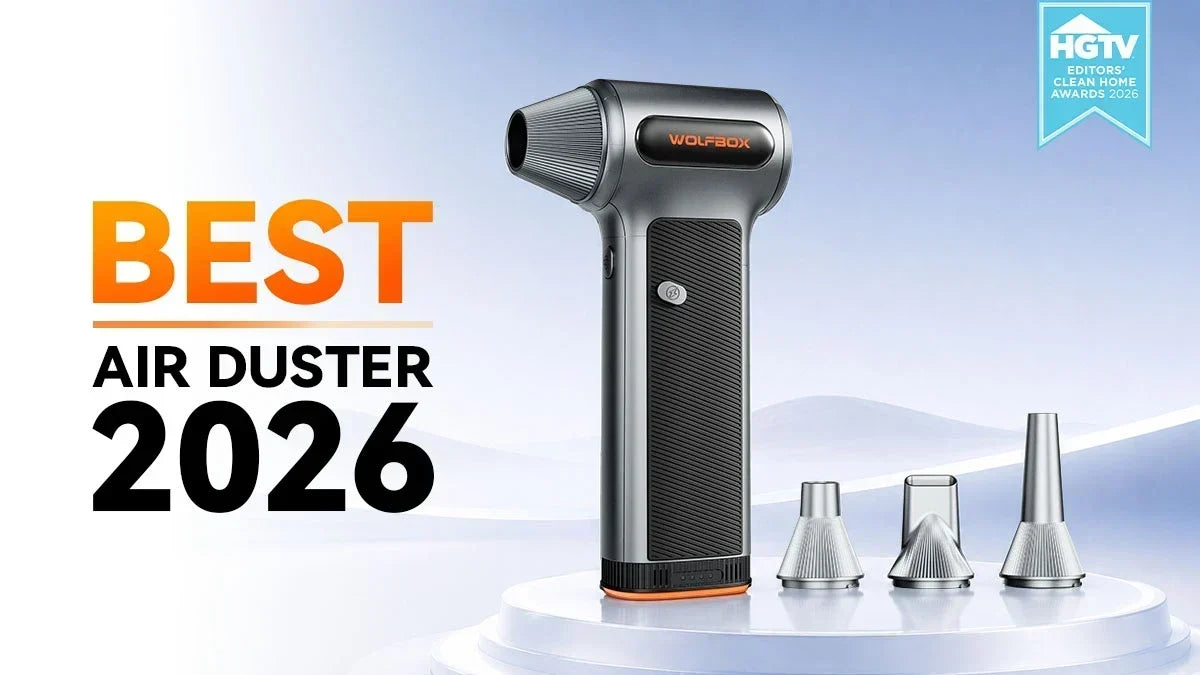
The Wolfbox MF100 is the more practical pick for most home offices. It's compact and lightweight, yet powerful enough to handle keyboards, monitors, and webcams without taking up desk space. [1] [2]
The Wolfbox MF200 seems more suitable when you're regularly cleaning heavier setups, like a shared home office, a PC tower packed with dust, or a desk that doubles as a workshop bench. [3] [4]
What to Look for in a Desk-Friendly Air Duster
A few features matter more at a desk than they would in a garage or workshop. No features are exotic here, but they're easy to overlook if you're comparing dusters purely by RPM. [5]
- Compact size and low weight, since it needs to live in a drawer or on a shelf without hogging space.
- Multiple speed settings, so you're not blasting a delicate webcam lens with the same force you'd use on a dusty PC fan.
- Fast USB-C charging, which matters more for a device you'll reach for several times a week.
- Enough battery capacity to get through an actual cleaning session without needing a mid-task recharge.
MF100 vs MF200: At A Glance
Both options share the same core technology. Still, they're built for slightly different cleaning habits. Knowing the numbers up front makes the rest of the guide easier to skim.
- The Wolfbox MF100 spins at up to 150,000 RPM with roughly 45 m/s of airflow, weighs just 0.66 lb, and costs around $80.
- The Wolfbox MF200 spins at up to 110,000 RPM but pushes a higher-rated airflow speed of 210+ MPH. It weighs 0.84 lb and uses a swappable 6000mAh battery.
- Both charge over USB-C, include multiple nozzle attachments, and are backed by Wolfbox's standard warranty coverage.

Why Your Desk Needs More Than a Wipe-Down
A keyboard collects more than crumbs, and dust buildup inside a laptop or PC does more than look bad. It can affect the gadget's performance over time. A wipe handles the surface, but it can't reach between keys, inside vents, or around a webcam's tiny lens the way a focused blast of air can.
Bacteria Hiding in Your Keyboard
Research on office hygiene consistently points to one surprising conclusion. It's the kind of stat that sounds exaggerated until you see where it comes from.
Dust's Role Beyond Just Looking Gross
Dust buildup inside your devices isn't a mere cosmetic issue. It's an easy thing to ignore until a laptop starts sounding like a small jet engine during a video call.
WOLFBOX MF100: The Compact Pick for Everyday Desk Cleaning
The Wolfbox MF100 features a 150,000 RPM turbofan that generates up to 45 m/s of airflow. The system fits into a body that weighs just 0.66 lb and is about the size of a large marker. [1] [2]
Popular Science described it as Wolfbox's flagship handheld duster. The reviewer reached for it far more often than expected once it became part of their routine; like everyday usefulness. [7]
Specs That Matter for a Desk
- 150,000 RPM turbofan produces up to 45 m/s of airflow, enough for keyboards, vents, and small electronics.
- Three adjustable speed settings, letting you dial back power around delicate components like a webcam lens or laptop speaker grille.
- USB-C charging that reaches full capacity in about 2.5 hours, with up to 100 minutes of runtime on the lowest speed setting.
- Includes five nozzles and two brushes, covering everything from tight keyboard gaps to broader surface dusting.
Best For
- Students and remote workers who want a compact device that lives in a desk drawer without taking up much room.
- Anyone whose cleaning routine is mostly keyboards, mice, monitors, and the occasional laptop vent, not heavy workshop dust.
- Students or remote workers who want the lower-cost option and don't need a swappable battery for extended sessions.
WOLFBOX MF200: More Power for Bigger Cleanups
The Wolfbox MF200 features a swappable 6000mAh battery. It also has a higher-rated top airflow speed of 210+ MPH. Combined, it's the stronger choice for anyone cleaning a full desktop tower, a shared home office, or a desk that also doubles as a workbench. [3] [4]
Popular Science's coverage of the Wolfbox lineup highlighted the MF200's hot-swappable battery as its headline feature. It lets you swap in a fresh battery mid-session without waiting for a recharge. [7]
Specs That Matter for a Desk
- The 110,000 RPM motor delivers a rated airflow speed of 210+ MPH. The power targets heavier dust and debris than a desk typically accumulates.
- The removable 6000mAh battery swaps in seconds. It's rather useful if you're cleaning multiple devices back to back without stopping to recharge.
- It has three adjustable speed settings and four included nozzles. Two brushes also enable comfortable scrubbing while blasting away debris.
- You'll have a 2.5 to 3-hour full charge time over USB-C. The battery is rated for 500+ uses before noticeable/significant capacity loss.
Best For
- Shared home offices or family desks where the duster gets used more often across more devices.
- Anyone who also wants to use the same duster on a car interior or workshop equipment, not just a desk setup.
- Heavy workers/gamers who value the swappable battery enough to pay more for the flexibility it adds.

How to Clean Each Piece of Your Setup Safely
Different pieces of a home office setup require different airflow and techniques. Using the wrong approach on a sensitive component like a monitor or webcam can do more harm.
Keyboards, Mice, and Vents
- Tilt the keyboard at an angle while blasting air between the keys, so loosened debris falls away instead of settling deeper inside.
- Use a higher speed setting for laptop and PC vents, since dust here tends to be more compacted than surface-level crumbs.
- Clean your mouse's sensor and scroll wheel area periodically, since buildup here can affect tracking accuracy over time.
Monitors and Webcams
- Use the lowest speed setting around a monitor screen or webcam lens. Hold the nozzle a few inches away; don't press directly against the surface.
- Never spray directly into small openings like a webcam's microphone mesh at full power. Concentrated airflow can push dust deeper instead of wiping it out.
- Follow up a dust blast with a microfiber cloth for the screen itself. Air alone can't remove stubborn or accumulated smudges or fingerprints.
What Else Belongs in a Desk-Cleaning Kit
As mentioned, air alone can't remove smudges, grease, or sticky residue. Pairing your duster with a couple of inexpensive tools covers the gaps. You don't need anything fancy or expensive. [8] A five-dollar pack of microfiber cloths and a bottle of alcohol wipes cover most gaps.
Tools Worth Keeping Nearby
- A microfiber cloth for wiping down screens, keyboards, and desk surfaces after a dusting pass.
- Isopropyl alcohol wipes, safe for most electronics, for tackling sticky spots or grease that air can't shift on its own.
- A small brush, often included with the duster, for scrubbing stubborn debris before blasting it away.
What to Skip
- Avoid glass cleaners with ammonia on modern screens. Many manufacturers specifically warn against them because of anti-glare coatings.
- Skip paper towels on screens; they can leave micro-scratches that a microfiber cloth won't.
- Don't spray any liquid, including water, directly onto a keyboard or laptop. Always apply any liquid to the cloth first.
Building a Weekly Desk-Cleaning Habit
A quick five-minute session once a week keeps dust and debris from building up. That's a small-time investment for a setup that looks, sounds, and performs noticeably better. [1] [3]
A Simple Weekly Routine
- Keep the duster charged and within arm's reach, on a shelf or in a top desk drawer, not packed away somewhere hard to access.
- Set a recurring reminder, even a simple one, for a five-minute cleaning pass once a week rather than waiting until things look visibly dusty.
- Rotate through keyboard, vents, monitor, and webcam each session. However, you don't have to try to deep-clean everything at once.
When to Do a Deeper Clean
- After a laptop starts running noticeably louder or hotter than usual, which often points to a dust-clogged vent or fan.
- Following any illness in the household, since a proper clean of frequently touched surfaces like a keyboard matters more than usual during cold and flu season.
- At the start of a new semester or work project, when a clean setup can genuinely help you start focused instead of distracted by desk clutter.
Conclusion
A clean desk isn't always about appearances; it's also about a keyboard that doesn't harbor too much microbial growth. The same goes for a laptop that doesn't overheat from a clogged vent and a webcam that looks clear on your next call.
The Wolfbox MF100 covers the essentials for most in an affordable package. Meanwhile, the Wolfbox MF200 steps up for heavy cleaning with its swappable battery and higher airflow. However, the ultimate win comes from using it regularly.
Frequently Asked Questions (FAQs)
What is the best air duster for home office use?
The Wolfbox MF100 is a strong pick for most home offices with 150,000 RPM and 45 m/s of airflow. In comparison, the Wolfbox MF200 suits heavier cleaning needs with its swappable battery and higher rated top airflow.
Is an electric air duster safe to use on a laptop keyboard?
Yes, as long as you use a moderate speed setting and hold the nozzle a few inches away from the keys. Tilting the keyboard while blowing air between the keys helps loosen debris so it falls out easily.
How often should I clean my keyboard and desk setup?
A quick five-minute pass once a week is enough to prevent significant buildup. Office desks and keyboards accumulate bacteria quickly without regular cleaning. So, consistency matters more than occasional deep cleaning.
Can I use an electric air duster on my monitor or webcam?
Yes. Use the lowest speed setting and keep the nozzle a few inches away from the screen or lens. Follow up with a microfiber cloth for any smudges, as airflow alone won't remove fingerprints from a screen.
Why choose an electric air duster over canned air for a home office?
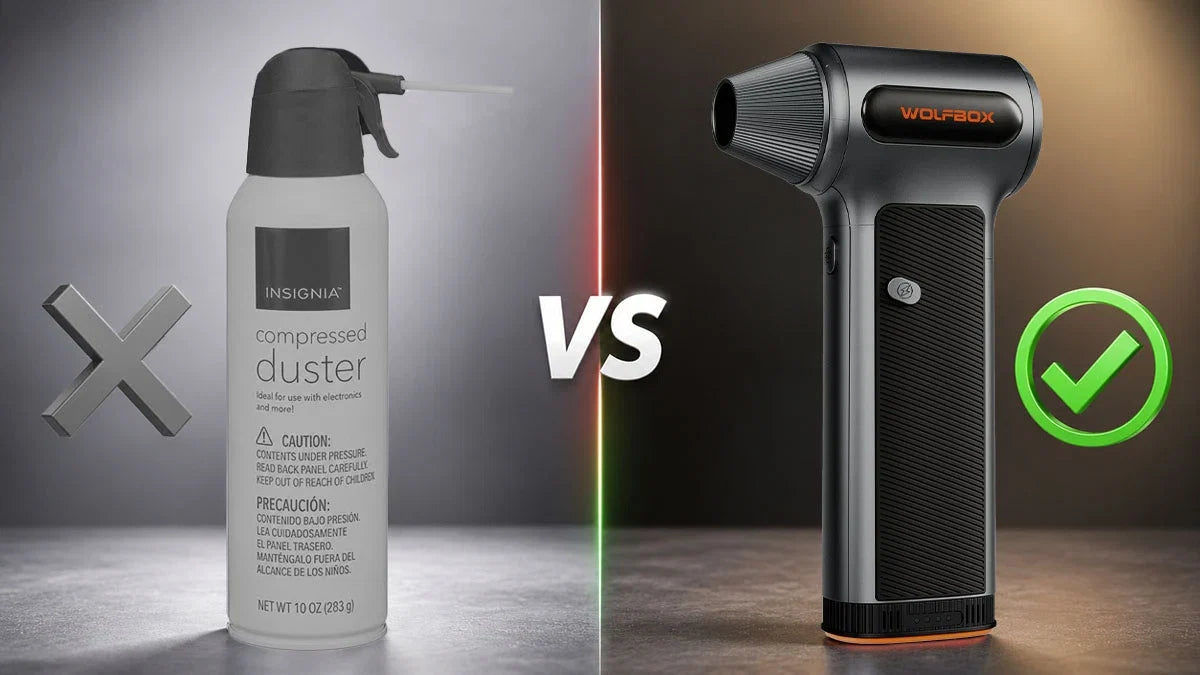
An electric air duster like the MF100 or MF200 is rechargeable and reusable hundreds of times. They also eliminate the recurring cost of buying replacement cans. You can even cut down on single-use waste sitting in a desk drawer.
References
[1] Wolfbox: “Wolfbox MF100 Compressed Air Duster” – https://wolfbox.com/products/compressed-air-duster-mf100
[2] The Gadgeteer: “Wolfbox MF100 Electric Air Duster Review” – https://the-gadgeteer.com/2025/10/18/wolfbox-mf100-electric-air-duster-review-dust-be-gone/
[3] Wolfbox: “Wolfbox MF200 Compressed Air Duster” – https://wolfbox.com/products/compressed-air-duster-mf200
[4] Wolfbox: "Wolfbox MF200 Air Duster Review 2026" – https://wolfbox.com/blogs/air-duster/wolfbox-mf200-air-duster-review-2026
[5] Wolfbox: "Best Cordless Air Duster in 2026" – https://wolfbox.com/blogs/air-duster/best-cordless-air-duster-in-2026-top-picks-for-every-use-case
[6] National Center for Health Research: "Are There More Bacteria on Computer Keyboards Than Toilet Seats?" – https://www.center4research.org/are-there-more-bacteria-on-computer-keyboards-than-toilet-seats/
[7] Popular Science: "This rechargeable Wolfbox Air Duster is the most surprisingly useful gadget I didn't know I needed" – https://www.popsci.com/gear/wolfbox-air-duster-review/
[8] Wolfbox: "Wolfbox Air Duster Review" – https://wolfbox.com/blogs/air-duster/wolfbox-air-duster-review

Leave a comment
This site is protected by hCaptcha and the hCaptcha Privacy Policy and Terms of Service apply.