













A Lyft driver in Seattle picked up a late-night passenger. Three days later, a complaint appeared in the app — one that could have ended his driving career. He had two-channel footage, GPS-stamped and timestamped, downloaded to his phone within three minutes of the drop-off. The dispute closed in his favor the next morning. Without the recording, it would have been his word against a passenger's.
Most dash cam guides don't think about rideshare drivers. They recommend cameras designed for commuters and leave out the requirements of professional driving: how fast you can pull footage for a dispute, whether audio recording is legal in your state, how to operate the camera without touching it between rides, and what happens when the car sits parked overnight between shifts.
What a Rideshare Driver Actually Needs
- Two-channel recording — front plus rear or cabin. A passenger complaint about what happened inside the car cannot be countered with forward-facing footage alone.
- GPS with speed and route logging — so that allegations about aggressive driving or route manipulation are verifiable, not just deniable.
- Wireless footage transfer — to pull a clip from your phone in the parking lot before your next ride, without finding a laptop and a card reader.
- Hands-free voice control — to lock a clip or take a photo immediately after an incident without reaching for the touchscreen.
Why the G900 Pro Fits This Workflow
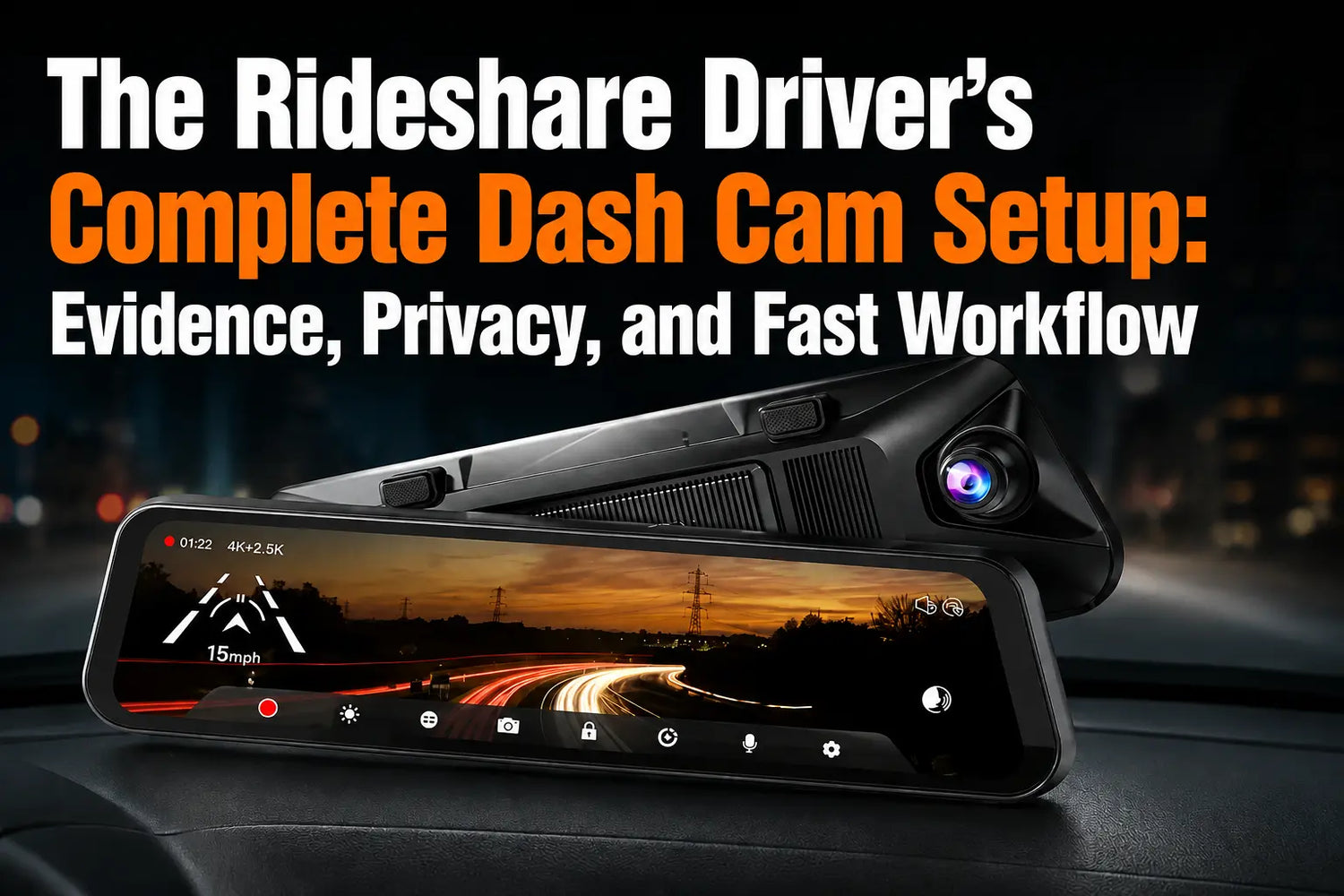
The G900 Pro mounts as a replacement rearview mirror — no windshield adhesive, no suction cup, no device blocking your sightline. The 12-inch IPS touchscreen replaces your existing mirror and shows front and rear feeds simultaneously. The front camera records at 4K with a Sony IMX678 STARVIS 2 sensor; the rear at 2.5K through an IP67-rated waterproof camera that can be mounted inside or outside the vehicle.¹
The GPS module is included and records speed, location, and driving route embedded directly in each video frame — visible in the WOLFBOX GPS Player alongside Google Maps. 5.8 GHz WiFi connects to the free Wolfbox iOS/Android app for wireless footage transfer.² Twelve voice commands — including 'Save Video,' 'Take Photo,' and 'Start/Stop Recording' — work hands-free while driving.¹

What GPS Logging Actually Proves
Evidence Element |
What It Proves |
Required Setup |
GPS-stamped video |
Location at every frame |
GPS module connected (included) |
Speed overlay |
Speed at any claimed incident moment |
GPS active during trip |
Route record |
Exact path taken pickup to drop-off |
Continuous recording enabled |
Timestamped footage |
Exact time of events |
Clock set to local timezone |
G-sensor locked clip |
Footage auto-preserved on impact or hard brake |
G-sensor set to Medium or High |
The Wireless Footage Workflow: Three Minutes, No Card Reader
- Open the Wolfbox app on your phone. The G900 Pro creates its own 5.8 GHz WiFi hotspot — connect directly, no router needed.
- Browse recordings by date and time. Each file includes timestamp and, if GPS was active, a map preview of the route.
- Tap the clip, select Download. A two-minute ride clip transfers to your phone in under two minutes on 5.8 GHz.
- Submit via your rideshare platform's dispute portal or forward to your insurance contact. The GPS-embedded file is self-contained.
The workflow is the same whether you're disputing a passenger complaint, filing a collision claim, or responding to a police request. Footage is only useful if you can access it quickly — and 'quickly' means before your next ride, not after your shift ends.¹²
Audio Recording: What the Law Requires by State
Video recording of passengers on a public road is legal in all 50 states. Audio is different. Eleven states require all-party consent — everyone in the vehicle must know they are being recorded, or you must disable audio entirely.⁸⁹
Consent Requirement |
States (as of June 2026) |
Practical Action |
One-party consent — federal baseline |
Approximately 39 states |
Driver consent is sufficient. No notice required for audio. |
All-party consent required |
CA, CT, FL, IL, MD, MA, MI, MT, NV, OR, WA |
Post a visible notice OR disable audio: Settings → Sound Record → OFF. |
The simplest universal approach: post a small card reading 'Audio and video recording in progress' visible from the rear seat. This satisfies all-party notification in every all-party consent state and aligns with Uber's own recommendation to inform passengers about recording.³ Turning audio off does not affect video recording.¹ Lyft also allows camera equipment in vehicles.⁵
Parking Mode Between Shifts
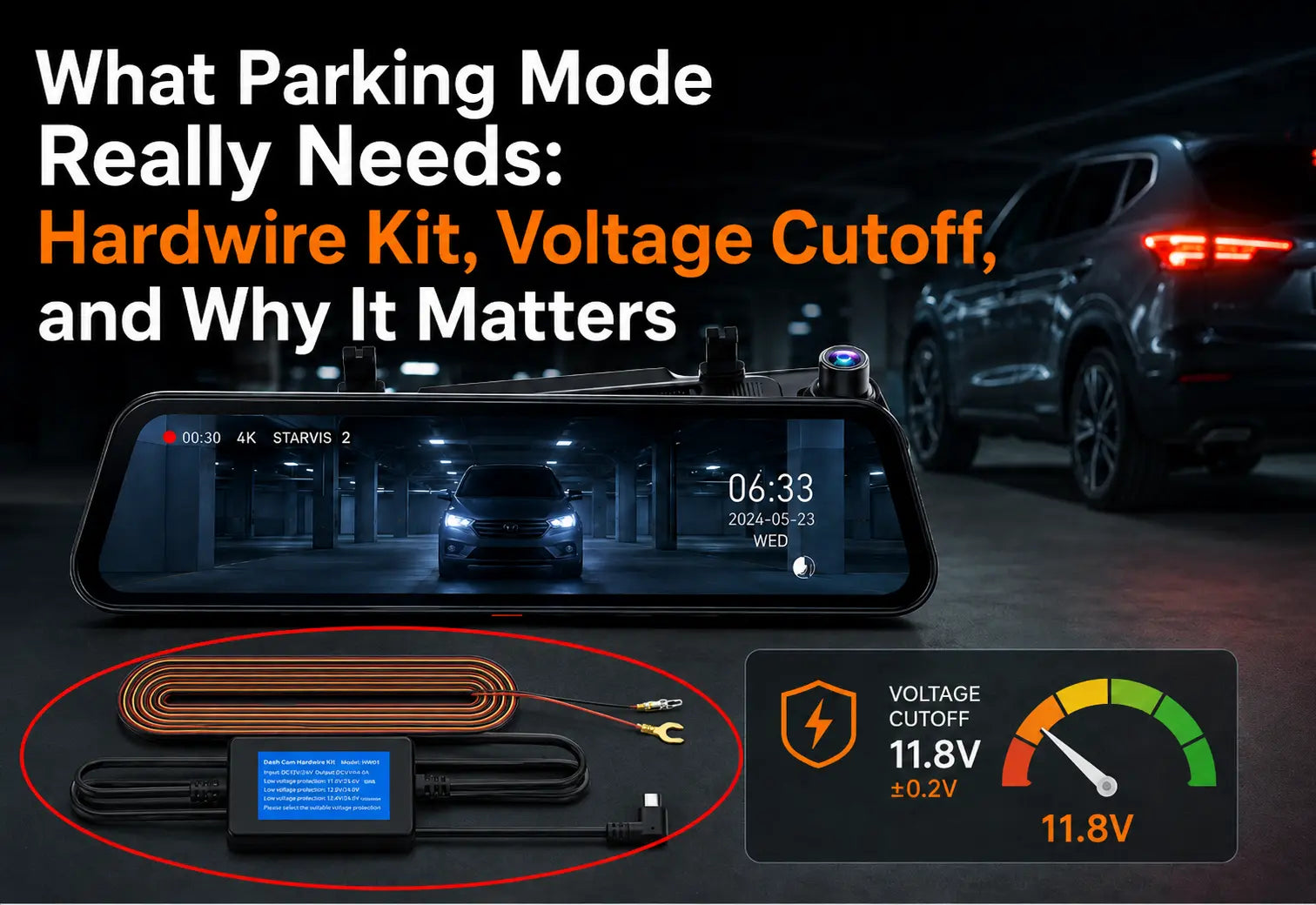
Parking mode, once activated with the Wolfbox Hardwire Kit included in each package, records motion-triggered events when the ignition is off. The kit connects directly to the fuse box and includes low-voltage protection — it cuts power automatically when battery voltage drops to 11.8V (±0.2V), leaving enough reserve for a reliable engine start.⁴⁶ Without the Hardwire Kit, the camera turns off with the ignition and records nothing while parked.

Frequently Asked Questions
Q: Does Uber allow dash cams in rideshare vehicles?
A: Yes. Uber's guidelines permit recording devices and recommend informing passengers. Platform policy doesn't override state audio law.
Q: Can I record passengers without notifying them?
A: Video-only is legal in all 50 states. In the 11 all-party audio consent states, post a visible notice or disable audio (Settings → Sound Record → OFF).
Q: How do I transfer footage without removing the SD card?
A: The G900 Pro creates a 5.8 GHz WiFi hotspot. Open the Wolfbox app, connect, and download the clip directly to your phone — no card reader or laptop needed.
Q: Does the G900 Pro include GPS?
A: Yes. The GPS module is included in the box and records speed, location, and route embedded in every video frame.
Q: Does parking mode drain my car battery?
A: Not with the Wolfbox Hardwire Kit installed. The kit's low-voltage protection cuts power at 11.8V before the battery is depleted past a reliable-start threshold.
Q: What notice should I post for audio compliance?
A: A card reading 'Audio and video recording in progress,' visible to rear-seat passengers, satisfies all-party consent requirements in every state that requires it.
Q: Can the G900 Pro record clearly on a nighttime ride?
A: Yes. The Sony IMX678 STARVIS 2 front sensor is designed specifically for low-light performance — a measurable improvement over standard 1080P sensors.⁷
References
- Wolfbox G900 Pro product page — 4K, GPS, 5.8 GHz WiFi, IP67, 12 voice commands, STARVIS 2: https://wolfbox.com/products/wolfbox-2024-g900-pro-wifi-touch-screen-parking-monitoring-dash-cam-smart-mirror-with-starvis-678-sensor
- Wolfbox app — iOS and Android: https://wolfbox.com/pages/app
- ABC7 Chicago — Uber statement on recording devices in vehicles: https://abc7chicago.com/post/uber-may-audio-record-trips-for-safety/5709634/
- Wolfbox Hardwire Kit for G900 Pro — USB-C, low-voltage cutoff 11.8V (±0.2V): https://wolfbox.com/products/wolfbox-dash-cam-hardwire-kit-for-g900pro
- Lyft Driver Help — camera equipment in vehicle: https://help.lyft.com/hc/en-us/articles/115012926027
- Wolfbox — how to prevent dash cam from draining your battery: https://wolfbox.com/blogs/dash-cams/how-to-prevent-dash-cam-from-draining-your-battery
- Sony Semiconductor — STARVIS / STARVIS 2 security camera image sensor technology: https://www.sony-semicon.com/en/technology/security/index.html
- 18 U.S.C. §2511 — federal one-party consent baseline: https://www.law.cornell.edu/uscode/text/18/2511
- Reporters Committee — Reporter’s Recording Guide: https://www.rcfp.org/reporters-recording-guide/

Leave a comment
All comments are moderated before being published.
This site is protected by hCaptcha and the hCaptcha Privacy Policy and Terms of Service apply.