






Most dash cams fail at the exact moment you need them most. A hit-and-run happens fast. A merge gone wrong happens in a blur. And when you finally pull up the footage to figure out who was at fault, a grainy 1080p clip that turns every license plate into a smudge is worse than useless. It gives you just enough to know something happened, but not enough to prove it.
That gap is why 4K dash cams have moved from a niche upgrade to the standard that serious drivers actually want. More pixels mean more information packed into every frame, and when a car is only in view for a second and a half before it disappears around a corner, that extra information is the whole ballgame.
This guide covers what actually makes a 4K dash cam worth the money, whether the upgrade is worth it for your situation, how 4K stacks up against 1080p in the real world, and which Wolfbox 4K models are worth putting on your shortlist.
Why 4K Dash Cams Provide Better Clarity
A 4K sensor captures roughly four times the pixel data of a standard 1080p sensor. On paper that sounds like a spec sheet flex. On the road it means the difference between a license plate you can read and one you can only guess at.
Here's where it actually matters:
-
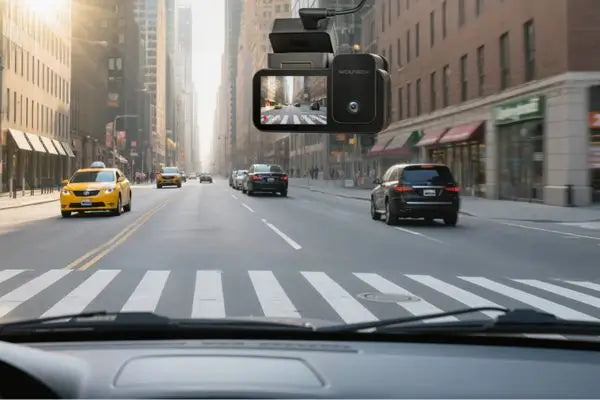
License plates at distance. A car braking hard 30 feet ahead of you is easy to identify in 1080p. A car that clips your mirror and speeds off from 60 feet away is a different story, and that's exactly the scenario where 4K earns its keep.
-
Highway speeds. At 65 mph, objects pass through your frame quickly. Higher resolution gives you more usable detail per frame, so even a brief glimpse of a plate or a road sign holds up when you zoom in later.
-
Insurance and legal disputes. Claims adjusters and police officers don't take your word for it. They want footage they can actually verify, and sharp video settles disputes faster than a story does.
-
Digital zoom without the mush. Cropping into a 1080p frame turns pixels into blocky mess almost immediately. A 4K frame has enough resolution to survive a crop and still show something recognizable.
None of this means 1080p cameras are useless. It means that when clarity is the whole point of owning a dash cam in the first place, resolution is the lever that moves the needle the most. The stakes behind that decision are real too. NHTSA reports that distracted driving killed 3,208 people in the US in 2024 alone, and a huge share of those crashes happen in the split second it takes another driver to glance at a phone. Sharp footage is often the only objective record of what actually happened in that moment.
What to Look for in a High-Quality 4K Dash Cam
Resolution numbers on a box don't tell the whole story. A cheap 4K sensor paired with a poor lens and weak processing can actually look worse than a well-built 1080p unit. Here's what separates a genuinely good 4K dash cam from one that's just chasing a marketing number.
Sensor Quality, Not Just Resolution
The sensor behind the lens matters more than the resolution figure printed on the packaging. Sony's STARVIS line, for example, is built specifically for low-light performance, which is where most budget dash cams fall apart. A dash cam that looks sharp at noon but turns into a smear of light trails at night isn't doing its job when it counts, since a large share of serious incidents happen after dark or in dim parking garages.
High Dynamic Range (HDR) and Night Vision
Driving into a sunset, passing under a tunnel, or getting flashed by oncoming headlights can wreck footage on a camera without proper HDR handling. Look for dash cams with HDR that balance bright and dark areas in the same frame, helping preserve detail without blowing out highlights or crushing shadows into black.
Storage and Bitrate
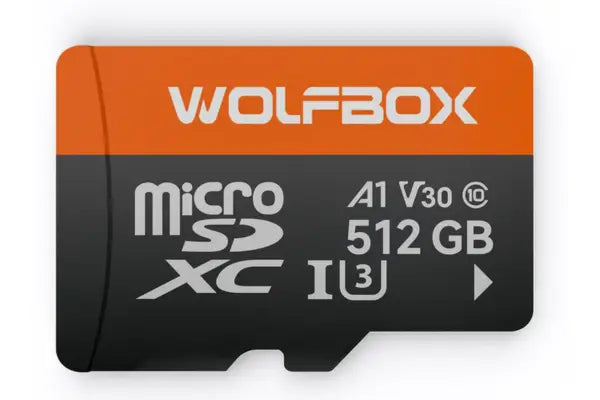
4K footage eats storage fast. A camera recording at a low bitrate will technically say "4K" but compress the image so heavily that you lose most of the benefit. Pair a genuine 4K dash cam with a high-endurance microSD card, and expect to budget for 128GB or larger if you want more than a few hours of loop recording before it overwrites.
Parking Mode and Impact Detection
A dash cam that only records while you're driving misses hit-and-run damage in a parking lot, which is one of the most common reasons people wish they had one. Look for a G-sensor that automatically locks footage when it detects an impact, plus a parking mode that keeps recording while the car is off.
Multi-Channel Coverage
Front-only coverage leaves you blind to what happens behind or inside the cabin. A three-channel setup covering front, rear, and either the interior or an additional angle like the front bumper gives you a far more complete record, which matters if you drive for rideshare, off-road, or simply want full coverage in case of a rear-end collision.
Are 4K Dash Cams Worth Buying?
This is the question most shoppers land on, and the honest answer is that it depends on how you drive and what you actually want out of the footage.
4K makes the most sense if:
-
You drive in dense city traffic where read plates matter for fault disputes
-
You commute at night or in low-light conditions regularly
-
You want footage that holds up years from now as screens and playback tools keep improving
-
You drive for rideshare or delivery work and need documentation that protects you from false claims
-
You've had a near-miss or accident before and know how much footage quality matters after the fact
Standard resolution might be enough if:
-
You mainly drive short daytime trips on familiar roads
-
You want a basic record just in case, without needing forensic-level detail
-
Storage cost and card swaps are a bigger concern than image quality
For a deeper breakdown of this exact decision, Wolfbox has a good rundown on do you really need a 4K dash cam that walks through the trade-offs in more detail. The price gap between a good 1080p unit and a good 4K unit has narrowed enough that 4K is worth it for most drivers who are buying a dash cam intentionally rather than as an afterthought.
4K vs 1080p Dash Cam Comparison
Numbers help here more than opinions do, so here's how the two resolutions stack up across the factors that actually affect a buying decision.
|
Factor |
4K Dash Cam |
1080p Dash Cam |
|---|---|---|
|
Resolution |
3840 x 2160 |
1920 x 1080 |
|
License plate readability |
Clear at greater distances |
Readable only up close |
|
Night performance |
Strong with a quality sensor |
Often grainy or soft |
|
Storage needs |
128GB to 256GB recommended |
32GB to 64GB usually sufficient |
|
File size |
Large, fills cards faster |
Smaller, more footage per GB |
|
Price |
Higher upfront cost |
More budget-friendly |
|
Power draw |
Slightly higher |
Lower, easier on battery |
|
Best for |
Accident documentation, city driving, night commutes |
Daily commutes, backup vehicles, casual use |
The storage difference is the one people underestimate the most. A 4K camera looping on a 64GB card might only hold two or three hours of footage before it starts overwriting, while the same card on a 1080p unit could stretch to eight or ten hours. If you go 4K, plan on a bigger card from day one rather than discovering the limitation after a card fills up right when you needed the footage.
For a longer side-by-side, Wolfbox also breaks this down in 4K vs 1080p dash cam comparison, which is worth a look if you're still weighing the two.
Best Wolfbox 4K Dash Cams
Wolfbox's lineup stands out specifically because it's built around real sensor upgrades rather than just a bigger number on the box. All three of the models below use the Sony STARVIS IMX678 sensor for the front channel, which is the same sensor family used in a lot of higher-end security and automotive cameras for its low-light handling.
WOLFBOX G900Pro
The WOLFBOX G900Pro is the flagship in the mirror dash cam lineup, and it's built as a genuine native 4K camera rather than an interpolated one. The front channel records true 4K using the Sony STARVIS IMX678 sensor, while the rear channel shoots at 2.5K using an Omnivision sensor, so you're not sacrificing rear clarity to get a sharp front view.
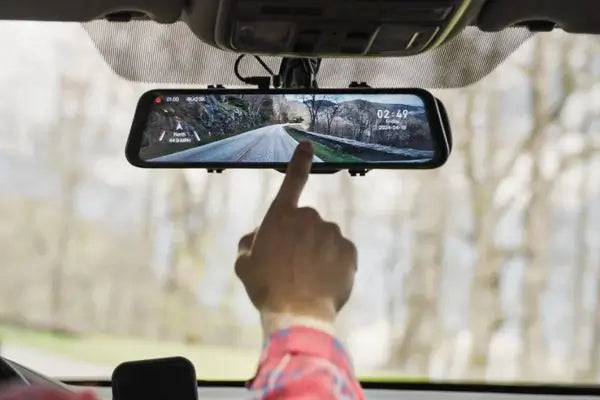
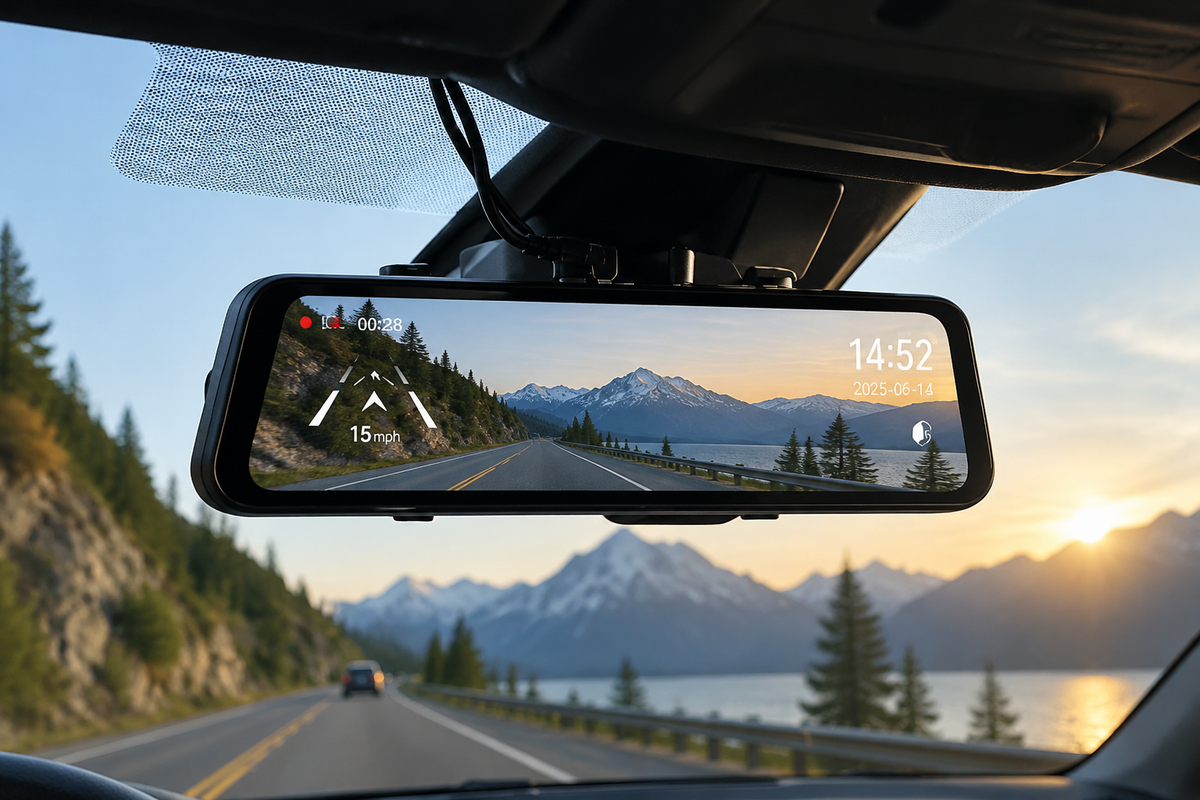
What stands out on this one is the 12-inch IPS touchscreen that splits into front and rear views, which makes it genuinely useful as a rearview mirror replacement rather than just a dash cam with a screen bolted on. It comes with 24/7 parking monitoring when wired in, GPS tracking with Google Maps route overlay, and 5.8GHz WiFi paired with the Wolfbox app for quick clip transfers. If you want the clearest possible front-facing footage in a mirror form factor, this is the one to start with.
WOLFBOX G900TriPro Cabin Version
The WOLFBOX G900TriPro Cabin Version adds a third channel aimed at the interior of the car, recording front in 4K, rear in 2.5K, and the cabin in 1080p with infrared night vision. This is the model worth pointing rideshare and delivery drivers toward, since it documents what happens inside the vehicle as well as outside it, which matters if a passenger dispute ever needs a record.
The infrared cabin camera keeps working in complete darkness thanks to built-in IR lights, so you're not left without cabin footage on a night shift. It carries the same 12-inch touchscreen and GPS setup as the G900Pro, plus reverse assist guidance lines that help with parking in tight spots.
WOLFBOX G900TriPro Bumper Version
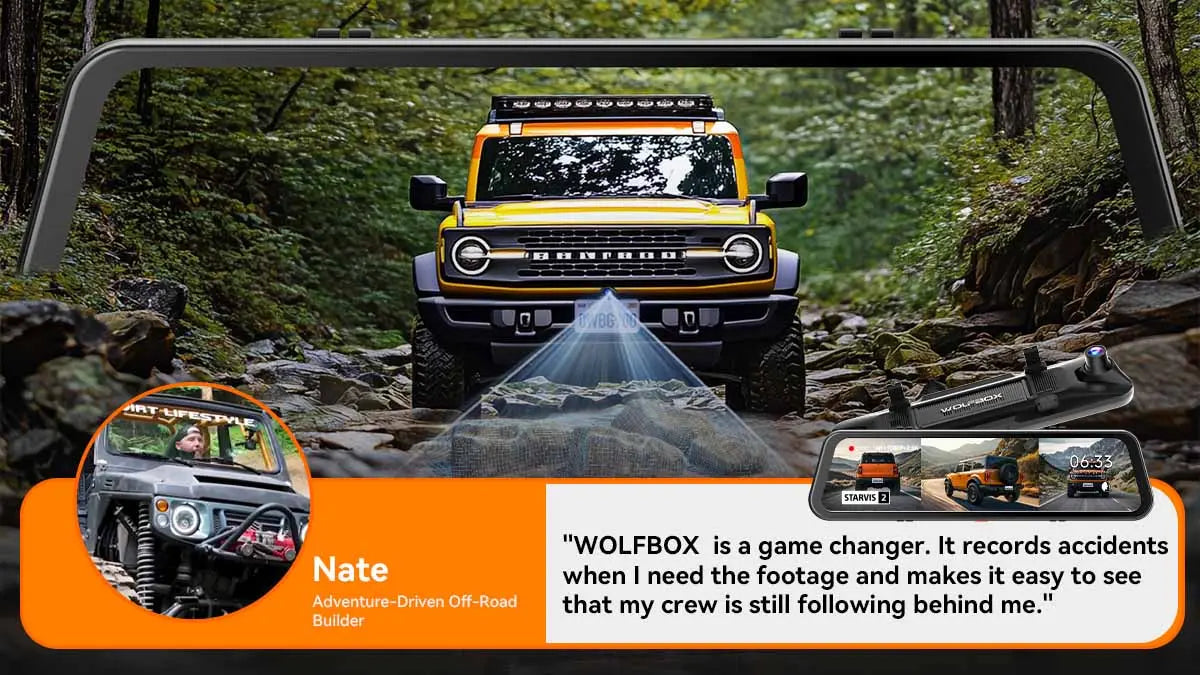
The WOLFBOX G900TriPro Bumper Version swaps the cabin camera for a front bumper camera instead, which is a genuinely unusual addition in this category. Front stays at 4K, rear at 2.5K, and the bumper camera shoots 1080p from a low angle that shows terrain clearance, curb distance, and obstacles you can't see from the driver's seat.
This is the pick for anyone who drives off-road, tows a trailer regularly, or just wants a better view of tight parking situations where scraping a bumper is a real risk. It shares the same dual STARVIS and OmniVision sensor combination as the other two models, so front and rear image quality doesn't take a hit for the extra angle.
How to Choose the Right Dash Cam
With three strong 4K options and a general sense of what to look for, narrowing it down comes down to a few honest questions.
-
How many angles do you actually need covered? If front and rear footage covers your situation, the G900Pro keeps things simpler and slightly cheaper. If you carry passengers regularly or drive for work, the cabin version earns its extra channel. If you're dealing with rough terrain or tight parking, the bumper version fills a gap the other two don't.
-
How much storage are you willing to manage? All three models are true 4K on the front channel, so plan on a 128GB or larger high-endurance card no matter which you pick. Trying to run 4K recording on an old 32GB card is the fastest way to end up disappointed.
-
Do you need a display, or just a recorder? A mirror-style unit with a touchscreen, like all three Wolfbox models here, replaces your factory mirror and gives you a live view while driving, which is handy but does mean adjusting to a slightly different mirror setup than you're used to.
-
What's your installation situation? A hardwire kit unlocks full parking mode on any of these cameras, so if 24/7 protection while parked matters to you, budget for that kit alongside the camera itself rather than treating it as optional.
FAQ
Does a 4K dash cam really make a difference in a real accident?
Yes, most noticeably when the footage needs to identify a license plate or driver from a distance rather than just show that a collision occurred. Insurance claims move faster when the video answers the question instead of raising more of them.
Do I need a special SD card for 4K recording?
You need a high-endurance card rated for continuous loop recording, not just a high-capacity one. A standard consumer card can wear out fast under the constant write cycles a dash cam demands, so look for cards specifically marketed for dash cam or surveillance use.
Will a 4K dash cam drain my car battery?
Not during normal driving, since the camera draws power from the car while the engine runs. Parking mode is where battery drain becomes a real consideration, which is why most quality units, including the Wolfbox models above, include automatic cutoff voltage protection to stop recording before your battery gets too low.
Can I use a mirror dash cam if my car already has a rearview camera?
Yes, a mirror dash cam sits over your existing mirror and works independently of any backup camera system your car came with. It's a separate recording device, not a replacement for factory safety features.
Is 4K footage overkill for a daily commute?
For a short, familiar commute with low traffic, it might be more than you need. But the price difference between good 1080p and good 4K units has shrunk enough that most people find the extra clarity worth having, especially since you never know which specific drive will be the one that matters.
Final Recommendation
If clarity is the reason you're buying a dash cam in the first place, a 4K model is the upgrade that actually delivers on that goal. A grainy clip that leaves you guessing at a plate number doesn't do much good when you need it most, and the gap between 4K and 1080p shows up exactly when the stakes are highest.
Out of the three Wolfbox options here, the G900Pro is the strongest all-around pick for most drivers, the Cabin Version is the one to grab if you carry passengers or drive for work, and the Bumper Version is worth it if your driving involves rough terrain or tight parking. All three share the same sharp front-facing 4K sensor, so you won't go wrong on image quality no matter which angle setup fits your needs.
Take a look at the full lineup of Wolfbox Dash Cam options to compare specs side by side and find the one that matches how you actually drive.

Leave a comment
This site is protected by hCaptcha and the hCaptcha Privacy Policy and Terms of Service apply.