













WOLFBOX Brands
WOLFBOX Brands
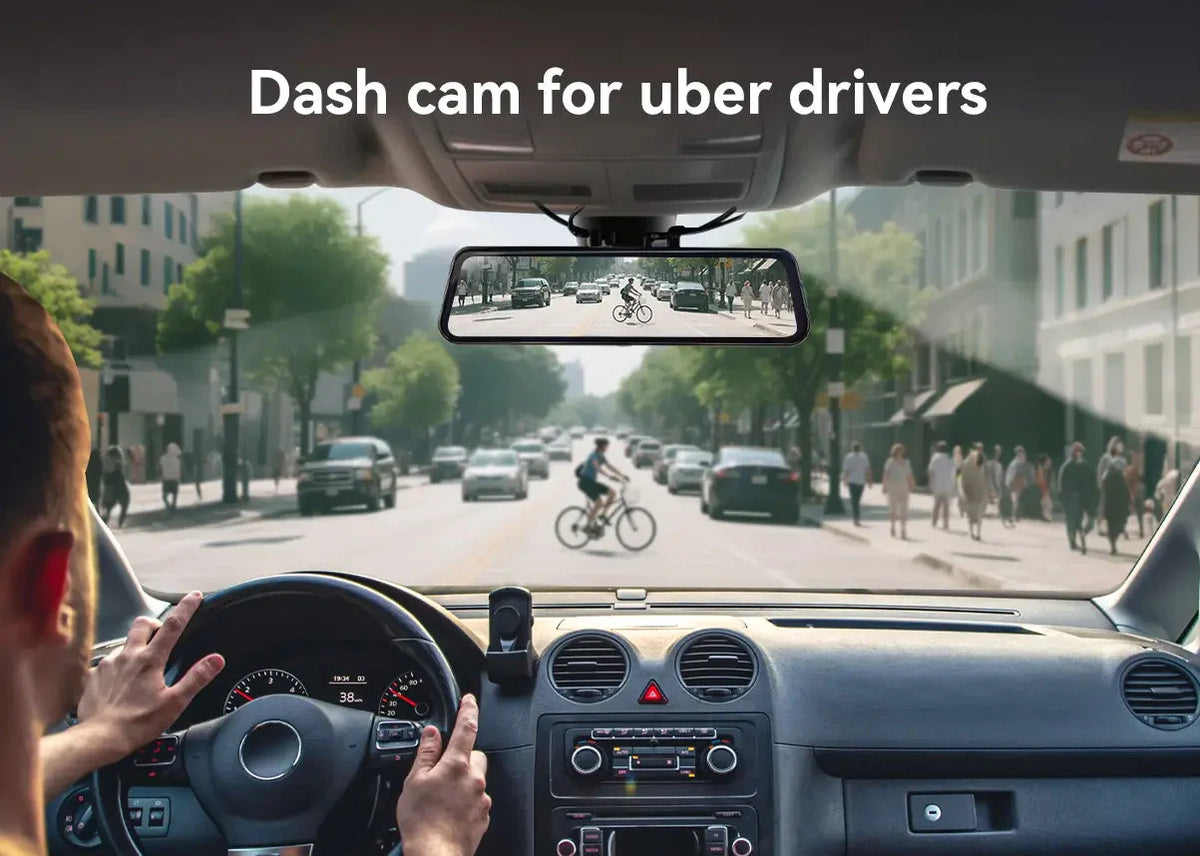
If you drive for Uber, there are many things you have to take care of. You must keep your passengers safe and also protect yourself and for that, you must have the right things with you. Dash cam is one such thing that can help you avoid false claims, record everything that happens and keep yourself and your car safe every day. We will tell you why a dash cam is a good thing for Uber drivers and how you can pick the best one for you in this guide.
Table of contents
As an Uber driver, you might face situations where riders make false claims against you. But with a dash cam, you can record everything that is happening in your car. If a rider accuses you of taking the wrong route or behaving badly, the video will help you show the truth and protect you.
Accidents can happen anytime when you're driving on the road. A dash cam will help you record everything before, during and after the accident and this video proof will help you show what happened. This will help you avoid being blamed for something you didn’t do which will help you to protect yourself in such situations.
People act better when they know they are being watched. When you have a dash cam in your car, it can make you and your passengers more likely to be careful and polite. It will also stop them from doing bad things and help stop crimes before they happen, which will make it a safer ride for everyone.
You might have to show proof of what happened during an accident if you ever need to make an insurance claim. A dash cam will help you with clear video proof that will tell the truth. This can help you get your claims processed faster, more easily and with less stress which can save you time and money.
If your dash cam has GPS, it can record your routes and speeds. This is helpful if a passenger complains about the route or the way the driver is acting. It will also help you be honest and keep a thorough record of your daily trips, so everything is clear and you have a record.
When you drive for Uber, you meet new people every day which can be strange at times. Having a dash cam will give you peace of mind because you know everything is being recorded. You will have video proof to back you up if something unexpected happens which makes every trip less stressful.
When you are getting a dash cam, you must make sure it can record in at least 1080p resolution. Higher resolutions like 2.5K or 4K are even better because they can help capture small details like license plates or faces more clearly. This is very helpful when you need proof of what happened during an accident or dispute.
As an Uber driver, you have to drive at night as well, so your good dash cam should perform well in low light areas. You should get a dash cam with clear night vision so you can still see important details like faces, cars or street signs in the dark. This will make sure your footage will be useful, day or night.
A dash cam that has GPS tracking can record the exact location and speed of your car. This feature is useful because it shows where you are and how fast you are going during any ride. In case of any issue, GPS data can help you back up your claims and help solve the problem.
You don’t have to keep replacing memory cards with a dash cam that has loop recording. This mode will automatically delete older files to make space for new ones before the memory card becomes full. It will make sure that your camera records continuously without any extra effort from you.
Pros
Cons
Pros
Cons
Pros
Cons
The price of a dash cam depends on its functions and the quality of its video. You can get a simple dash cam with one lens for around 50$. If all you want is a front view, these work well. Dual Channel dash cams have views from both the front and the back can cost $120 – $300, which will give you a fuller video picture. It costs around $150 to $400 for a 3-channel dash cam that can record the front, back and inside of the car. You can feel safe in your car with these.
4K front camera with rear and cabin views. This dash cam is perfect for all-day driving and full coverage.
Feature |
Details |
Resolution |
4K + 2.5K + 1080p |
GPS |
Yes |
Night Vision |
Infrared |
Price |
$395.97 |
Screen |
12-inch Touch |
This dash cam can record High-quality dash cam for full coverage. This camera can record during both day and night which makes it good for Uber drivers.
Feature |
Details |
Resolution |
4K front, 1080p rear and inside |
GPS |
Yes |
Night Vision |
Yes |
Price |
$359.99 |
Special |
Voice Control |
This dash cam records videos and saves them to the cloud so you can access them from anywhere.
Feature |
Details |
Resolution |
1080p |
GPS |
Yes |
Night Vision |
Moderate |
Price |
$179.95 |
Storage |
Cloud Backup |
You should clean your rearview mirror to make sure your camera mount gets proper adhesion. Place the front camera securely behind the rearview mirror.
A dash cam can make your life easier and safer as an Uber driver. You protect yourself from false claims, record accidents and stay more confident on every ride. From basic coverage to full 3-channel protection, Wolfbox has the perfect dash cam to fit your needs and budget, without compromising on quality. Take the next step today and stay ready for anything on the road.
Can I use a dash cam for Uber driving?
Yes, you can use a dash cam while driving for Uber. However, it’s important to follow the laws in your area about video and audio recording to avoid any issues.
What size memory card do I need for Uber dash cams?
A 128GB memory card is a good choice for a 3-channel dash cam. It gives you plenty of space to store hours of video without worrying about running out of storage.
Do Uber passengers need to know I’m recording?
In some places, you’re required to let your passengers know if you’re recording. To stay compliant, you can put a clear sign or sticker in your car to inform them.
Will a dash cam drain my car battery?
A dash cam won’t drain your car battery if it runs only when the engine is on. If you use parking mode, a hardwire kit with a fuse is a safer option for your battery.
Can I install a dash cam myself?
Yes, you can install a dash cam on your own as most dash cams come with simple instructions. Just take your time with the wires and follow the steps carefully.