













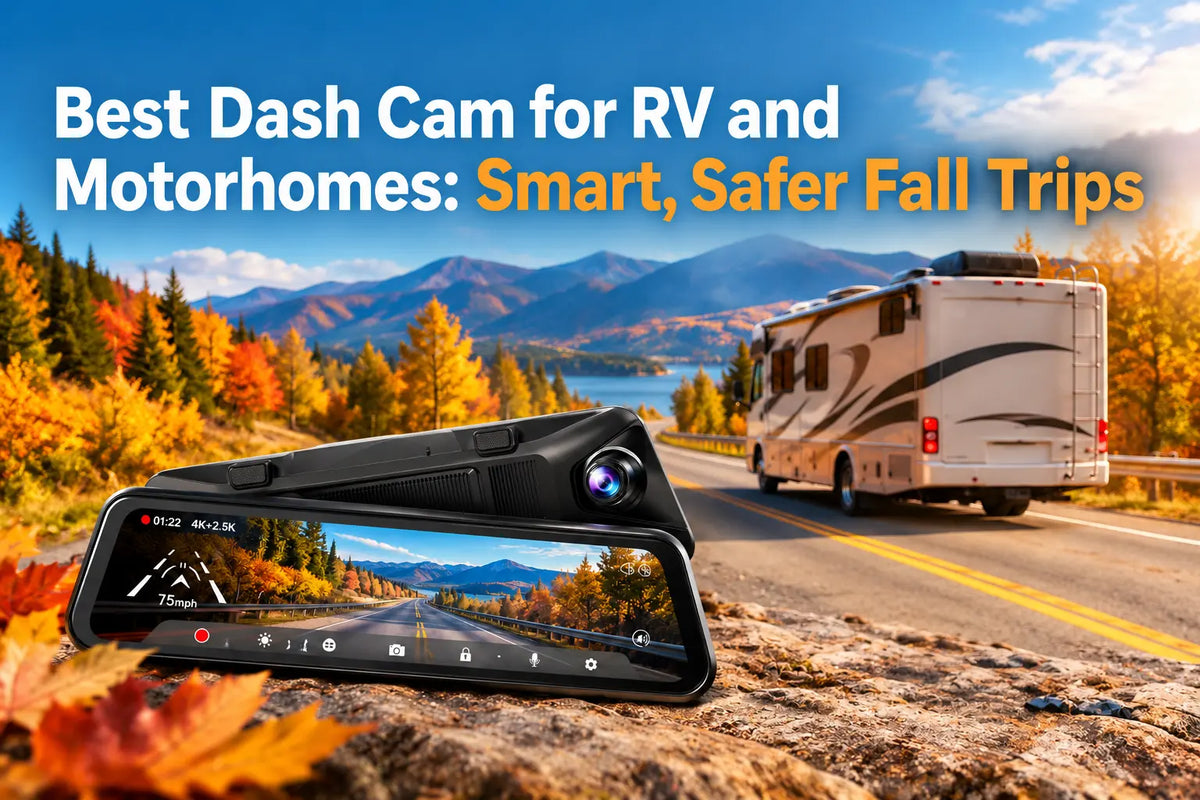
A large RV needs more than basic front-road coverage. If you want the best dash cam for RV or motorhome, look at rear visibility, wide camera views, clear night video, storage and park protection [1]. Your RV is longer and wider than a normal car, so a front-only camera can leave useful areas outside the frame. Fall trips also bring earlier sunsets.
Why RVs and Motorhomes Need Different Dash Cam Coverage
RV size changes what you need from a camera system. Your vehicle may have a long rear section, a tall body and windows that give you less rear visibility than a passenger car.
Larger Blind Spots and Limited Rear Visibility
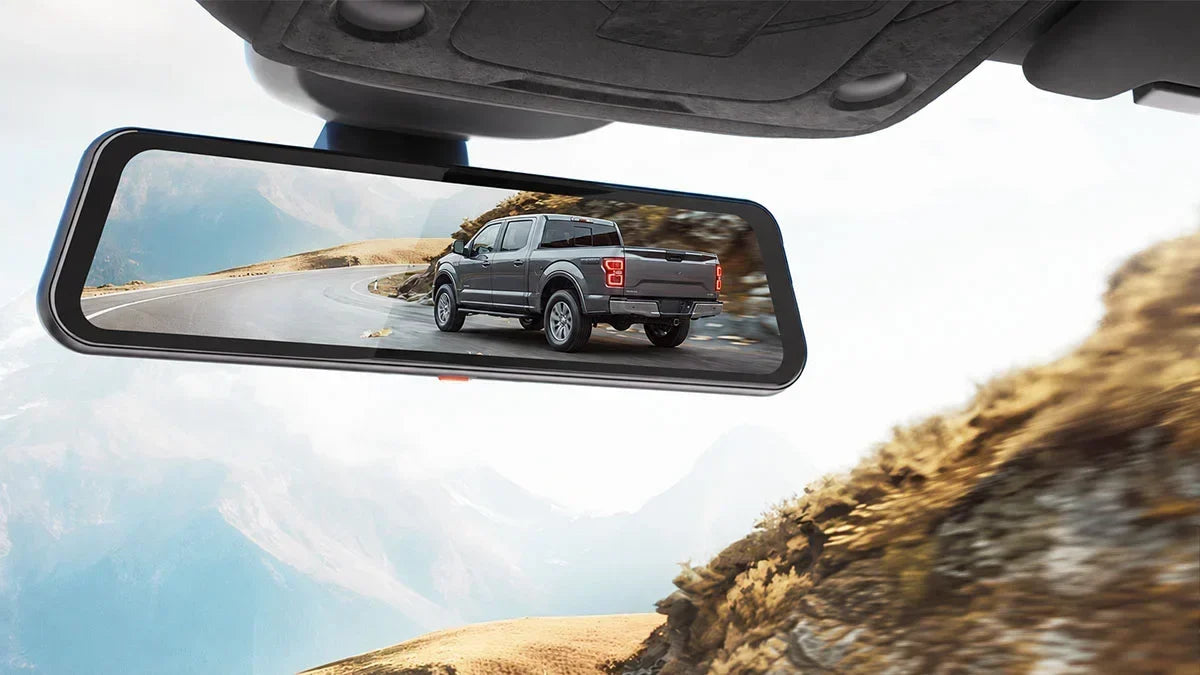
Large blind areas are one reason to use wider camera coverage on an RV. Your vehicle length can make lane changes, turns, fuel stops and campsite moves harder to judge. A digital rear view can help when passengers, cargo or the RV body block a normal mirror. A rear camera also gives you another live view when you reverse.
Long-Distance Road Trips
Long road trips place more demand on storage and camera reliability. Your dash cam may record for hours across highways, rural roads and fuel stops. Loop recording manages older unlocked files when the card becomes full. GPS or Global Positioning System, can save route, speed or location data. WiFi is a wireless link that can connect your phone to your camera for clip access and settings.
What Makes the Best Dash Cam for Truck 2026 Useful for an RV?
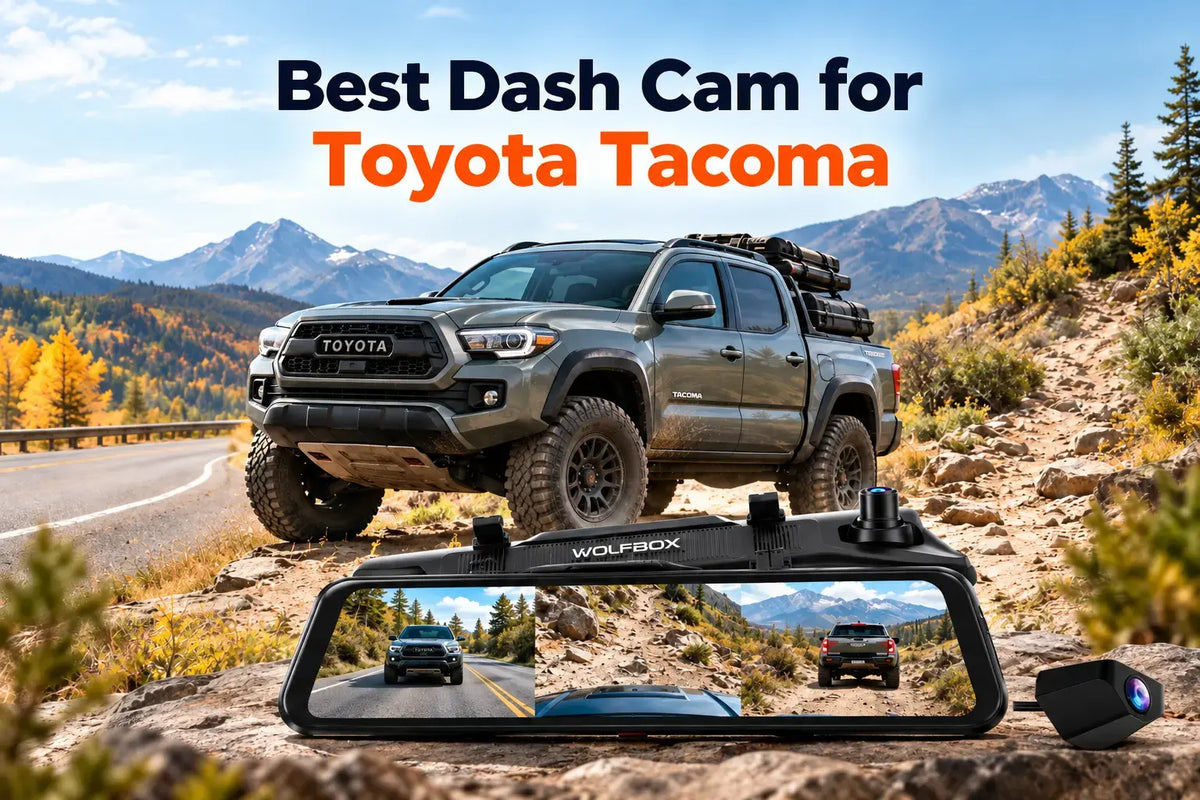
Truck and RV camera needs often overlap. Both can have long bodies, larger blind areas and harder park conditions. If you search for the best dash cam for truck 2026, many of the same features matter for your motorhome.
Resolution, Night Video and Digital Mirror View
Clear video matters when you need to check signs, vehicles or license plates after an event. 4K means video with about 3840 × 2160 pixels. More pixels can show more detail, though sensor quality and light also affect the image. Night performance matters on fall trips because sunset comes earlier.
Multi-Channel Coverage, GPS, WiFi and Storage
More camera channels can cover more parts of a large vehicle. A two-channel setup records the front and rear, while a three-channel setup adds another camera for the cabin, bumper or another area. Higher-resolution video uses more storage, so check card capacity.
|
Feature |
Why It Matters for Your RV |
|---|---|
|
High-resolution video |
Gives you more visible detail in road footage |
|
Strong night video |
Helps on dark highways and late campsite arrivals |
|
Large digital mirror |
Gives you a clearer live rear view |
|
Two or three channels |
Adds camera views around a larger vehicle |
|
GPS |
Saves route-related trip data |
|
WiFi |
Lets your phone connect to the dash cam |
|
Large storage support |
Gives you more room for long-trip footage |
|
Park mode |
Can save footage while your RV is parked |
Parking Monitoring
Parking mode can add video coverage while your RV is stationary. This can matter at campgrounds, roadside stops and trailheads where you may leave the vehicle for hours. A G-sensor is an impact sensor that can react to a hit and protect the related video file.
Fall Road Trips and Campground Security
Fall travel can place you in darker conditions and less familiar places. Earlier sunsets may mean you reach a campground after dark, while narrow roads and heavy shade can reduce visibility. Your best dash cam for RV/motorhome setup should give you a clear front view, a useful rear view and reliable footage.
Tight Campsites, Trailheads and Remote Roads
Tight campsites can be harder to move through than highway stops. Your RV may pass close to trees, posts, bicycles, camp gear and other vehicles. Wider camera coverage gives you more visual information when your rear view is blocked. On remote roads, continuous footage can record wildlife, road damage or an unexpected event.
Best WOLFBOX Dash Cam Options for an RV or Motorhome
The two WOLFBOX systems take different approaches to RV coverage. The WOLFBOX G900Pro uses a front-and-rear layout, while the WOLFBOX G900TriPro Bumper adds a third bumper-level camera. Both are mirror-style dash cams, but they serve different needs. Your choice should depend on vehicle size, required camera coverage and your normal roads.
WOLFBOX G900Pro
The WOLFBOX G900Pro is the simpler choice for front and rear coverage [2]. It uses a Sony STARVIS 2 IMX678 front sensor with native 8MP capture which matches 4K pixel count. It also has a 12-inch touch display, 5.8GHz WiFi, GPS player support, loop recording and storage support up to 512GB.
The WOLFBOX G900Pro can work well if you mainly travel on highways, use normal campgrounds and want a large digital rear view without a third camera.

WOLFBOX G900TriPro Bumper Version
The WOLFBOX G900TriPro Bumper adds a third camera angle [3]. It records 4K at the front, 2.5K at the rear and 1080P through the bumper camera. The system also has a 12-inch mirror display, 5.8GHz WiFi, built-in GPS and park monitoring with a hardwire kit. Its front view is 130 degrees, and its rear view is 150 degrees.
The extra bumper camera gives you a low view close to the vehicle [4]. This can be useful if you drive a large motorhome, an adventure rig or an RV that often enters tight campsites. If you mainly need standard front and rear coverage, the extra camera may add more setup than you need.
|
Feature |
WOLFBOX G900Pro |
WOLFBOX G900TriPro Bumper |
|---|---|---|
|
Camera coverage |
Front + rear |
Front + rear + bumper |
|
Front video |
Native 8MP / 4K-class |
4K |
|
Rear video |
5MP rear camera |
2.5K |
|
Extra bumper camera |
No |
1080P |
|
Display |
12-inch |
12-inch |
|
WiFi |
5.8GHz |
5.8GHz |
|
GPS |
Supported |
Built in |
|
Parking monitoring |
Hardwire kit needed |
Hardwire kit needed |
|
Best use |
Simpler highway and campsite coverage |
Extra low-angle coverage for larger rigs |
|
Choose it if |
You want front and rear views |
You want a third bumper view |

RV Dash Cam Installation: Cable Length, Camera Placement and Power
RV installation needs more planning because your rear camera may sit far from the mirror unit. Measure the actual cable route before you buy an extension because the cable may pass around trim, cabinets, doors and windows.
Rear Camera Placement and Power Setup
Rear camera position affects your footage and live rear view. Place the camera where it can see the road behind your RV without a ladder, spare tire or other equipment across the image. Park mode may need fuse power through a hardwire kit. Check the power instructions for your dash cam and RV. If fuse-box work is new to you, ask a qualified installer.
Which WOLFBOX Dash Cam Should You Choose for Your RV?
Your driving style should guide the final choice. Choose the WOLFBOX G900Pro if you want a front-and-rear mirror dash cam with a large screen, GPS, WiFi and park-mode support [5]. Choose the WOLFBOX G900TriPro Bumper if your vehicle is larger or you often deal with low-angle views [6]. Its bumper camera can be useful at tight campsites and rough access roads.
If most of your trips stay on highways and normal campground roads, you may not need a third camera. If your motorhome is large or you often move through areas with rocks, posts or other low objects, the extra bumper view may have more value. Check your rear-camera location, cable length, connector type and power setup before you place an order.
RV Dash Cam Checklist Before a Fall Road Trip
A short camera check can save you from missing footage later. Before a fall trip, check the complete RV dash cam system while your vehicle is parked at home or at camp.
- You should clean your camera lens before you leave. Dust, dried water and road dirt can make video less clear.
- Front and rear camera angles should also be checked from the driver seat. Your road view should look level and clear.
- You must make sure your camera saves video to the memory card. Check the date and time too, because correct file details make saved footage easier to review and organize.
- Check free storage before a long trip. Save important clips first and make sure loop recording works so the camera can remove older unlocked files.
- It is important to test WiFi or app access before you leave. A quick test shows whether your phone connects to the dash cam or not.
- Check your rear-camera cable plugs and outside mounts. Long RV cable runs may pass through several panels and loose plugs or strained cables can cause problems.
Conclusion
The best dash cam for RV motorhome use should fit your vehicle and the way you travel. You need clear road video, a helpful rear view, enough storage, good night recording and camera coverage for areas that are hard to see. Cable length and power setup are also important when you go for long RV trips.
WOLFBOX gives you two options for these needs. The WOLFBOX G900Pro works well for a simple front-and-rear setup, while the WOLFBOX G900TriPro Bumper adds a low bumper camera for wider coverage. Check your RV size, campsite needs and usual routes before choosing the better option for your next fall trip.
FAQs
What is the best dash cam for an RV or motorhome in 2026?
The best choice should match your RV size, rear visibility and routes. You should go for clear front and rear video, night performance and enough storage.
Is a mirror dash cam better than a regular dash cam for an RV?
Yes. A mirror dash cam can give you a larger digital rear view. This will help you when your RV body, cargo or passengers block the standard mirror.
What dash cam features matter most for a large truck or motorhome?
Your dash cam should have features like clear video, wide rear coverage, night performance, storage, GPS and park mode. Your larger vehicle may also benefit from extra camera channels.
Can a dash cam help with campground security?
Yes. Park mode can record some impacts or nearby events while your RV is unattended. A dash cam should not replace normal locks and security steps.
References
[1] WOLFBOX - Dash Cam for RV: Capture Every Adventure with Unmatched Clarity: https://wolfbox.com/blogs/dash-cams/dash-cam-for-rv
[2] TechRadar - WOLFBOX G900 Pro Dash Cam Review: https://www.techradar.com/vehicle-tech/dash-cams/wolfbox-g900-pro-dash-cam-review
[3] AutoGuide - WOLFBOX G900TriPro Dash Cam Review: https://www.autoguide.com/auto/wolfbox-g900-tripro-dash-cam-review-44623066
[4] RV Travel - What Is the Best Backup Camera When Towing a Travel Trailer?: https://www.rvtravel.com/video-best-rv-backup-camera-2671/
[5] WOLFBOX - G900Pro 4K Mirror Dash Cam with Wi-Fi and Parking Monitoring: https://wolfbox.com/products/wolfbox-2024-g900-pro-wifi-touch-screen-parking-monitoring-dash-cam-smart-mirror-with-starvis-678-sensor
[6] WOLFBOX - G900TriPro Bumper Version 4K Sony STARVIS 2 Mirror Dash Cam: https://wolfbox.com/products/wolfbox-g900tripro-bumper-version-4k-sony-starvis-2-mirror-dash-cam

Leave a comment
All comments are moderated before being published.
This site is protected by hCaptcha and the hCaptcha Privacy Policy and Terms of Service apply.