













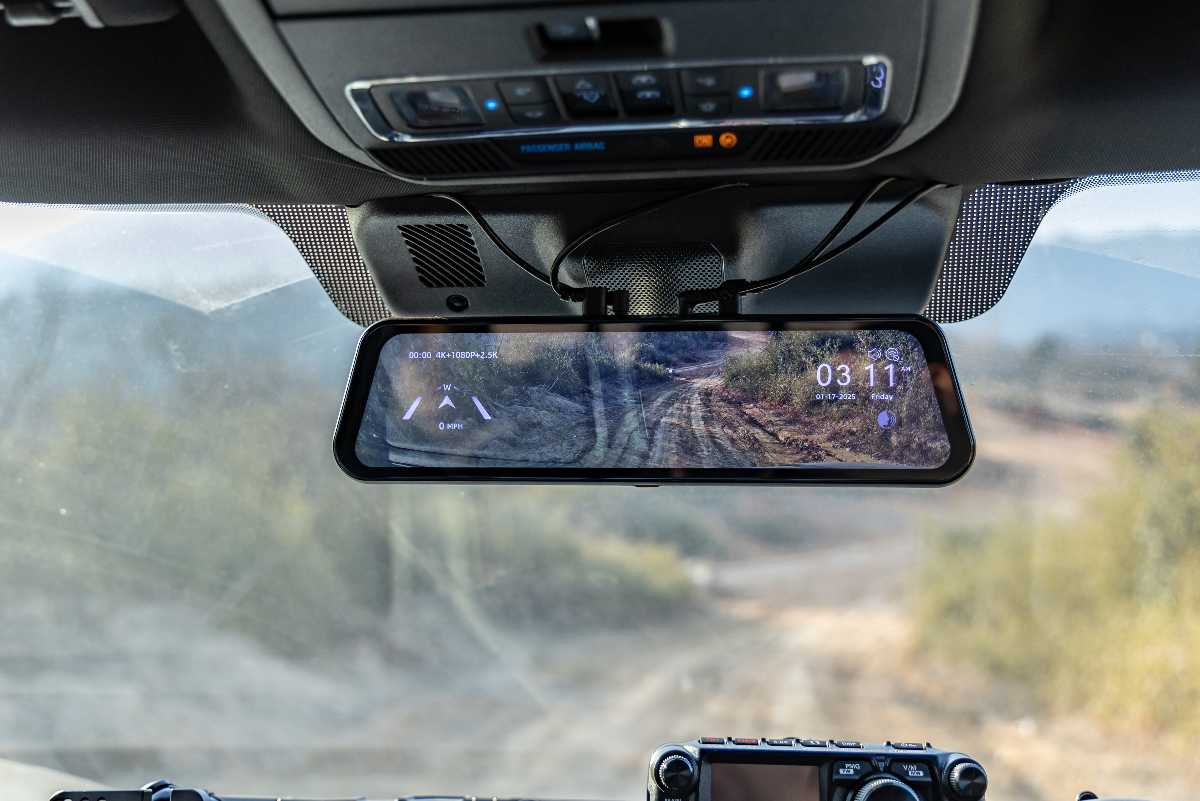
Same Core Cameras, Different Third Lens
Both versions share identical front and rear hardware: a 4K Sony STARVIS 2 IMX678 sensor up front and a 2.5K OmniVision OS04J10 sensor in back, both HDR-capable[1][2]. The split happens at the third channel. The Bumper version adds a 1080p, waterproof MIS2031 sensor mounted externally at the front bumper, angled for a low, wide view that catches curbs, low obstacles, and close-range contact the mirror-height cameras miss[1]. The Cabin version swaps that for an interior-facing 1080p camera aimed at the driver's seat and cabin area[3]. One extra cable run, two very different jobs.
|
Channel |
Sensor |
Resolution / Frame Rate |
Field of View |
|---|---|---|---|
|
Front (mirror-mounted) |
Sony STARVIS 2 IMX678 |
4K at 30fps, HDR[1] |
130°[1] |
|
Rear (exterior) |
OmniVision Purecel Plus OS04J10 |
2.5K at 30fps, HDR[1] |
150°[1] |
|
Bumper (Bumper version only) |
MIS2031, waterproof housing |
1080p at 25fps[1] |
131.8°[1] |
|
Cabin (Cabin version only) |
Interior-facing sensor |
1080p[3] |
Wide-angle cabin coverage[3] |
Why a Fourth of the Frame Rate Drops on the Bumper Camera
Notice the bumper camera tops out at 1080p while the front camera hits 4K. That's a deliberate trade-off, not a corner cut: the bumper unit has to be small enough to mount externally, waterproofed against road spray, and run on a thinner cable than the internal sensors. A 4K sensor in that housing would demand more bandwidth than the third channel's cable and processor can realistically push without dropping frames elsewhere. Our own spec sheet lists recording combinations like 4K front + 1080p bumper + 2.5K rear as one option, rather than forcing all three channels to the same resolution[1].
What Three Cameras Actually Cost to Install
A 2-channel mirror dash cam needs one cable run to the rear window. The G900TriPro needs two: one to the rear, one to either the front bumper or the cabin mount. The extra front cable run — usually threaded along the door frame or under interior trim to reach the bumper — adds real time to the install, a practical trade-off to weigh alongside coverage[4][5]. Storage needs also climb: three simultaneous streams fill a card noticeably faster than two, so Wolfbox rate the G900TriPro for microSD cards up to 512GB[1].
Matching the Version to How You Actually Drive
- Pick the Bumper version if you regularly navigate tight parking, curbs, or low obstacles where the standard front-and-rear angle doesn't show what's directly in front of the bumper.
- Pick the Cabin version if you drive rideshare, delivery, or any job where a documented view of the cabin protects you in a dispute.
- Skip the third camera entirely and get the standard G900 Pro if your driving is mostly commuting and parking documentation is not a recurring need[7].
- The two TriPro versions aren't interchangeable after purchase — the bumper and cabin cameras are different hardware, so this decision has to be made before ordering.
Is the Extra Cost and Cable Run Worth It?
For most daily commuters, the standard front-and-rear setup on the G900 Pro covers what actually matters in an incident: what happened ahead and what happened directly behind. The third camera earns its place in narrower situations — frequent tight parking, off-road use where ground clearance is a real concern, or professional driving where cabin footage isn't optional. Reviewers who tested the Bumper version specifically flagged its 1080p resolution and added install time as trade-offs worth knowing before buying, not just praised the extra coverage[4][5][6].
Frequently Asked Questions
What's the difference between the G900TriPro Bumper and Cabin versions?
The Bumper version adds a 1080p exterior camera at the front bumper for low-angle visibility; the Cabin version replaces it with an interior-facing camera for cabin documentation[1][3].
Why is the bumper camera only 1080p when the front camera is 4K?
The externally mounted, waterproofed bumper unit uses a smaller sensor and thinner cable, which limits it to 1080p compared to the mirror-mounted 4K front camera[1].
How much storage does the G900TriPro need?
Up to 512GB microSD, since recording three simultaneous video streams fills a card faster than a standard 2-channel dash cam[1].
Can I switch between the Bumper and Cabin camera after buying?
No. The bumper and cabin cameras are different hardware selected at the time of purchase and can't be swapped afterward[1][3].
References
[1] WOLFBOX G900TriPro Bumper Version product page and specifications — https://wolfbox.com/products/wolfbox-g900tripro-bumper-version-3-channel-rearview-mirror
[2] WOLFBOX G900TriPro Bumper Version US product page — https://wolfbox.com/products/wolfbox-g900tripro-bumper-version-3-channel-rearview-mirror
[3] 4Runner6G: Wolfbox G900 TriPro Rear View Camera Review (Cabin version) — https://www.4runner6g.com/wolfbox-g900-tripro-rear-view-camera-review/
[4] WOLFBOX Dash Cam Installation Guide — https://wolfbox.com/blogs/news/dash-cam-installation-guide-in-depth-instructions-for-a-seamless-setup
[5] DashcamTalk: WOLFBOX G900 TriPro Review (overall scoring and drawbacks) — https://dashcamtalk.com/dash-cam/wolfbox-g900-tripro/
[6] AutoGuide: Wolfbox G900 TriPro Dash Cam Review — https://www.autoguide.com/auto/wolfbox-g900-tripro-dash-cam-review-44623066
[7] WOLFBOX G900Pro product page — https://wolfbox.com/products/wolfbox-2024-g900-pro-wifi-touch-screen-parking-monitoring-dash-cam-smart-mirror-with-starvis-678-sensor

Leave a comment
All comments are moderated before being published.
This site is protected by hCaptcha and the hCaptcha Privacy Policy and Terms of Service apply.