













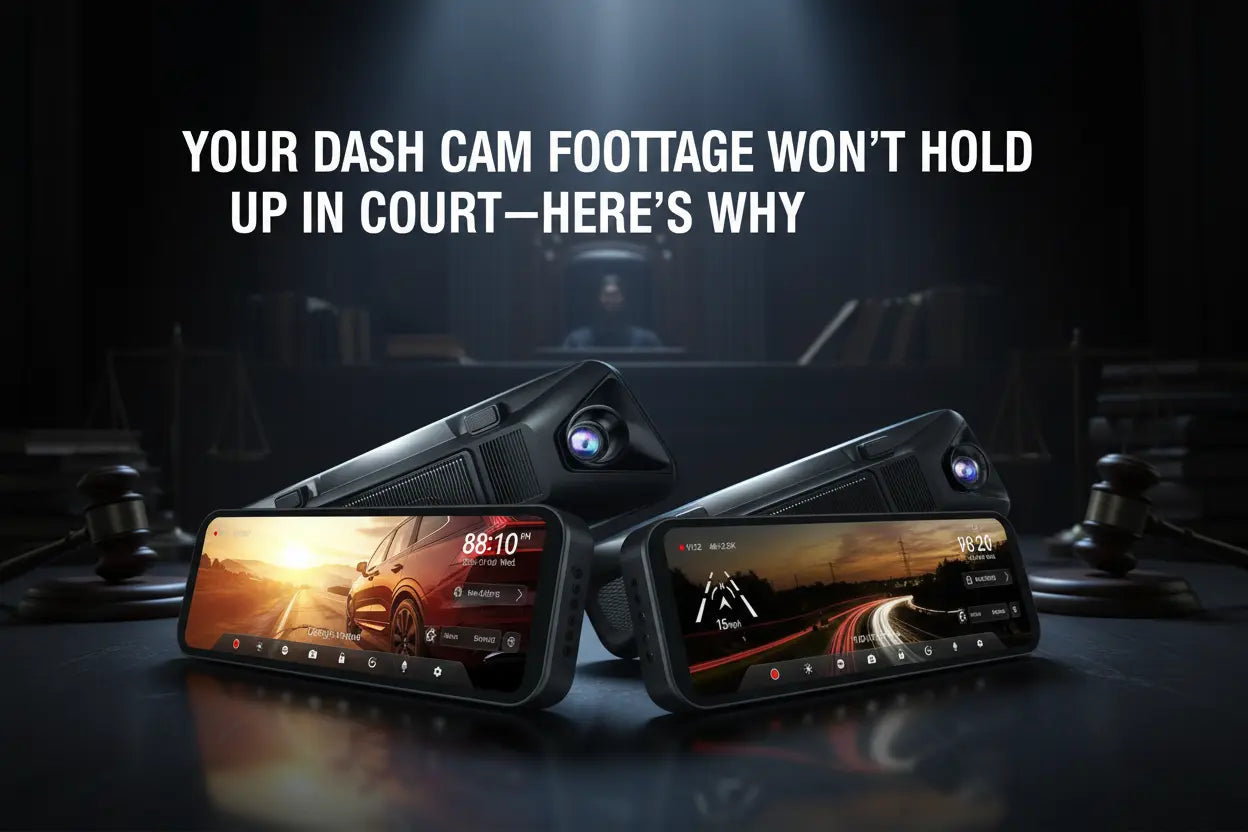
Every driver who has a dash cam assumes the footage will protect them. Sometimes it does. But claims get denied and disputes go nowhere because footage was overwritten before it could be saved, came without location data, or couldn't show a plate clearly enough to matter.
The problem isn't usually the camera—it's that most buyers don't know which specific features determine whether footage becomes usable evidence.
This article is for general information only. For legal questions specific to your situation, consult a qualified attorney.
Why Footage Gets Overwritten Before You Can Use It
Dash cams record on a loop. When the SD card fills, the camera deletes the oldest files to make room. That process never stops—unless a file has been locked.
Two things can lock a file: the G-sensor, and you.
The G-sensor is an accelerometer inside the camera. When it detects a sudden impact or hard braking, it marks the current clip as protected and moves it to a folder that loop recording cannot touch. The protection window typically covers one to two minutes around the event.
What the G-sensor can't do is protect footage from something it didn't register—a near-miss with no contact, a cut-off that led to nothing physical, a slow-build road rage situation. That's where manual lock comes in. On WOLFBOX mirror dash cams, a single tap on the touchscreen locks the current clip.[1] If you witness anything worth keeping, lock it immediately. The file stays protected until you delete it or the protected folder hits its maximum count.
The G-sensor sensitivity is adjustable. Set too high, it triggers on potholes. Set too low, a real collision may not register. On the WOLFBOX G900 Pro and G930, three levels—High, Medium, and Low—are in the settings menu.[1] For most city and highway driving, Medium is the right starting point.

GPS Stamp: What It Actually Does in a Claim
A GPS stamp embeds location, speed, and time directly into the video file, frame by frame. Not as a separate log—as data woven into the recording itself.
When an insurance adjuster reviews GPS-stamped footage, they can verify independently that you were where you said you were, at the speed you claimed, at the time the incident occurred. That independent corroboration is what shifts 'your word against theirs' into a situation where the record supports your account.
The WOLFBOX G900 Pro and G930 both overlay GPS coordinates and speed onto the video, and the data is also readable through the WOLFBOX GPS Player app, which syncs your route to the footage on a map.[1][2] The G930 uses an external GPS receiver that plugs into the mirror dash cam, so the receiver must be connected and positioned correctly during installation.[2]
After first power-on, allow 30 to 60 seconds for GPS to acquire a satellite lock. If the overlay shows '0 km/h' for an entire trip, the module isn't connecting properly or is positioned near metallic window tinting that blocks signal. Moving it toward the center top of the windshield usually fixes this.
Resolution: What You Need to Read a Plate Under Pressure
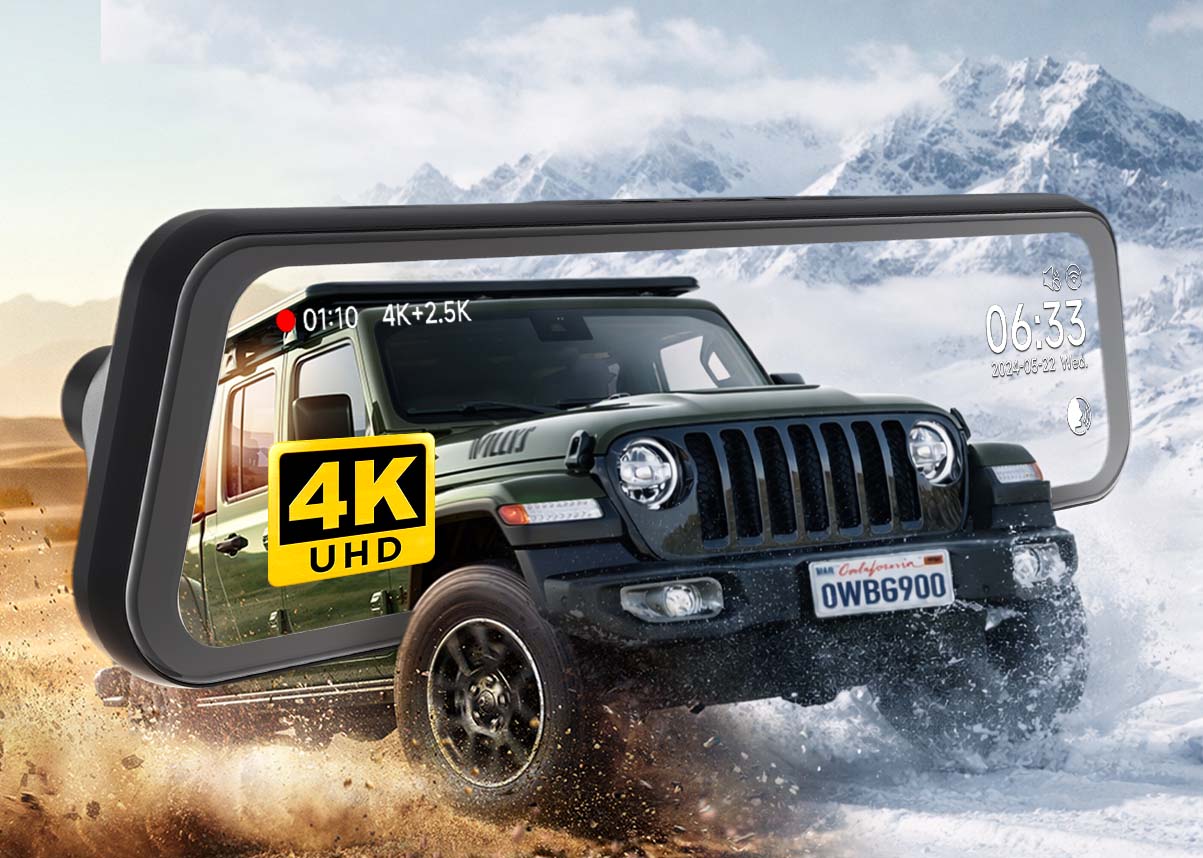
At 1080p, a license plate three to four car lengths ahead in daylight is usually readable. In low light, at highway speeds, or at greater distance during a fast lane change, it often isn't. At 4K, that margin extends—more pixels covering the same frame means each plate takes up more of the image with more detail preserved. "4K" refers to exported video files with a resolution of not less than 3840 × 2160.
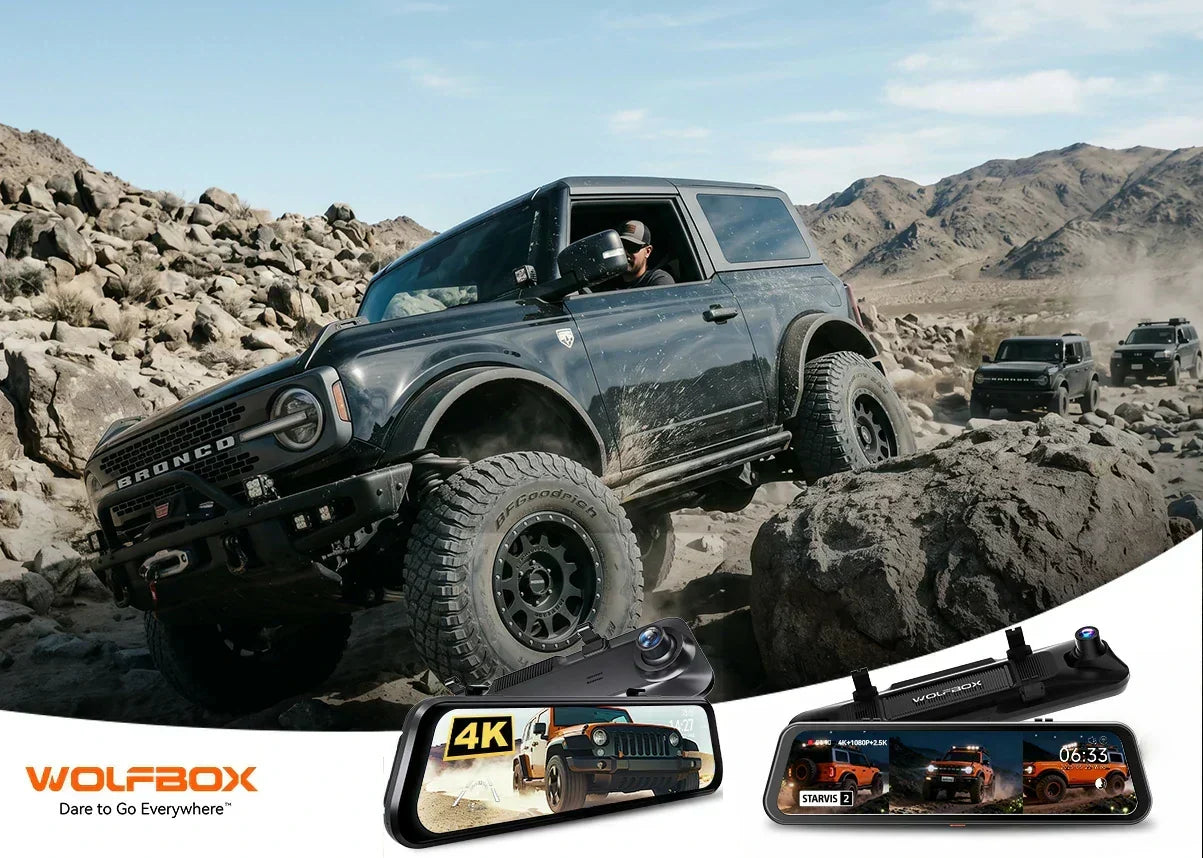
The WOLFBOX G900 Pro records 4K (3840x2160) front and 2.5K (2560x1440) rear. The G930 records 4K front and 1080p rear.[1][2] For a hit-and-run or rear-end situation, rear plate legibility matters as much as front. A 2.5K rear camera is meaningfully better than 1080p at capturing a plate at typical following distances.
Resolution alone isn't the full picture. The G900 Pro uses a Sony STARVIS 2 IMX678 sensor—a 12MP chip with 2.9um pixels—which captures roughly four times more light per pixel than budget sensors with 1.4um pixels.[1][4] The practical difference is most visible at night and in tunnels: a budget sensor produces overexposed, indistinct frames; the IMX678 holds detail in shadows while keeping highlights readable.

WDR: The Feature That Handles Every Driver's Worst Lighting Moment
The hardest exposure scenario for a dash cam is one every driver faces constantly: exiting a tunnel into bright sun, or driving into direct glare. The camera's exposure is set for the darker surroundings; the result is a blown-out frame where vehicles and plates disappear into white.
Wide Dynamic Range (WDR) processing addresses this by compositing multiple exposure levels into a single balanced frame. You keep shadow detail without losing the bright areas. Some listings advertise both 'WDR' and 'HDR'—in most dash cams these describe overlapping or identical processing pipelines. Quality of implementation varies; sample footage in real high-contrast conditions is the best indicator.
What Happens to Footage When the Car Loses Power Suddenly
If power cuts mid-recording—battery disconnect, airbag deployment, electrical fault—a conventional lithium buffer cell gives the camera a second or two to finish writing the current file. If the write doesn't complete, the file is corrupted: unplayable, useless.
WOLFBOX mirror dash cams use a supercapacitor instead of a lithium buffer.[1] A supercapacitor discharges and recharges thousands of times without capacity degradation and doesn't lose performance in a hot car over summer months. When power cuts abruptly, it completes the file write cleanly. A minor spec that becomes critical in exactly the situation where the footage matters most.[1]
SD Card Size, Class, and When to Replace
A 64GB card recording 4K front footage holds approximately 2 to 3 hours before the oldest unprotected files start overwriting.[3] A 256GB card extends that to roughly 8 to 10 hours. For a daily commuter who checks footage regularly, 128GB is a practical middle ground. For long routes where days pass before reviewing, 256GB provides a wider safety window.
Use at minimum a Class 10 U3 (UHS Speed Class 3) microSD card—minimum 30MB/s sustained write speed, which 4K recording requires to avoid dropped frames.[3] A U1 card will often cause the camera to silently reduce recording quality with no error message. For continuous loop recording, endurance-rated cards (Samsung PRO Endurance, SanDisk High Endurance) are built for far more write cycles than standard photo cards.
Replace the card every 18 to 24 months even if it appears functional. NAND flash degrades silently—footage loss, not an error message, is usually the first sign.
Frequently Asked Questions
Does dash cam footage guarantee a successful insurance claim?
No. Footage is evidence, not a verdict. GPS-stamped, high-resolution footage that was properly locked significantly strengthens a claim, but insurers weigh all available information. Ask your insurer in advance how to submit digital evidence.
What G-sensor sensitivity level should I use?
Medium is the right starting point for most drivers. It activates on impacts consistent with a real collision and ignores potholes and speed bumps. If you drive on rough unpaved roads often, use Low to avoid constant false locks filling the protected folder.
How long does a locked file stay protected?
Until you delete it or the protected folder reaches its maximum count. Loop recording never overwrites the locked folder. If G-sensor events fire frequently in your driving conditions, clear old locked files periodically to keep room available.
Does my dash cam need GPS to be useful in a dispute?
GPS isn't legally required, but it adds independent verification of location, speed, and time—the three facts most commonly disputed in collision claims. Without GPS, footage shows what happened but not where or how fast. With GPS, all three are in the file.
Why does WOLFBOX use a supercapacitor instead of a battery backup?
Lithium buffer cells in dash cams degrade over time, especially in hot environments like a summer dashboard. A supercapacitor doesn't store charge the same way—it discharges and recharges reliably across thousands of cycles without capacity loss, and performs consistently in both heat and cold.
What file format do WOLFBOX cameras use, and can I play it on a Mac?
WOLFBOX cameras record in .TS format. Play it using the free WOLFBOX GPS Player (wolfbox.com/gps-player), which shows route and speed overlaid on a map, or in VLC on Mac or Windows.
References
- WOLFBOX G900 Pro product page—4K/2.5K, Sony STARVIS 2 IMX678, GPS, Wi-Fi, supercapacitor, 30-month warranty: https://wolfbox.com/products/wolfbox-2024-g900-pro-wifi-touch-screen-parking-monitoring-dash-cam-smart-mirror-with-starvis-678-sensor
- WOLFBOX G930 product page—external GPS receiver, 4K front, 1080p rear, 9.66-inch IPS: https://wolfbox.com/products/wolfbox-g930-rear-view-mirror-camera
- WOLFBOX Product User Manual—SD card requirements, loop recording, Class 10 U3 spec: https://wolfbox.com/pages/user-manual
- WOLFBOX G900 Pro review—STARVIS 2 IMX678 low-light performance: https://wolfbox.com/blogs/dash-cams/wolfbox-g900-pro-review
- WOLFBOX G900 vs G900 Pro—sensor upgrade comparison: https://wolfbox.com/blogs/dash-cams/wolfbox-g900-vs-g900-pro
- WOLFBOX vs Viofo vs Vantrue—independent brand comparison: https://wolfbox.com/blogs/dash-cams/wolfbox-vs-viofo-vs-vantrue
- WOLFBOX firmware and GPS Player download page: https://wolfbox.com/pages/manual
- WOLFBOX off-road dash cam guide—G900 Pro specs reference: https://wolfbox.com/blogs/dash-cams/off-road-driving-safety-guide-how-a-dash-cam-can-save-you

Leave a comment
All comments are moderated before being published.
This site is protected by hCaptcha and the hCaptcha Privacy Policy and Terms of Service apply.