













WOLFBOX Brands
WOLFBOX Brands
When you pick a new dash cam for your car, you want to feel sure your drives are recorded safely. Your camera records everything, but it depends on the memory card you choose. If you use the wrong SD card, you might lose important videos or find gaps in your recordings.
You might be asking yourself, what size SD card is best for a dash cam? The answer depends on a few things. The camera's picture quality, how many views it records, and how you use your car all matter. This guide will help you understand what you need.
Table of contents
If you're wondering what size SD card for dash cam you need, here's the clear answer you're looking for.
For a basic 1080p dash cam with one lens at 30 frames per second, you can use a 32GB or 64GB card. These cards can hold several hours of video before the oldest clips get recorded over by new footage.
If your camera records with higher picture quality, you will need a card with more space. For a 2K30fps dash cam, what size micro SD card should you pick? A 128GB card is a smart choice. This size is also good for 1080p dash cams that record at 60 frames per second, so your videos look smooth and clear.
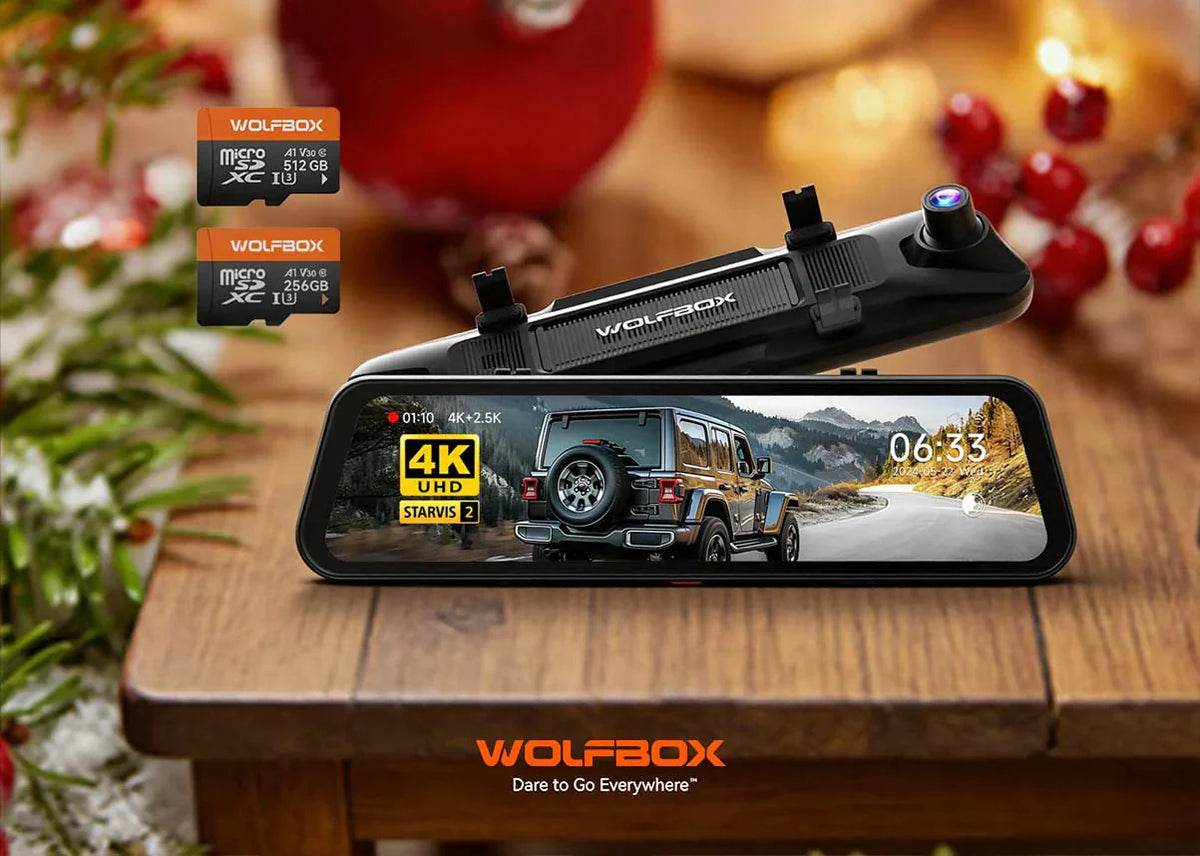
If you have a 4K dash cam or a dual-camera setup that records front and back views, you should use a 256GB or even a 512GB SD card. Bigger cards save more hours of video before anything gets written over. This means you worry less about missing clips and your card lasts longer because it is not used up so fast.
When you pick an SD card, it's helpful to know what might make your card fill up faster. Understanding these key points will help you choose the right size for your needs.
Video resolution is a primary factor. A 4K video file is much larger than a 1080p file because it contains more pixels and detail. Likewise, a higher frame rate, such as 60fps, creates smoother video but also generates larger files compared to the standard 30fps. Your dash cam needs more storage to handle this extra data.
Bitrate refers to the amount of data used to encode a single second of video. Dash cams with higher bitrates produce better quality video with fewer artifacts. However, this quality comes at the cost of larger file sizes. Your WOLFBOX dash cam is optimized to balance quality and file size, but a higher bitrate setting will require a larger SD card.
The number of cameras recording simultaneously has a big impact. A single-channel dash cam only records the road ahead. A dual-channel system records both front and rear views at the same time. This effectively doubles your storage needs. Some systems even have three channels, which further increases storage demands.
If you look at your dash cam's model and how you use it, you will see which SD card size works best for you. This section gives you clear options for your camera's setup.
A 1080p dash cam is a popular choice for its balance of clarity and file size. For a single-channel camera recording at this resolution, a 32GB or 64GB card works well. These sizes offer a good amount of recording time before the loop recording feature kicks in. You'll have plenty of footage saved without a big investment.
If you step up to a 2K30fps dash cam, what size micro SD card should you get? A 128GB card is a great choice. The higher resolution captures more detail, which is useful for reading license plates. This size is also perfect for 1080p dash cams that record at 60fps, providing extra smooth video.
4K dash cams and dual-channel systems demand the most storage. A 4K camera file can be four times larger than a 1080p file. A dual-channel setup records from two cameras. For these systems, a 256GB card is the minimum you should think about. A 512GB card is even better for long drives or for professional drivers.
Dash Cam Type |
Recommended SD Card Size |
Single-Channel 1080p @ 30fps |
32GB – 64GB |
Single-Channel 2K @ 30fps or 1080p @ 60fps |
128GB |
Single-Channel 4K @ 30fps |
128GB – 256GB |
Dual-Channel 1080p @ 30fps |
128GB |
Dual-Channel 4K + 1080p |
256GB – 512GB |
If you choose a larger card, you gain several advantages. Your dash cam can save more video before it needs to be recorded over old files. This gives you more time to check your footage and less stress about losing important clips. A larger SD card makes using your camera much easier.
A larger SD card directly translates to more recording hours. This is particularly helpful for people who take long road trips or drive for a living. With a 256GB or 512GB card, you can store days of driving footage. This means you have a much wider window to review and save important clips after an incident occurs.
Dash cams constantly write and rewrite data, which puts a lot of stress on an SD card. This process is called a write cycle. Every SD card has a limited number of write cycles. A larger card means the loop recording feature overwrites footage less frequently. This reduces wear on the memory cells and can extend the card's operational lifespan.
Many WOLFBOX dash cams feature a parking mode that records incidents while your car is turned off. If you park in a busy area, your camera might record frequently. A larger card provides ample space for these recordings without overwriting your driving footage from the same day. This way, you have a complete record.
You have a good idea of what size micro SD card for a dash cam you need, but you should also look at other features before you decide. Your dash cam puts a lot of stress on memory cards, so picking the right type matters for your videos.
The speed class of an SD card determines its minimum write speed. Dash cams require a card that can handle a constant stream of high-definition video data. For HD recording, look for a card with a speed class of at least Class 10 or U1. For 4K recording, a U3 or V30 speed class is necessary to prevent dropped frames and corrupted files.
Dash cams operate in extreme conditions. They bake in hot cars and freeze in cold winters. They also record continuously for hours. A standard SD card is not built for this. You need a "high endurance" card specifically designed for this type of heavy use. These cards are built to withstand temperature extremes and many more write cycles.
Not all SD cards are created equal. It is wise to purchase memory cards from well-known and reputable brands. These companies use higher-quality components and conduct rigorous testing. A reliable card from a trusted manufacturer like SanDisk or Samsung is a smart investment to protect your valuable footage. WOLFBOX also offers its own branded high-endurance cards.
You might want to know how much video your SD card can save, so you can plan when to back up or check your files. The recording time you get depends on your dash cam's settings and how it records video.
SD Card Size
|
Estimated Recording Time (1080p @ 30fps) |
32GB |
3 – 5 hours |
64GB |
6 – 10 hours |
128GB |
12 – 20 hours |
256GB |
24 – 40 hours |
You can use these numbers to get an idea of how much video your SD card can keep. If your dash cam has two cameras, your recording time will be about half as much. For example, with a 128GB card, you would have about 6 to 10 hours of video from both cameras.
Choosing the right memory card is an important step when you set up your dash cam. You now know what size sd card for dash cam works for you. Most people do well with a 64GB or 128GB card as it gives enough space and good value. If your camera has high quality or records with more than one lens, you should think about a 256GB card or even bigger. This way, you can keep more of your important videos and always feel sure about your dash cam's storage.
The size of the SD card you need depends on your dash cam's resolution and number of channels. For a standard 1080p single-lens dash cam a 64GB card is a good starting point. For 2K or dual-channel cameras a 128GB card is better. For 4K systems we recommend at least a 256GB card.
Both 256GB and 512GB are excellent choices for modern dash cams especially 4K or dual-channel models. A 512GB card will store about twice as much footage as a 256GB card. This reduces how often the card overwrites old files and is great for long trips or for drivers who want maximum recording history.
High-endurance SD cards are designed for heavy use but they do not last forever. It is a good practice to format your SD card in the dash cam monthly to keep it in good condition. We recommend replacing your SD card every one to two years to maintain reliable performance and avoid unexpected failures.

