







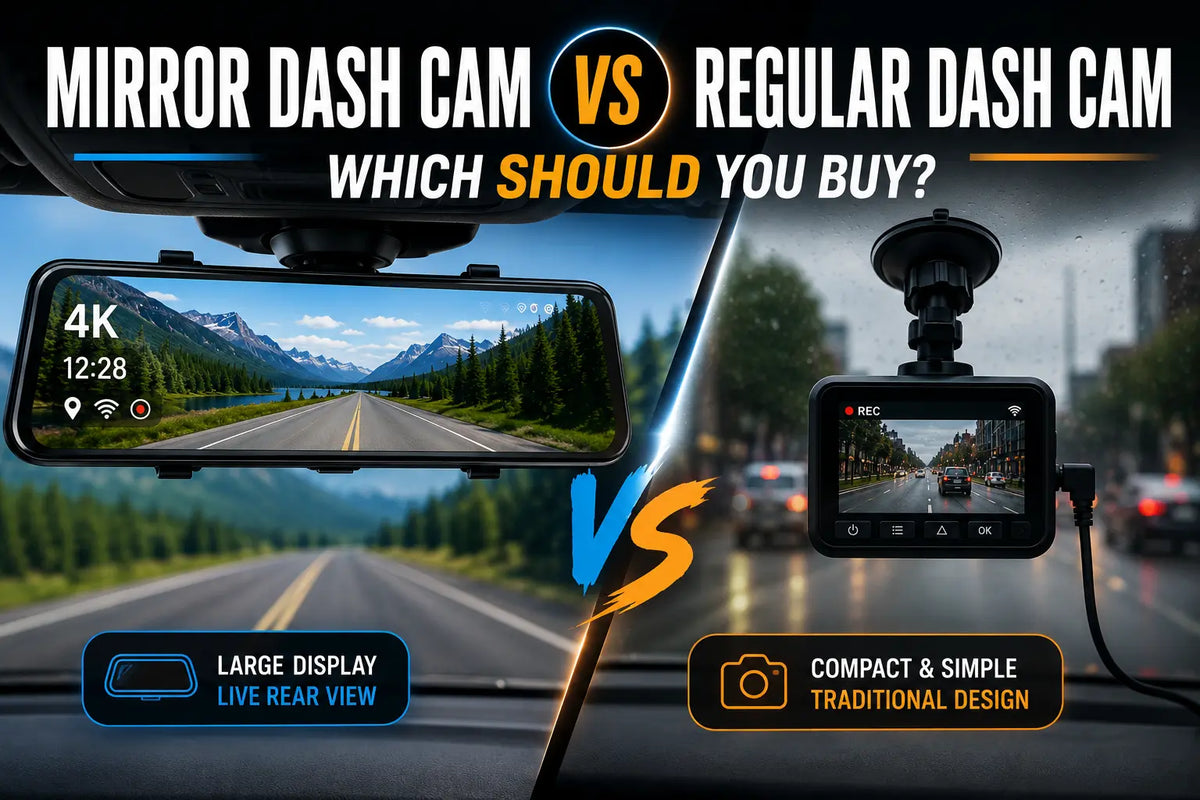
If you've ever searched for a dash cam, you've noticed two very different styles: the traditional windshield-mounted camera and the mirror-style dash cam that replaces your rearview mirror. Both record your drive and protect you after an accident — but they do it in fundamentally different ways.
This guide breaks down mirror dash cam vs regular dash cam across every dimension that matters: video quality, display, installation, parking mode, night vision, and value.
What Is a Mirror Dash Cam?
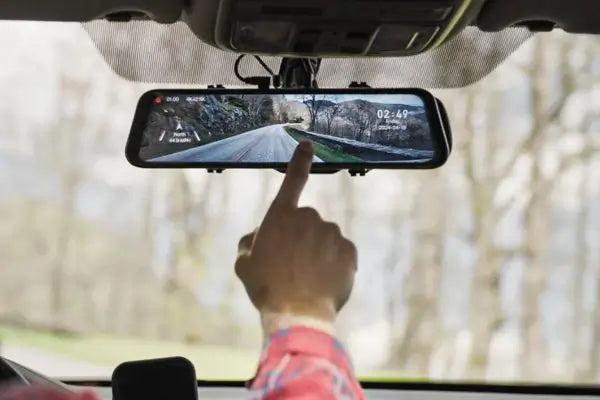
A mirror dash cam mounts directly over your existing rearview mirror using rubber straps. The mirrored surface becomes a touchscreen that displays a live rear camera feed, GPS data, or simply functions as a normal mirror when the screen is off.
The Wolfbox G900 Pro is the leading example in this category.[1] It features a 12-inch IPS touchscreen, 4K front recording via Sony STARVIS 2 IMX678 sensor, 2.5K rear recording, 5.8GHz WiFi, built-in GPS, 130° front and 150° rear field of view, and supports up to 512GB of storage.[1]

The Wolfbox G900 TriPro adds a third 1080p interior or bumper camera channel for complete 360° vehicle coverage.[2] The Wolfbox G850 Pro is the ADAS-equipped model with 5 collision avoidance features including lane departure warnings, forward collision warnings, and BSD (Blind Spot Detection).[3]

What Is a Regular Dash Cam?
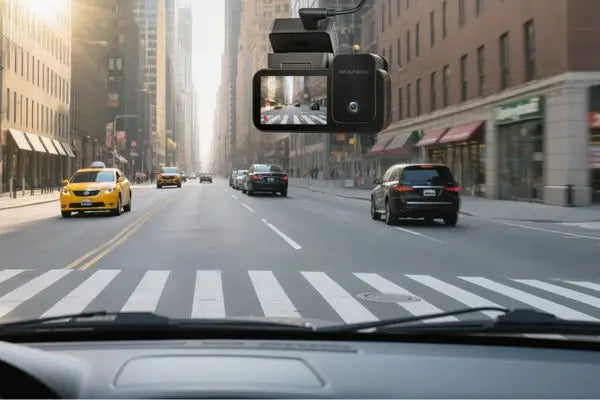
A regular dash cam attaches to your windshield or dashboard via suction cup or adhesive. It records forward-facing footage and often includes a separate rear camera connected by a cable. The camera body remains visible inside the cabin. Popular models in this category come from brands like Viofo and Vantrue, commonly compared against Wolfbox on dashcam forums.[4]
Feature-by-Feature Comparison
|
Feature
|
Mirror Dash Cam (Wolfbox G900 Pro)
|
Regular Dash Cam
|
|---|---|---|
|
Display
|
12-inch IPS touchscreen
|
Small 2–3 inch screen or none
|
|
Front resolution
|
4K (Sony STARVIS 2 IMX678)
|
Typically 1440p–4K
|
|
Rear resolution
|
2.5K
|
1080p–1440p
|
|
Install visibility
|
Hidden (looks like a mirror)
|
Visible on windshield
|
|
Field of view (front)
|
130°
|
140°–160°
|
|
GPS
|
Built-in
|
Varies
|
|
WiFi
|
5.8GHz
|
2.4GHz on most models
|
|
Parking mode
|
Yes (with hardwire kit)
|
Yes
|
|
Storage support
|
Up to 512GB
|
Typically up to 256GB
|
Video Quality
The Wolfbox G900 Pro's Sony STARVIS 2 IMX678 sensor records 4K/30fps front and 2.5K/30fps rear. TechRadar, in their hands-on review, described the footage as "excellent 4K footage that is sharp, smooth and full of detail."[5] Night performance is competitive with premium windshield cameras thanks to the STARVIS 2 sensor's enhanced low-light sensitivity.[5]
Winner: Tie — both types deliver strong 4K quality at this price range.
Installation
Installing a regular dash cam (single-channel front-only) takes 15–30 minutes, as it only requires mounting and power connection. Dual-channel, 3-channel, and mirror dash cams require routing the rear camera cable along the headliner and A-pillar — budget 45–90 minutes for a clean install.[1] The rear camera on the G900 Pro can be mounted inside the rear window or at the exterior bumper.[1]
Winner: Regular dash cam for installation speed. Mirror cams deliver a cleaner result.
Parking Mode
Both types support parking mode with a hardwire kit. The Wolfbox G900 Pro's G-sensor automatically locks footage during impacts.[1]
Winner: Tie — equivalent functionality.
Who Should Buy a Mirror Dash Cam?
- Want a clean, hidden install without cluttering your windshield
- Frequently carry rear passengers or cargo that blocks sightlines
- Tow a trailer or drive a truck or SUV with limited rear visibility
- Want a live rear camera display while driving
- Need GPS and multi-channel recording in one integrated package
Who Should Buy a Regular Dash Cam?
- Want the fastest, simplest installation
- Working with a limited budget (entry-level under $50)
- Drive a vehicle where mirror strap mounts are not compatible
Frequently Asked Questions
Q: Is a mirror dash cam better than a regular dash cam?
A: For drivers who want a live rear view, hidden install, and a large display, a mirror dash cam like the Wolfbox G900 Pro offers more features and a cleaner look.[1] Regular dash cams remain simpler to install and cost less at entry level.
Q: Does a mirror dash cam replace my factory rearview mirror?
A: Yes. The Wolfbox G900 Pro can be installed over your existing mirror, or the factory rearview mirror can be removed and the G900 Pro mounted in its place for a more OEM-style fit. In this setup, it can function as a direct replacement for the factory rearview mirror while still providing full touchscreen and camera functionality.[1]
Q: Can a mirror dash cam work as a backup camera?
A: Yes. The G900 Pro's rear camera displays a live feed on the 12-inch touchscreen whenever you shift into reverse, with three adjustable parking guideline levels.[1]
Q: What storage does the Wolfbox G900 Pro support?
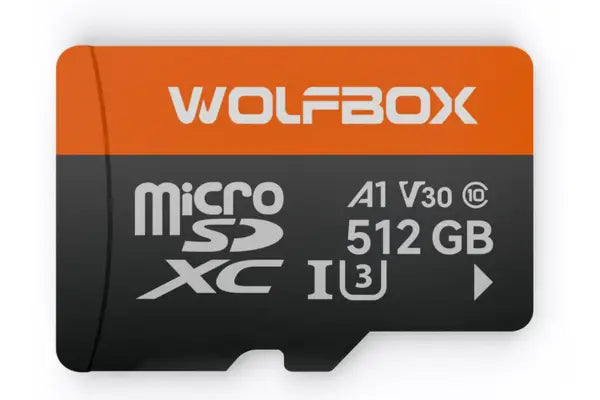
A: The G900 Pro supports up to 512GB of microSD card storage.[1]
Q: What is the Wolfbox G900 Pro warranty?
A: Wolfbox offers a 24-month manufacturer warranty plus a 6-month extended warranty for products purchased from the official Wolfbox website, for 30 months total coverage.[6]
References
[1] Wolfbox G900 Pro Official Product Page — https://wolfbox.com/products/wolfbox-2024-g900-pro-wifi-touch-screen-parking-monitoring-dash-cam-smart-mirror-with-starvis-678-sensor
[2] Wolfbox G900 TriPro Official Product Page — https://wolfbox.com/products/wolfbox-g900tripro-cabin-version-3-channel-dash-camera
[3] Wolfbox G850 Pro Official Product Page — https://wolfbox.com/products/wolfbox-g850pro-dash-cam-4k-wifi-car-dash-camera-front-and-rear-mirror-dashcam
[4] DashcamTalk Forum — Wolfbox G900 Pro Review Thread — https://dashcamtalk.com/forum/threads/wolfbox-g900-pro-review-starvis-2-4k-is-the-competition-in-wolfboxs-rear-view.51916
[5] TechRadar — Wolfbox G900 Pro Dash Cam Review — https://www.techradar.com/vehicle-tech/dash-cams/wolfbox-g900-pro-dash-cam-review
[6] Wolfbox Warranty Policy — https://wolfbox.com/pages/warranty-policy



Leave a comment
All comments are moderated before being published.
This site is protected by hCaptcha and the hCaptcha Privacy Policy and Terms of Service apply.