













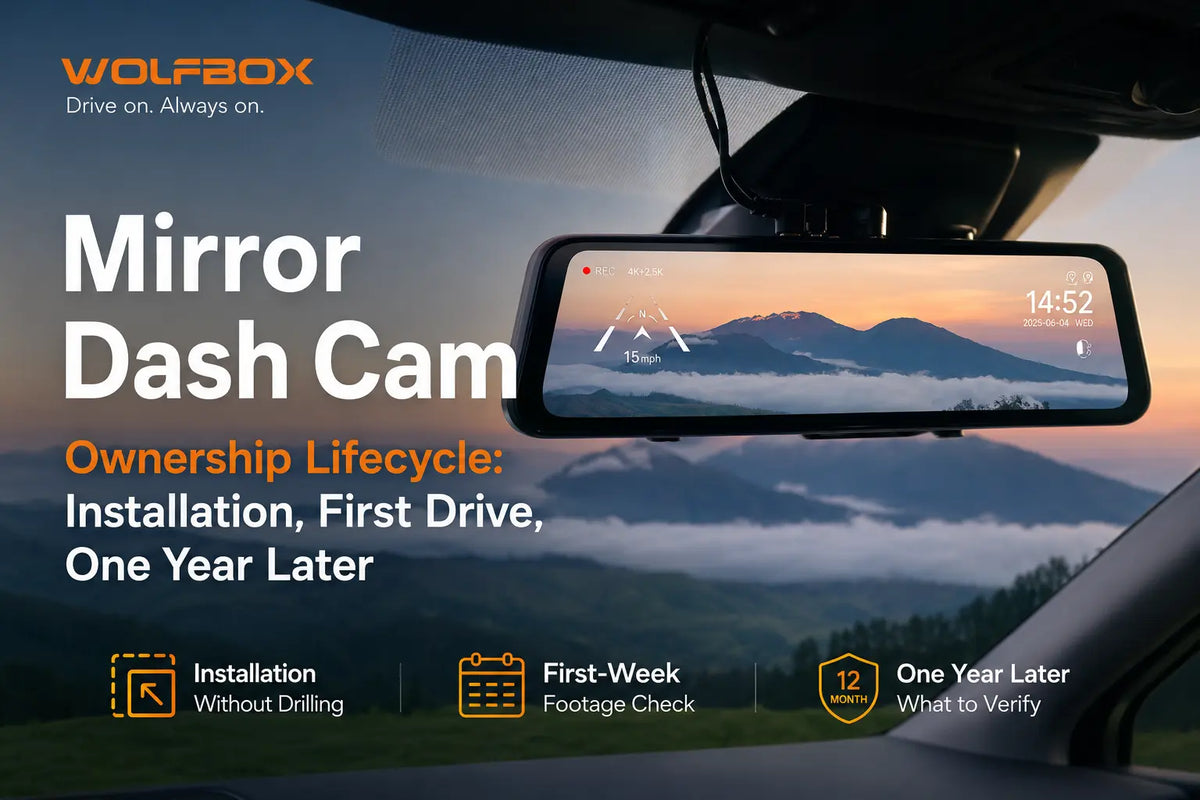
Most people who buy a mirror dash cam spend 20 minutes installing it, confirm the picture looks good, and then don't think about it again until something goes wrong. That's usually fine—until the one time they need the footage and it's overwritten or unplayable.
This guide covers the full arc: installation without drilling, first-week footage verification, the SD card decisions most buyers get wrong, firmware updates, and what actually wears out after a year of continuous recording.
Installation Without Drilling
WOLFBOX mirror dash cams mount over the existing rearview mirror using rubber straps. No drilling, no adhesive, no modification to the vehicle.
The mirror unit slides over the existing mirror and the straps cinch down. The G900 Pro uses a 12-inch IPS touchscreen; the G930 uses a 9.66-inch IPS display.[1][2] Most installations on a sedan take 20 to 30 minutes.
Power cable routing is the step that takes the most time and makes the biggest visual difference. The USB-C cable runs from the camera unit down the A-pillar and along the headliner edge to the 12V accessory port. The included cable clips tuck it against the trim. A clean route takes 10 minutes; a careless one leaves a dangling cable that's distracting and a hazard. A flat cable adapter into the accessory port keeps the connection flush.
Rear camera routing takes 30 to 45 minutes in a sedan—longer in a truck or SUV. The rear camera cable runs along the headliner perimeter, down the C-pillar, and through the rear door seal or trunk gasket. The included cable covers most vehicles; trucks and vans with extended cab-to-rear distances may need an extension.
GPS connection: The G900 Pro uses a plug-in GPS module that connects to a dedicated GPS port on the camera.[1] The G930 also uses an external GPS receiver rather than built-in GPS, so the receiver must be connected and positioned correctly.[2] Either way, allow 30 to 60 seconds after first power-on for GPS to acquire a satellite lock.

Common first-install mistakes:
- Rear camera cable not fully seated at the head connection (footage appears but intermittently cuts out)
- GPS module not inserted fully on G900 Pro (overlay shows 'No GPS' or '0 km/h' throughout a trip)
- Power cable connected to an accessory-off port (camera shuts down with the ignition; parking mode won't work)
- SD card inserted in the wrong orientation (the card only inserts one way—force means wrong direction)
Month 1: What to Verify Before You Assume Everything Works
After the first week of driving, pull a clip and review it. Connect to the WOLFBOX App (free, iOS and Android) via the camera's 5.8GHz Wi-Fi hotspot, or use the WOLFBOX GPS Player on a computer.[1]
Check for:
- GPS coordinates and speed in the on-screen overlay
- Timestamp matching the actual date and time (a wrong clock means footage can't be correlated with an incident)
- Front footage reading license plates at 3 to 4 car lengths in daylight
- Rear footage switching to backup camera view when reverse gear engages
- Reversing guidelines appearing and scaling with distance
If GPS shows '0 km/h' for the entire trip, the module isn't acquiring lock. Check the connection and reposition away from metallic window tinting, which blocks satellite signal. The center top of the windshield works best.
The SD Card Decisions Most Buyers Get Wrong
An SD card in continuous loop recording goes through far more write cycles per month than one used for photos. Standard consumer cards are rated for approximately 500 to 1,000 write cycles before NAND memory starts failing silently. The camera keeps recording; the files are corrupted or unreadable when you try to open them.
What Class 10 U3 means:
- Class 10 (C10): minimum 10MB/s sustained write—baseline for HD video
- U3 (UHS Speed Class 3): minimum 30MB/s sustained write—required for 4K recording without dropped frames[3]
"4K" refers to exported video files with a resolution of not less than 3840 × 2160. A U1 card in a 4K camera will often cause it to silently downgrade recording quality. No error message—the footage just won't be as sharp as it should be.
Endurance-rated cards for continuous recording:
- Samsung PRO Endurance: rated for 43,800 hours at 1080p, 16,000 hours at 4K
- SanDisk High Endurance: rated for 20,000 hours at 1080p
- Samsung Evo, SanDisk Ultra: not rated for continuous loop recording use
Replace the card every 18 to 24 months even if it appears to be working. When upgrading capacity, format the new card in the camera, not on a computer.
Mirror Dash Cam vs. Traditional Dash Cam
|
Factor
|
WOLFBOX G900 Pro / G930
|
Traditional Windshield Cam
|
|
Screen size
|
12-inch (G900 Pro) / 9.66-inch (G930) IPS
|
2-3 inches
|
|
Installation
|
Rubber straps over mirror, no tools
|
Adhesive mount on windshield
|
|
Rear camera display
|
Replaces standard mirror view
|
Second camera, no display
|
|
Front FOV
|
170 degrees
|
120-170 degrees
|
|
Rear FOV
|
150 degrees
|
120-140 degrees
|
|
Windshield obstruction
|
None
|
Small but present
|
|
3-channel option
|
Yes (G900 TriPro Bumper or Cabin)
|
Yes, select models
|
|
Parking mode
|
Hardwire Kit required (sold separately)
|
Same
|
The rear camera replacing the mirror view is the most practically useful difference for trucks, SUVs with cargo, and vehicles where rear passengers block the standard mirror.

Firmware and Year-One Maintenance
Firmware updates address bugs, GPS accuracy, and occasionally new features.[4] Check via Settings in the WOLFBOX App, or download from wolfbox.com/pages/manual. It's worth checking after major phone OS updates that affect app connectivity.
After 12 months of continuous use, three things are worth checking:
SD card health: Format in-camera annually and verify a recent clip is clean. If the camera boots slowly or recent footage is missing, the card is failing.
Rear camera connection: Vibration gradually loosens plug connections. Reseat both the camera head connection and the unit-side connection. Intermittent rear picture is almost always a loose connection, not a failed camera.
GPS accuracy: Open a clip in the WOLFBOX GPS Player and confirm coordinates match where you were. If the route shows a significant offset, the GPS module may need repositioning away from heat or metallic trim.
Frequently Asked Questions
Do I need to drill or permanently modify the vehicle?
No. WOLFBOX mirror dash cams attach with rubber straps and route one cable to the 12V port. Fully reversible.
What SD card do I need for 4K recording?
A Class 10 U3 (UHS Speed Class 3) microSD card. Endurance-rated cards (Samsung PRO Endurance, SanDisk High Endurance) are the right choice for continuous loop recording. Standard consumer cards often cause silent quality downgrades.
How often should I replace the SD card?
Every 18 to 24 months. NAND flash fails silently—footage loss, not an error message, is usually the first warning sign.
What is the difference between the G900 Pro, G930, and G840S?
The G840S records at 2160p front and 1080p rear with a GPS module and Wi-Fi. The G900 Pro records at 4K front and 2.5K rear using a Sony STARVIS 2 IMX678 sensor on a 12-inch IPS display. The G930 records at 4K front and 1080p rear on a 9.66-inch IPS display with an external GPS receiver. The G900 Pro provides the strongest evidence-quality recording with the IMX678 sensor's low-light advantage.
Does the mirror unit work as a normal mirror when the camera is off?
Yes. Powered off, it acts as a standard reflective mirror. Powered on, the IPS screen shows the live rear camera feed—a wider, undistorted view with no blind spots from headrests or cargo.
Is parking mode available without extra hardware?
Parking monitor mode requires the WOLFBOX Hardwire Kit (sold separately), which connects the camera to constant vehicle power so it keeps running when the ignition is off.
References
- WOLFBOX G900 Pro product page—12-inch IPS, 4K/2.5K, Sony STARVIS 2 IMX678, GPS module, Wi-Fi, 30-month warranty: https://wolfbox.com/products/wolfbox-2024-g900-pro-wifi-touch-screen-parking-monitoring-dash-cam-smart-mirror-with-starvis-678-sensor
- WOLFBOX G930 product page—9.66-inch IPS, 4K front, 1080p rear, external GPS receiver, Wi-Fi: https://wolfbox.com/products/wolfbox-g930-rear-view-mirror-camera
- WOLFBOX Product User Manual—SD card class requirements, Class 10 U3, formatting instructions: User Manual
- WOLFBOX firmware and manual downloads: https://wolfbox.com/pages/manual
- WOLFBOX G840S product page—2160p front, 1080p rear, GPS module, rubber strap mount: https://wolfbox.com/products/wolfbox-g840s-12-4k-mirror-dash-cam-2160p-full-hd-smart-rear-view-camera-mirror-dash-cam
- WOLFBOX G900 vs G900 Pro comparison blog: https://wolfbox.com/blogs/dash-cams/wolfbox-g900-vs-g900-pro
- WOLFBOX G900 Pro review blog—installation, app setup, night footage: https://wolfbox.com/blogs/dash-cams/wolfbox-g900-pro-review
- WOLFBOX Dash Cam full 2026 lineup: https://wolfbox.com/collections/dash-cam

Leave a comment
All comments are moderated before being published.
This site is protected by hCaptcha and the hCaptcha Privacy Policy and Terms of Service apply.