













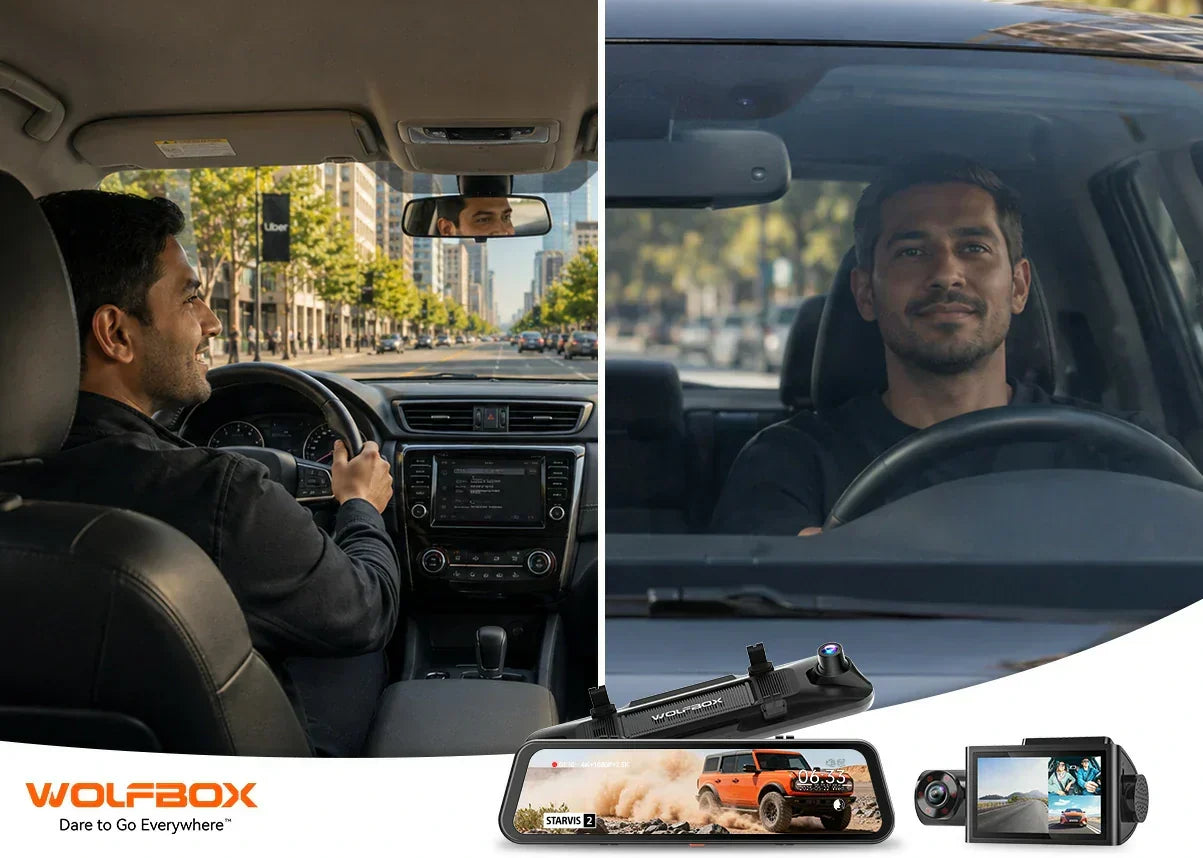
Rideshare and fleet driving introduce a different set of demands than everyday commuting. You need footage inside the cabin, not just the road — and the recording needs to be reliable across 10-hour shifts, accessible without pulling off the road, and legally compliant with state-level disclosure laws. This guide covers what to look for, which setups work for different drivers, and why some consumer-grade cameras fall short in professional use.
What a Rideshare Driver Actually Needs
A standard front-and-rear dash cam is a baseline for any driver. For Uber and Lyft operators, you need at least three channels: front, rear, and interior. Interior footage is the primary evidence in passenger disputes — without it, you're relying solely on the passenger's account [1].
- Infrared (IR) night vision for the interior camera — cabin light is inconsistent at night
- Parking mode or hardwire kit — your car sits unattended between shifts
- GPS logging — date, time, speed, and location data support any incident report
- Large storage capacity — a full shift at high resolution can exceed 50–100 GB
- Discrete installation — passengers are less likely to comment on a well-hidden unit
3-Channel vs 2-Channel: Which Setup Is Right for You?
For rideshare and fleet drivers, a 3-channel system (front + interior + rear) is the recommended minimum. The Wolfbox i07 records 2.5K front, 1080P interior with IR night vision, and 1080P rear simultaneously, managed through a single unit with built-in GPS and WiFi [2].
|
Setup
|
Channels
|
Best For
|
Interior Coverage
|
|
Front only
|
1
|
Budget commuters
|
No
|
|
Front + Rear
|
2
|
Personal vehicles, solo truckers
|
No
|
|
Front + Interior + Rear
|
3
|
Rideshare, taxi, fleet
|
Yes (IR recommended)
|
|
Front + Interior + Rear + 360°
|
4
|
Commercial fleet, high-risk routes
|
Full panoramic
|
Wolfbox i07 for Rideshare: What It Covers
The Wolfbox i07 is a triple-channel dash cam with a 3-inch LCD display and built-in GPS and WiFi. It records 2.5K front, 1080P interior IR, and 1080P rear [2]. PCMag's dash cam testing notes that GPS data embedded in multi-channel units provides the route, speed, and timestamp context critical for incident documentation [3].

Dash Cam Laws for Rideshare Drivers: What You Need to Know
Dash cam legality in the US varies by state, particularly for recording passengers. Both Uber and Lyft generally permit dash cams but may require disclosure to passengers. MotorTrend's 2026 dash cam roundup specifically highlighted state-by-state legal considerations as a key decision factor for rideshare drivers [4]. Posting a clearly visible sticker in the vehicle satisfies most state disclosure requirements. Check your state's one-party vs two-party consent rules before enabling audio recording [4].
Fleet Management: When Consumer Cameras Reach Their Limit
Consumer dash cams like the Wolfbox i07 work well for owner-operator rideshare drivers. Large commercial fleets need cloud upload, centralized dashboards, and driver behavior analytics — features available in enterprise platforms like BlackVue and Thinkware at significantly higher cost [5].
For small fleets of 2–10 vehicles, quality multi-channel consumer cams with GPS logging and parking mode often provide sufficient coverage without enterprise subscription costs [5].
Best Dash Cam for Long-Distance Truckers
Long-haul truckers need wide-angle front cameras for multi-lane highway clarity, large storage for multi-day trips, and reliable loop recording under constant operation [6]. The Wolfbox G900 Pro's 4K front camera with Sony STARVIS 2 IMX678 sensor handles nighttime highway footage reliably, and its 12-inch IPS mirror display is visible across large cab interiors. For truckers specifically, an exterior rear camera provides more practical coverage than an interior cabin camera [7].

Practical Setup Recommendations
|
Driver Type
|
Recommended Setup
|
Key Feature Priority
|
|
Uber/Lyft (urban, nights)
|
3-channel with IR interior
|
Interior IR, GPS, discreet install
|
|
Long-haul trucker
|
Front + external rear
|
4K front, large storage capacity
|
|
Small fleet owner (2–10 cars)
|
3-channel per vehicle, GPS logs
|
GPS, app access, parking mode
|
|
Lyft/Uber (suburban, mostly day)
|
2-channel front + rear
|
GPS, wide angle, reliable loop recording
|
For a broader survey of rideshare dash cam options in 2026, Digital Camera World's dedicated rideshare guide covers additional picks and driver-specific installation notes [8].
Frequently Asked Questions
Do I need to tell Uber/Lyft passengers about my dash cam?
Uber and Lyft both generally permit dash cams but recommend informing passengers. In many states, posting a visible notice in the vehicle satisfies the video recording disclosure requirement. Audio recording laws vary — check your state's consent rules [4].
What SD card should I use in a rideshare dash cam?
Use a Class 10 U3 (V30 or V60) microSD card rated for continuous recording. For 3-channel recording at mixed resolutions, 128GB–256GB is a practical daily capacity [2].
What happens to footage during parking mode?
With a hardwire kit installed, most dash cams enter low-power standby and activate recording on motion detection or G-sensor impact trigger. This preserves footage from vandalism or parking lot accidents without draining the car battery.
Can a dash cam be used as a backup camera replacement?
A rear dash cam shows rear footage in reverse mode — some models support reversing guidelines. However, a dedicated backup camera near the license plate typically provides a better low-angle view for parking [3].
References
[1] The Rideshare Guy — Best Dash Cams for Uber & Lyft Drivers in 2026 (Jan 2026): https://therideshareguy.com/best-dash-cam-for-uber-lyft/
[2] Wolfbox — i07 3-Channel 2.5K+1080P+1080P Dashboard Recorder — Built-in GPS WiFi (Product Page): https://wolfbox.com/products/i07-3-channel-2-5k-1080p-1080p-dashboard-recorder-built-in-gps-wifi
[3] PCMag — The Best Dash Cams for 2026: https://www.pcmag.com/picks/the-best-dash-cams
[4] MotorTrend — Best Dash Cams for 2026: 9 Tested Picks Ranked by Real-World Use (Apr 2026): https://www.motortrend.com/gear-reviews/best-dash-cams
[5] Thinkware — Dash Cam Comparison — Fleet vs Consumer Models: https://thinkware.com/global/dash-cam-comparison
[6] Tom's Guide — Best Dash Cams 2026: https://www.tomsguide.com/best-picks/best-dash-cams
[7] Wolfbox — G900 Pro — 4K WiFi GPS Mirror Dash Cam (Product Page): https://wolfbox.com/products/wolfbox-2024-g900-pro-wifi-touch-screen-parking-monitoring-dash-cam-smart-mirror-with-starvis-678-sensor
[8] Digital Camera World — Best Uber Dash Cams — Rideshare Driver Guide (2026): https://www.digitalcameraworld.com/buying-guides/best-uber-dash-cams


Leave a comment
All comments are moderated before being published.
This site is protected by hCaptcha and the hCaptcha Privacy Policy and Terms of Service apply.